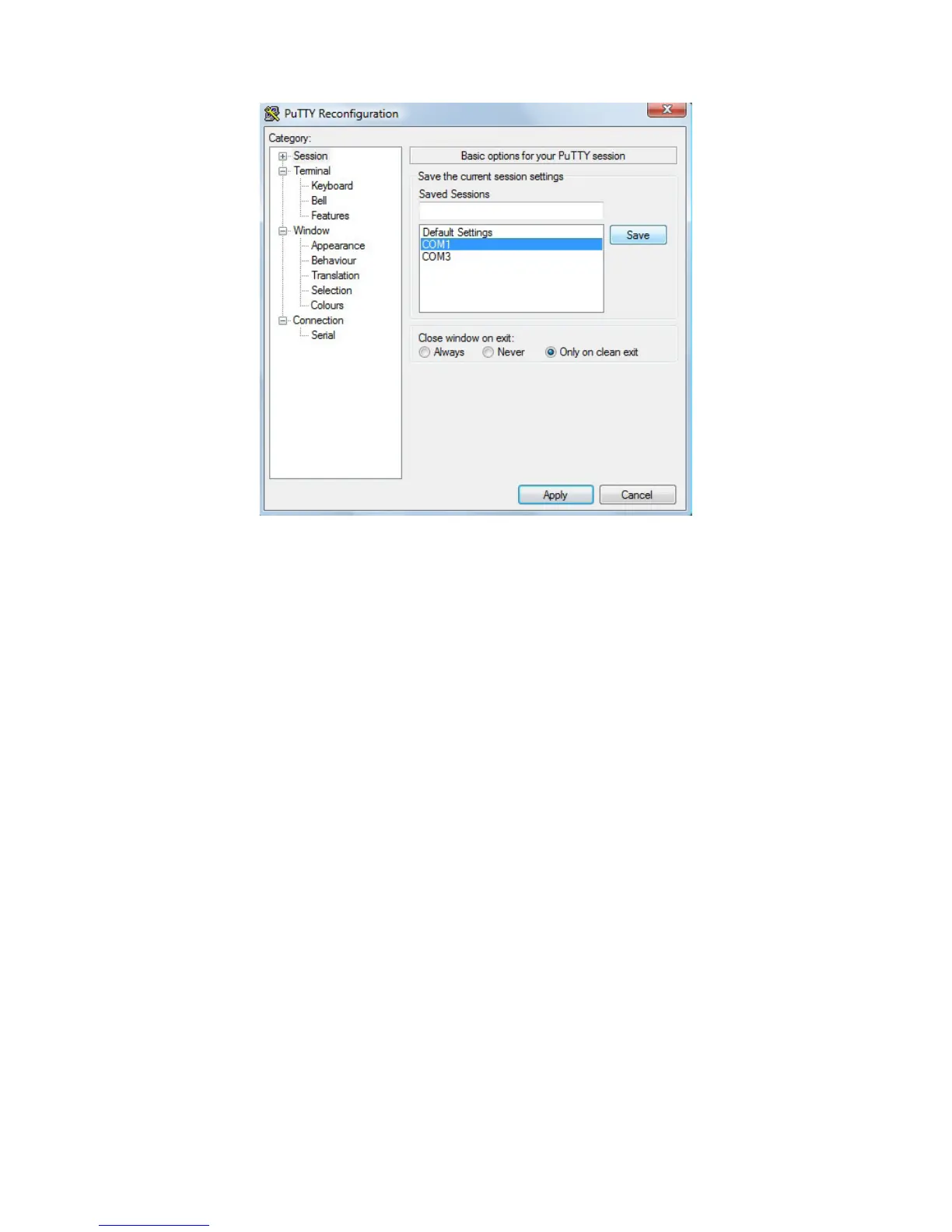
Highlight the appropriate session. Click Save. Click Apply.
Putty opens. Type rfid:help and press Enter. The Help command output displays. The complete list
of Help command output is found in this section of the Configuration User Manual.
Command Structure
Commands are not case sensitive. Characters assigned to variables are case sensitive.
· All commands begin with a prefix string followed by one or more token strings with a period
delimiter character between multiple tokens.
· Functions must end with a CR or LF.
· Variables can be assigned a value with an equal sign followed by the value or queried with a
question mark.
· Any control characters other than CR, LF, and backspace terminate the command.
· The Escape key cancels a command.
The general syntax is:
PREFIX TOKEN { DELIMITER TOKEN } { { =Value} | {?} }
The prefix string is rfid:
47 Chapter 4 ASCII Command Protocol



 To Next Page