General Information
Page 14 of 28 HELP ALERT Fob User Guide
0510-0543-B
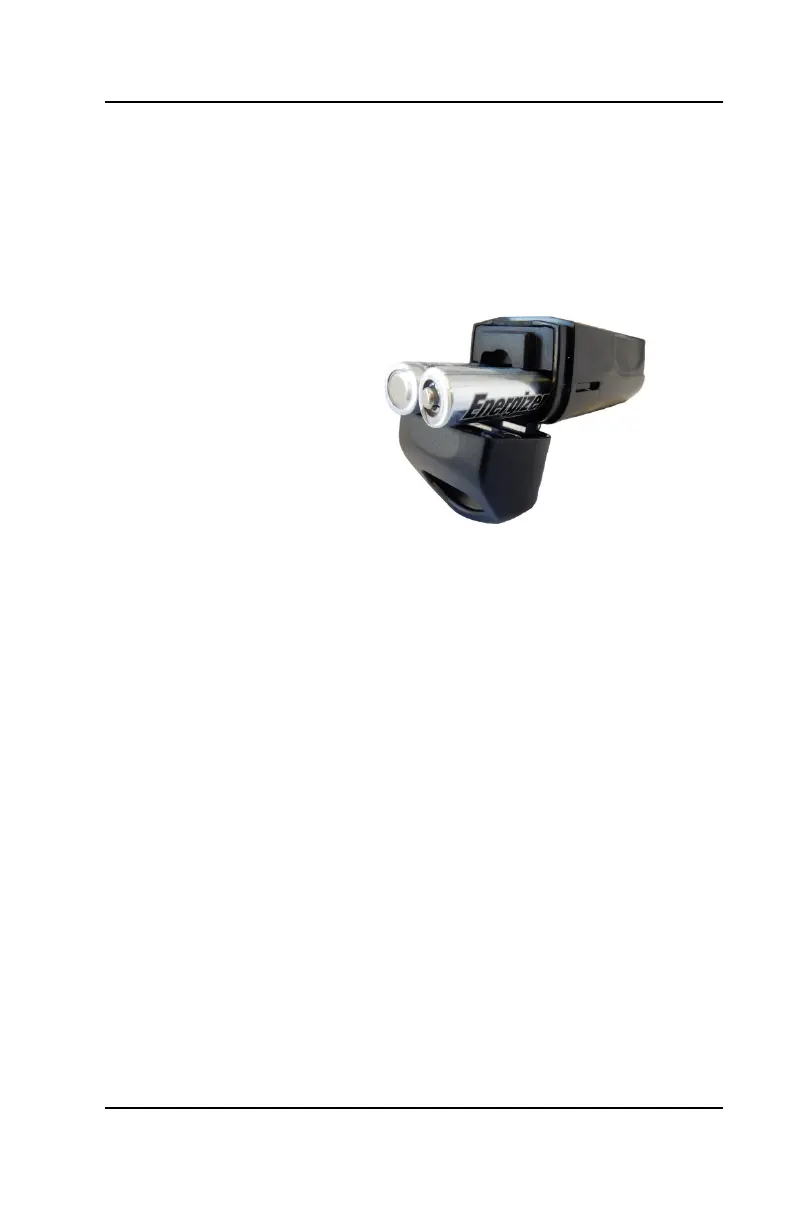
3. Remove the old batteries and dispose
of properly.
4. Insert the new LR92 batteries in the
battery compartment. Be sure to align
the positive (+) end of the battery (plus
side up) as marked inside the battery
holder.
5. Close the battery door
6. Lock the battery door either with the
provided tool, or by rotating the latch.
Watching for Active Alerts
An active alert is triggered when an
individual has pressed the Alert button on
their device or when an equipment tracker
has been tampered with.
1. Navigate to the URL provided by the
system administrator
2. Log in using your assigned username
and password
3. If there are no alerts in the system, the
page will contain a message explaining
that there are No Active Alerts



 To Next Page