General Information
Page 16 of 28 HELP ALERT Fob User Guide
0510-0543-B
Acknowlege
When a responder has indicated that help
is on the way, the light will begin to shine
GREEN for 10 seconds at a time.
Tracking
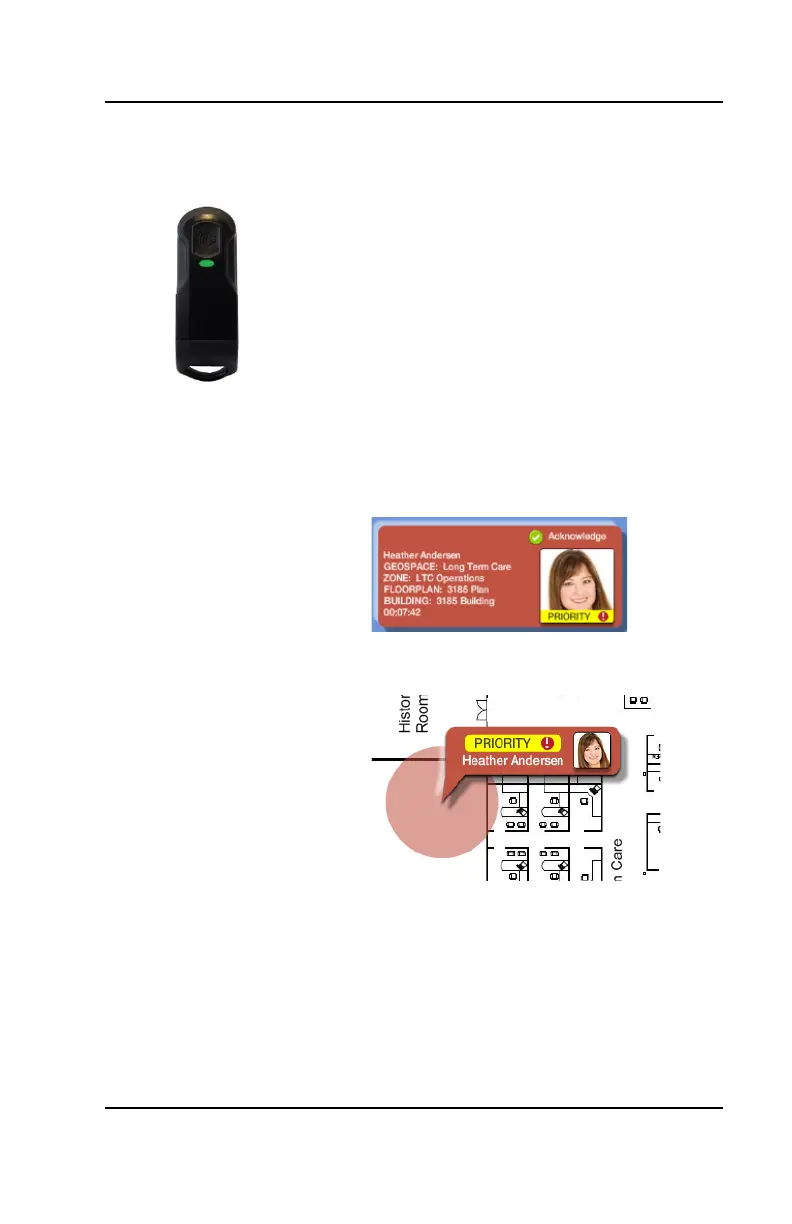
1. If one or more alerts are active in the
system, a RED card will appear on the
left-side of the screen containing
information about who triggered the
alarm and their calculated location.
2. Priority Alarms will show first and have
a Priority indication on the card
3. The right-side of the screen will display
a map of the floor/building



 To Next Page