General Information
Page 18 of 28 HELP ALERT Fob User Guide
0510-0543-B
Acknowlege
1. Address the alert(s) according to
priority by clicking the alert’s
information card on the left-hand side
of the screen
2. Click the Acknowledge button to
indicate that the alert has been seen
NOTE: If this is a mass notification,
click the Acknowledge button on the
original Mass Alert notification
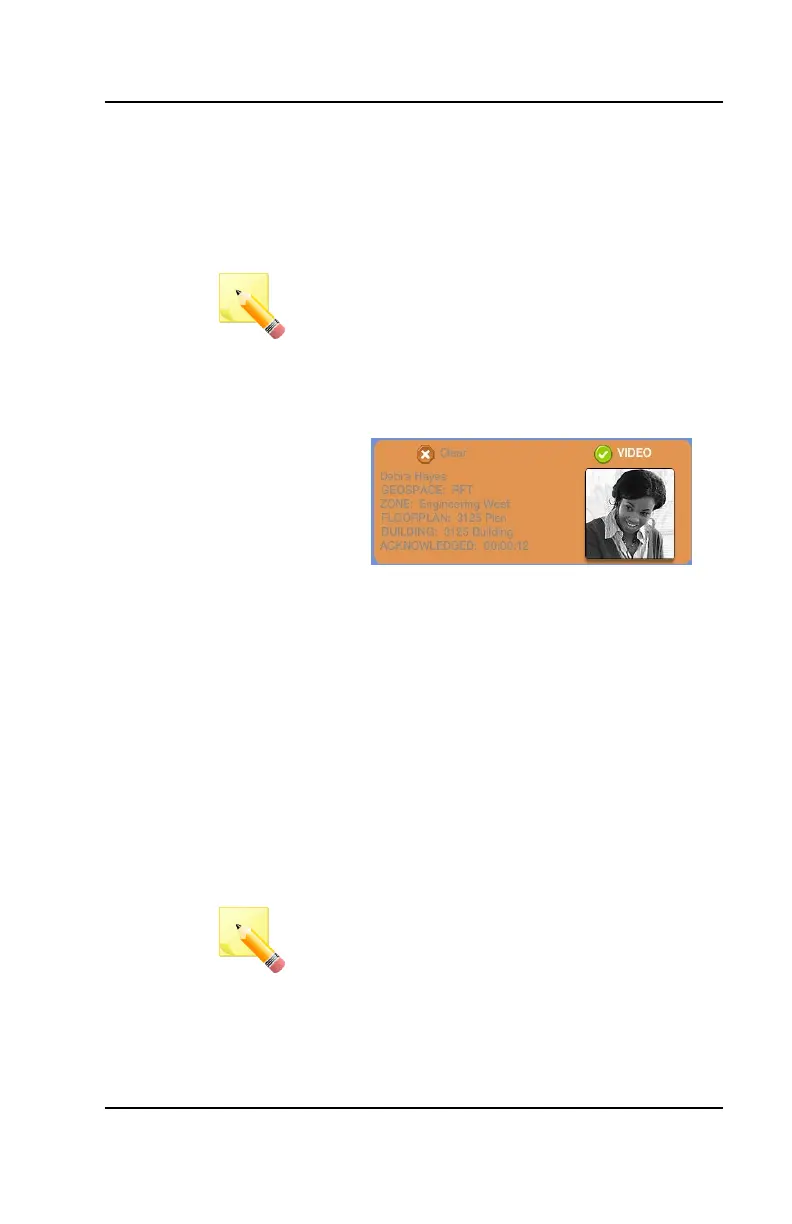
3. The card will turn ORANGE to
differentiate it from any new alarms
that might appear in the system
4. If the alarm is a mass notification,
every device within the system will turn
to ORANGE when it is acknowledged
5. Once a responder has Acknowledged
an alert in the system, the light on the
alarming device will turn GREEN to
indicate to the user that assistance is
on the way
Clearing
1. Once an alert situation has been
Acknowledged and addressed
according to your facility’s protocols,
click the Clear button
NOTE: If this is a mass notification,
click the Clear button on the original
Mass Alert notification and all devices
within the system will be cleared



 To Next Page