General Information
HELP ALERT Fob User Guide Page 15 of 28
0510-0543-B
Activation
Trigger an Alarm
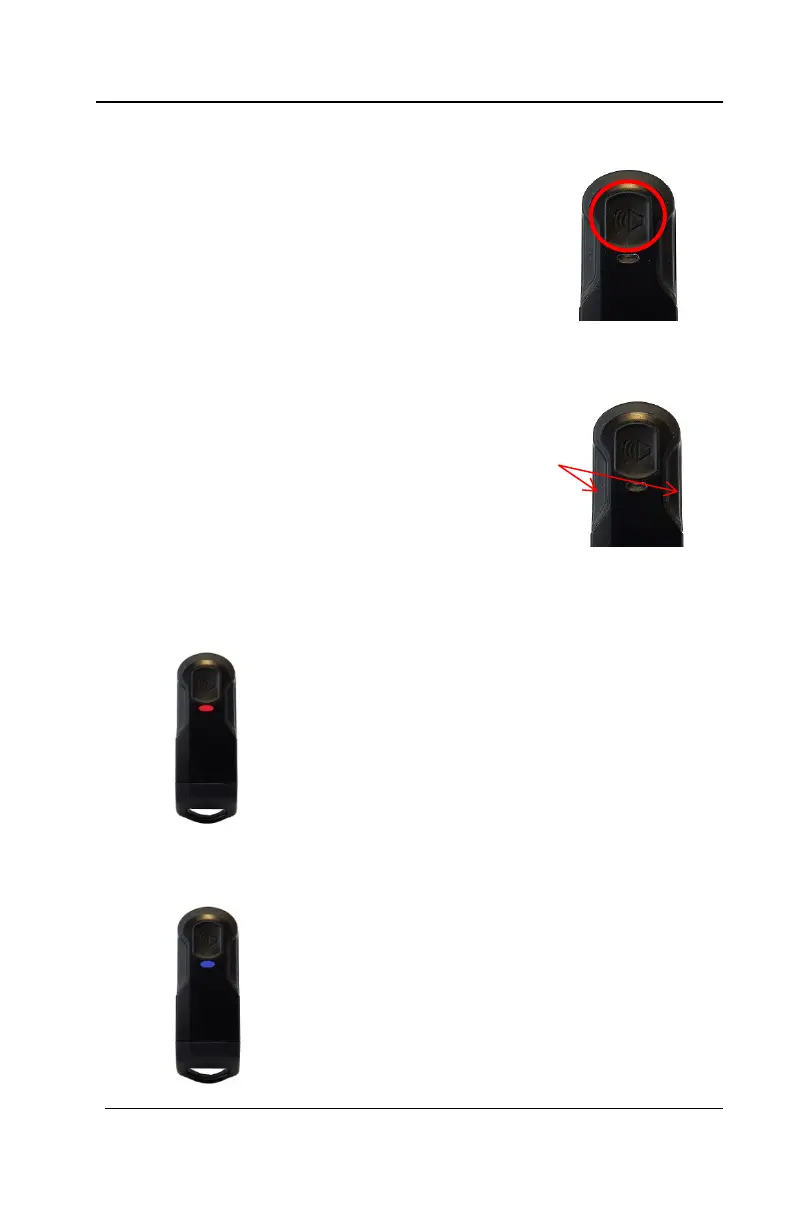
To activate the alarm,
press and hold the button
for at least one second.
When activated, the
device vibrates briefly
and the red light flashes
until the alarm is cleared.
Trigger a Mass
Notification
Firmly press and hold the
two side buttons until you
feel the device vibrate (~2
seconds)
Alarm
The LED light shines RED for 10 seconds
at a time to indicate that the device is in an
alarm state
in Alarm
The light shines BLUE for 10 seconds at a
time to indicate that the device is in an
alarm state
NOTE: As the other devices in the system
receive the mass notification signal, they
will vibrate and enter the mass notification
state as well.



 To Next Page