General Information
HELP ALERT Fob User Guide Page 17 of 28
0510-0543-B
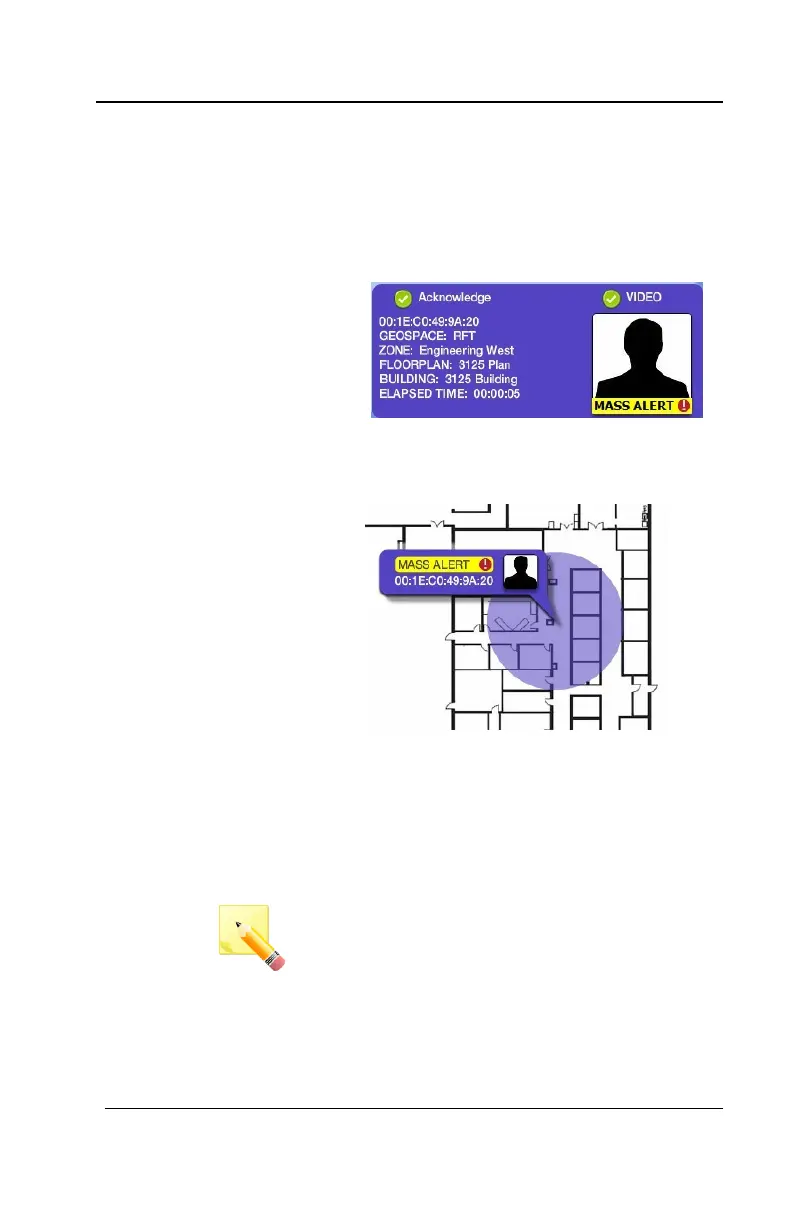
4. When a mass notification is triggered,
a PURPLE card will appear on the left-
side of the screen containing
information about who or what
triggered the alarm and their calculated
location.
5. Mass Alert alarms will always display
first in the list and have a MASS
ALERT indication on the card
Mass
Notification
1. If the notification needs to go out to all
participants, click the YELLOW MASS
ALERT banner to initiate the mass
alert
2. If asked if you want to Initiate MASS
ALERT?, click the Yes button
NOTE: This will only appear when
Mass Notification User Consent has
been configured for the system
3. Every device within the system will
start to alarm and the RED cards will
appear in the list



 To Next Page