Copyright 2011-2020, RFXCOM
RFXtrx Version 5.68 page 27 / 70
6.2. Update firmware in the RFXtrx step by step
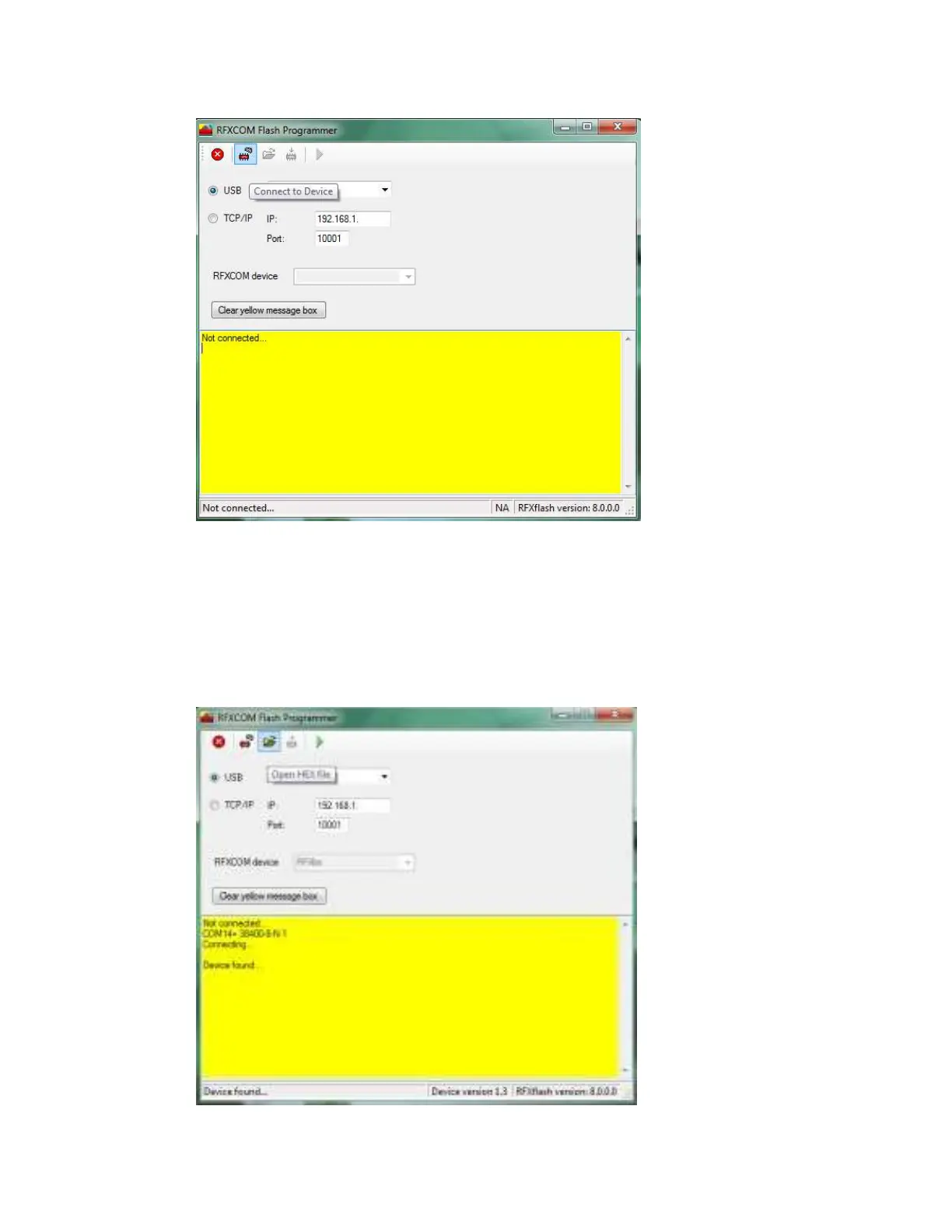
• Click the Connect to Device button.
The RFXtrx will automatically switch from normal mode to the bootloader now.
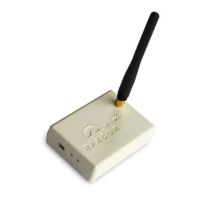
• Click the Open HEX file button and load the RFXtrxyyy??_zz.hex file
Be sure to load the latest firmware file for the RFXtrx.
yyy indicates the RFXtrx frequency, so load the RFXtrx433 for an RFXtrx433!
?? this is XL for the RFXtrxXL versions.
zz indicates the firmware version.


 To Next Page