Copyright 2011-2020, RFXCOM
RFXtrx Version 5.68 page 56 / 70
17.4.
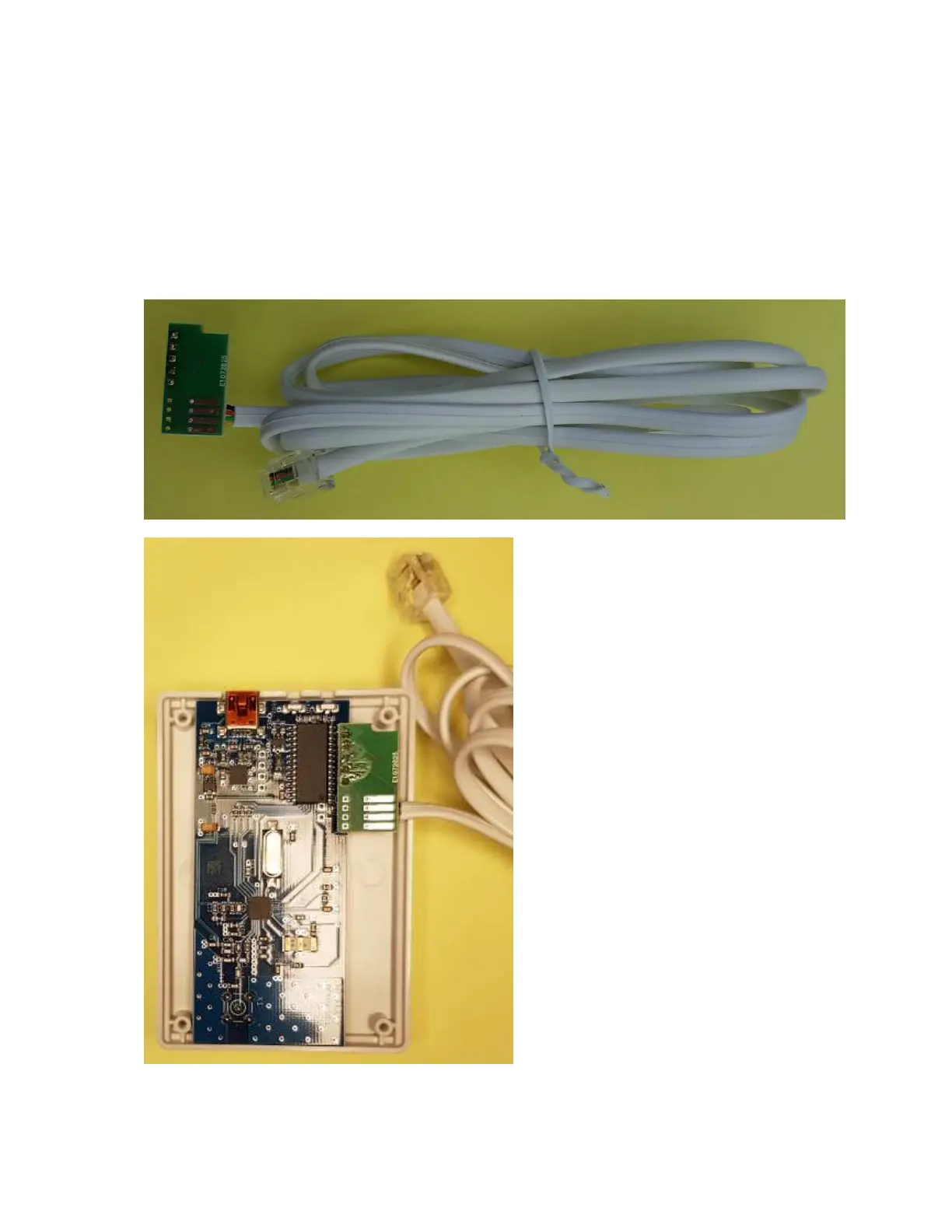
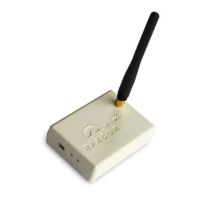
P1 option PCB Type 2 for RFXtrx433XL batch 4918 and later
1. Open the enclosure by removing the 4 screws.
2. Press the 5 pins of the P1 PCB into the RFXtrx433XL PCB RFXtrx V5.1.
Use a wrench to push the connector into the PCB until the black parts of the Press-Fit
connector is on the RFXtrx PCB.
3. Cut a few plastics from the upper side of the enclosure for the cable using a Stanley knife.
4. Cut also at the same position a few plastics from the bottom part.
5. Close the enclosure. First turn the screw counter clockwise until you hear/feel a soft click, now
turn the screw clockwise and fix the screw (not too tight)


 To Next Page