mini User Manual
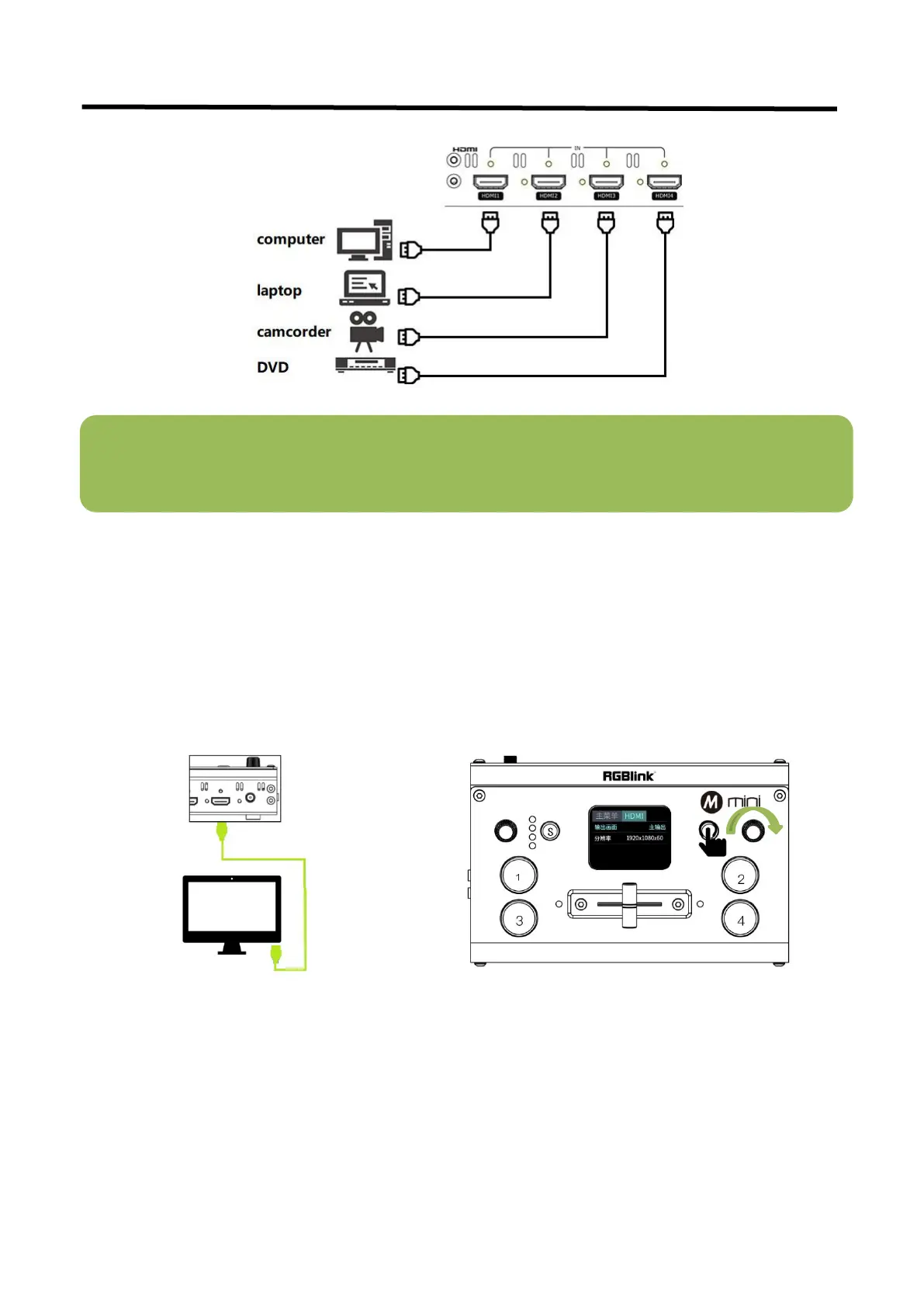
2.4 Connect HDMI Output
In the mini, you can choose to use HDMI output as the pre-monitoring interface to achieve 16:9 6-picture split
pre-monitoring, and we also provide a preset function.
mini also provides a powerful function to modify the output resolution, you can use “Y” knob and"M" button in
combination to adjust the output.
Connect LCD display to mini by HDMI cable to display 6-picture PVW.
Note: The HDMI cable is not included in the mini package and needs to be purchased separately. Some
camcorders use a mini HDMI port, you need to buy a mini HDMI-HDMI cable separately when you use these
camcorders.



 To Next Page