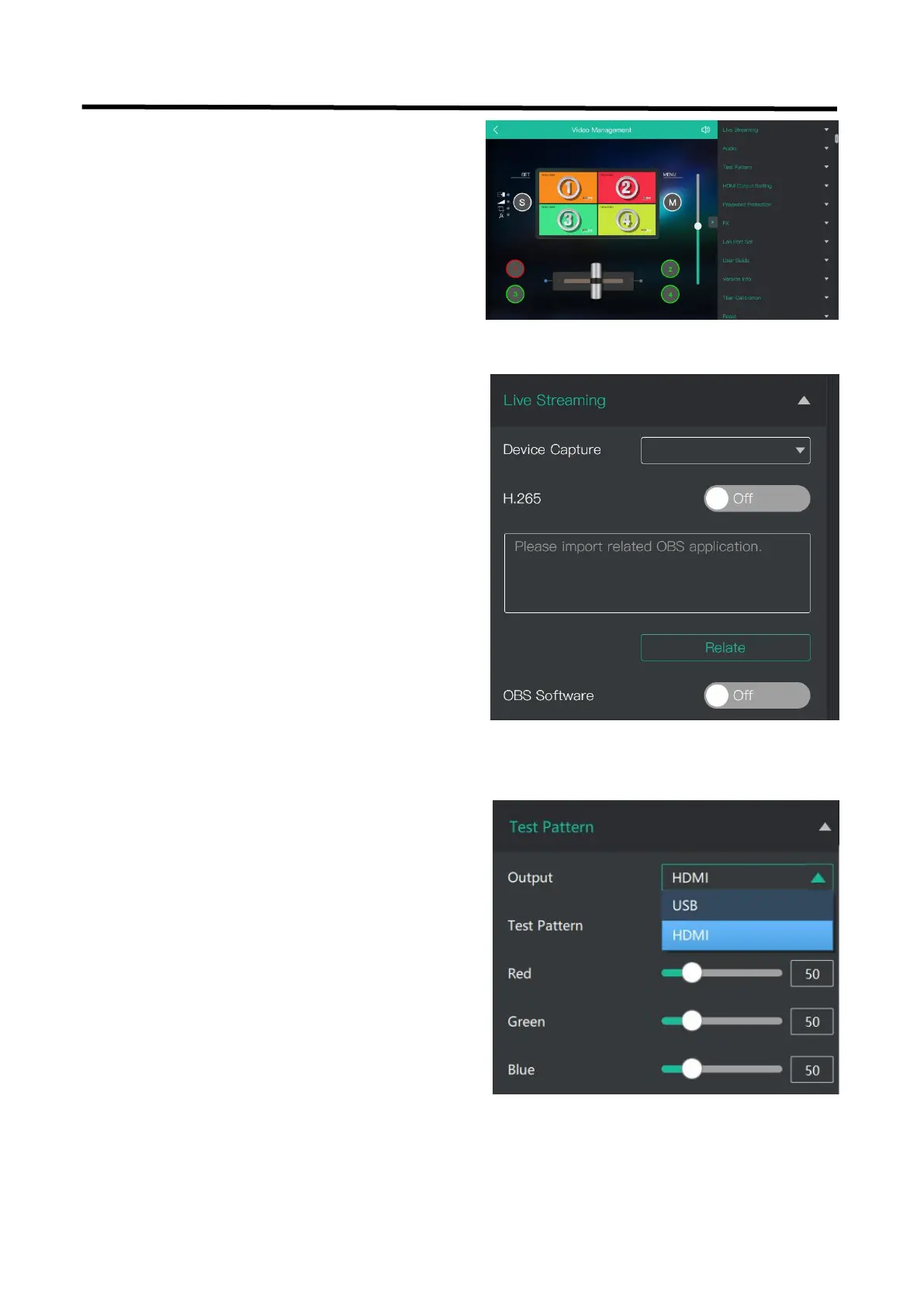
To facilitate troubleshooting, XPOSE mini provides a test
signal output, which can be used to troubleshoot the USB
or HDMI output interface when there is no output signal
from USB or HDMI.
Device Capture:choose RGBlink USB3.0 Capture
H.265: When it is ON, users can watch 4 inputs streaming
back on XPOSE software.
Import the related OBS application if users need to do
live streaming, click Relate to confirm.
OBS: slide ON to start streaming.
Note: H.265 and OBS cannot work at the same time. User
choose either H.265 or OBS, not both.
If you have used XPOSE mini before,you can direct click
MENU to set as on mini+.
Following sections are dedicated to the additional
features of XPOSE mini.


 To Next Page