one-time clicking.
Time limitation to parse the input programs
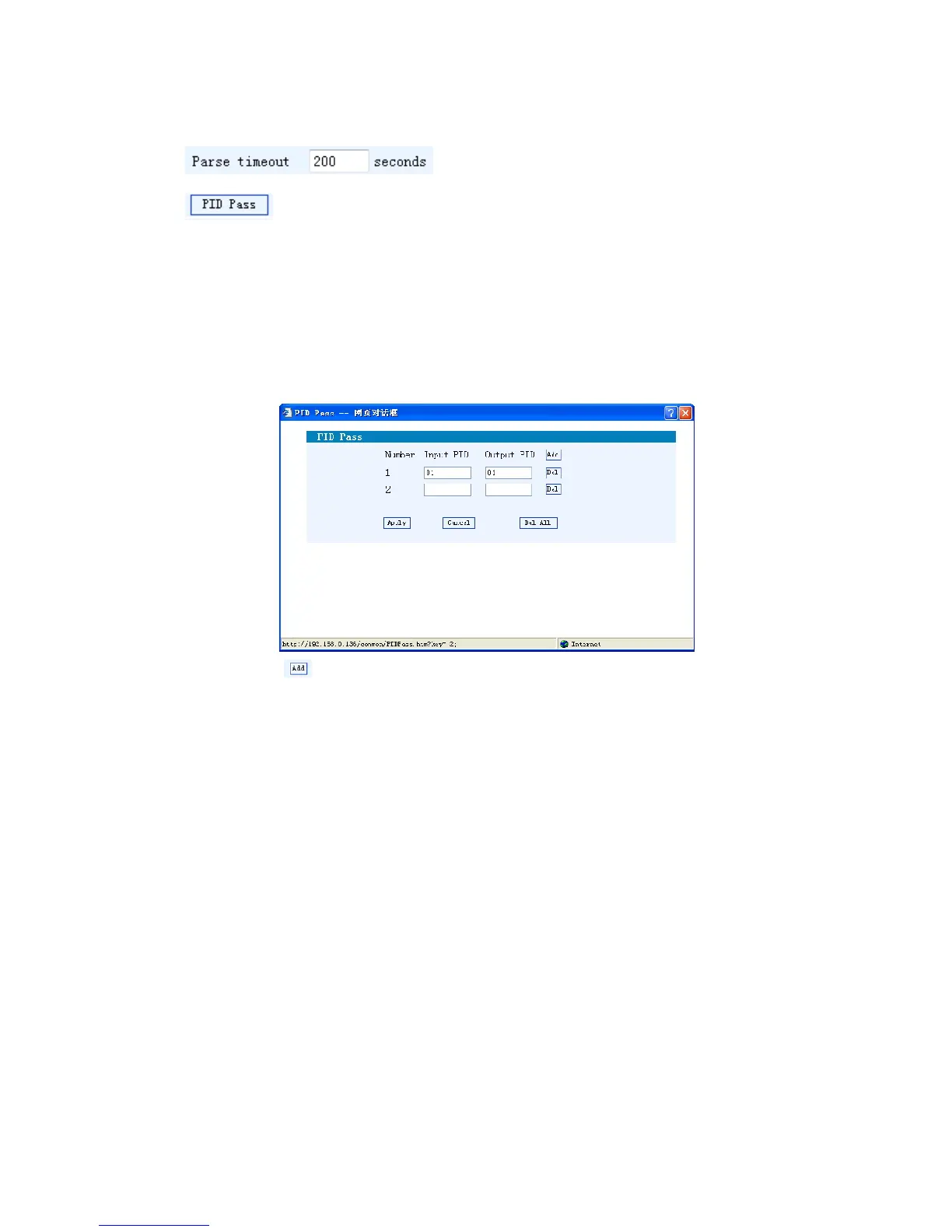
Click this button to trigger a dialog box as below, where to add the
PIDs which need pass through.
In some occasions, there are some PIDs which won’t belong to any program, such as
EPG, NIT tables and so on which user just wants to pass them through the
multiplexing module without changing anything. This is the main purpose of this
function.
Click “Add” to add more boxes for filling the Input & Output PIDs, then click
“Apply” to confirm.
NIT Table setting
Click “NIT” from the menu to trigger the screen as Figure-5. Then click “Add”
from this screen to add the program descriptor in NIT Table.



 To Next Page