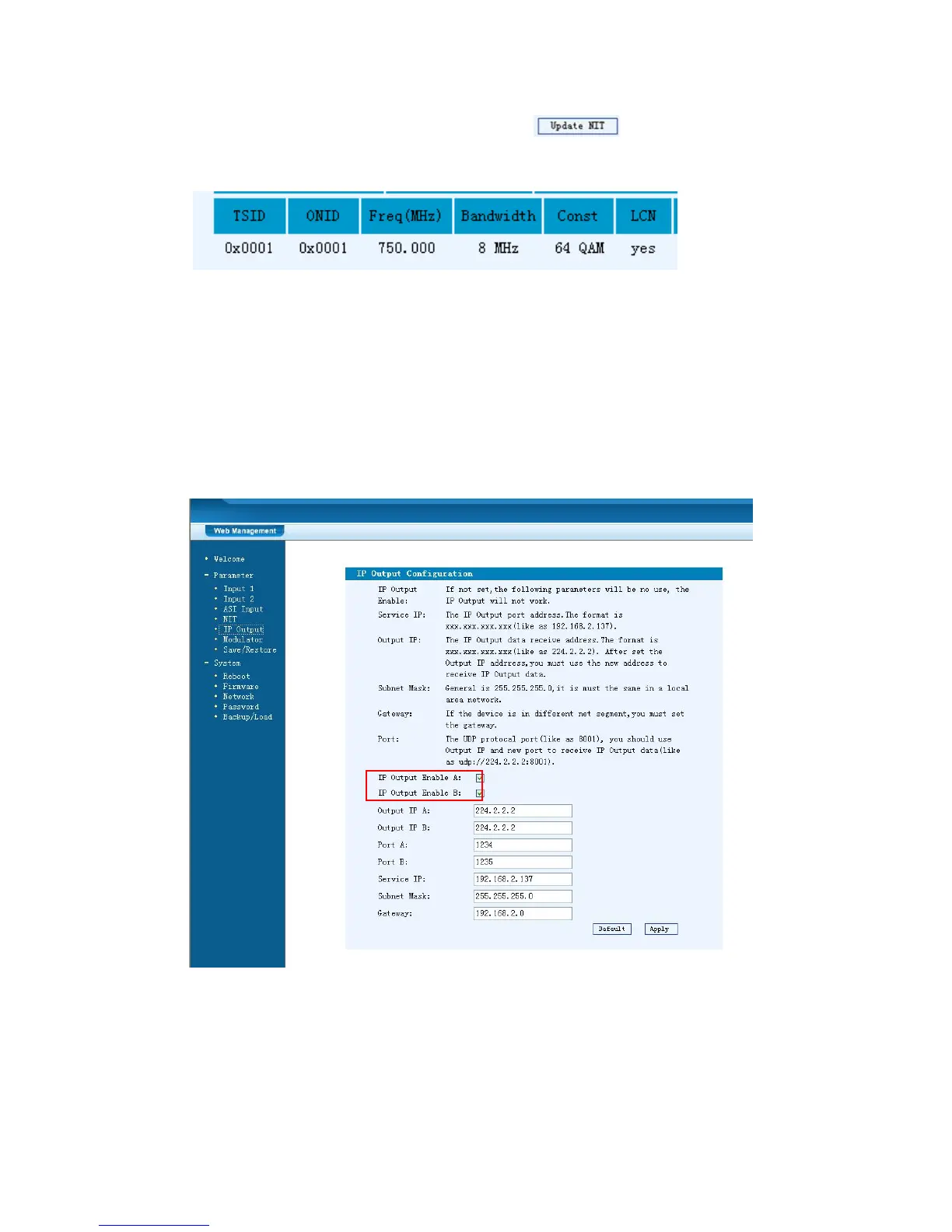
setting. As Figure-7, click “Update NIT” to update the NIT
information.
Figure-7
IP Output
Click “IP Output” from the left menu, it will display the screen as Figure-8 where to
set the multicast IP Output address for the device if needed and set the IP output for
the programs.
After setting the parameters, click “Apply” to save the setting.
Figure-8
Modulator Setting
Enter in “Modulator” and it will display the Modulator Configuration screen as
Figure-9 where can set modulation parameters.



 To Next Page