the device.
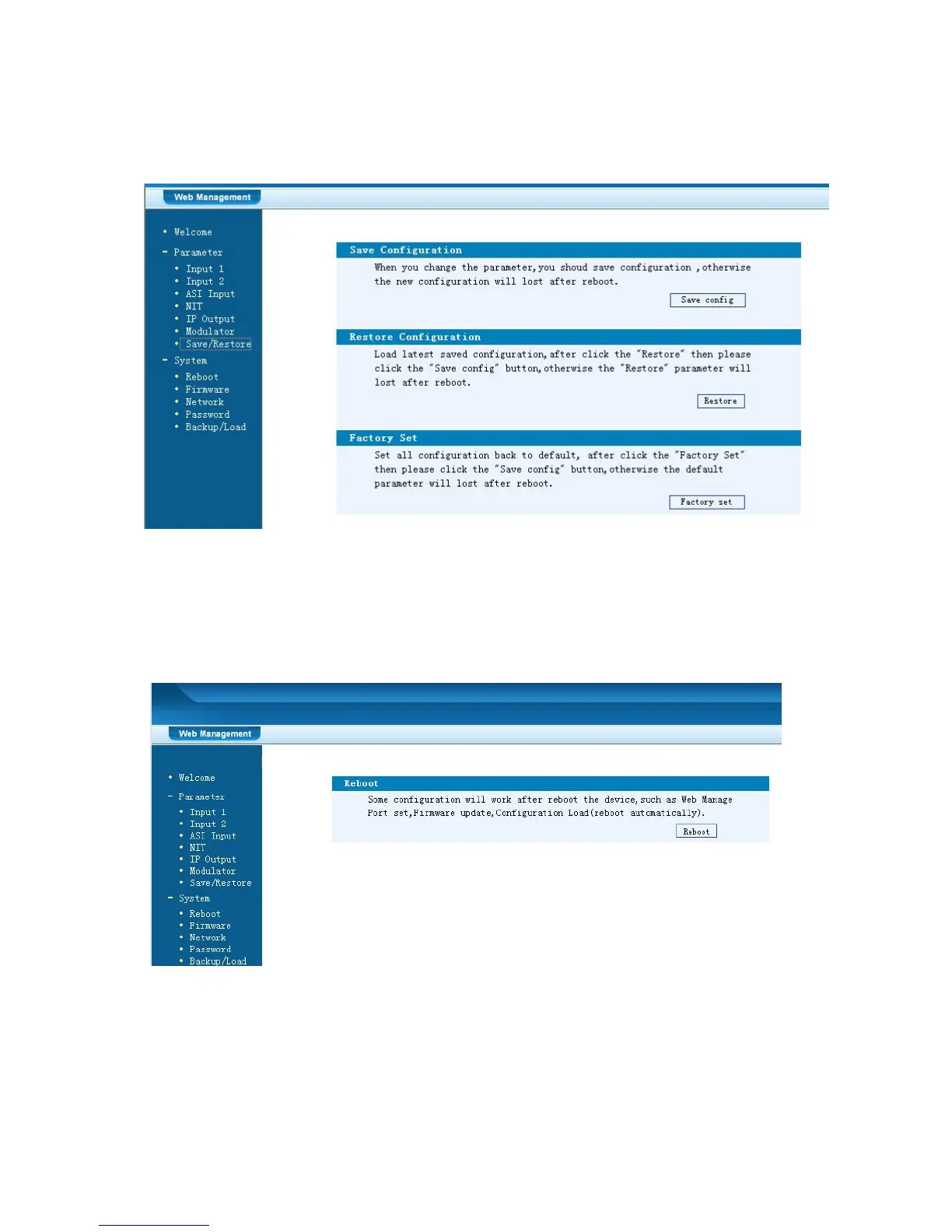
By using “Factory Set” user can import the default factory configuration.
Figure-10
Restart the Device
Click “Reboot” from the menu, the screen will display as Figure-11. Here when
clicking “Reboot” box, it will restart the device automatically.
Figure-11
Update the Device
Click “Firmware” from the menu it will display the screen as Figure-12. Here user
can update the device by using the update file.



 To Next Page