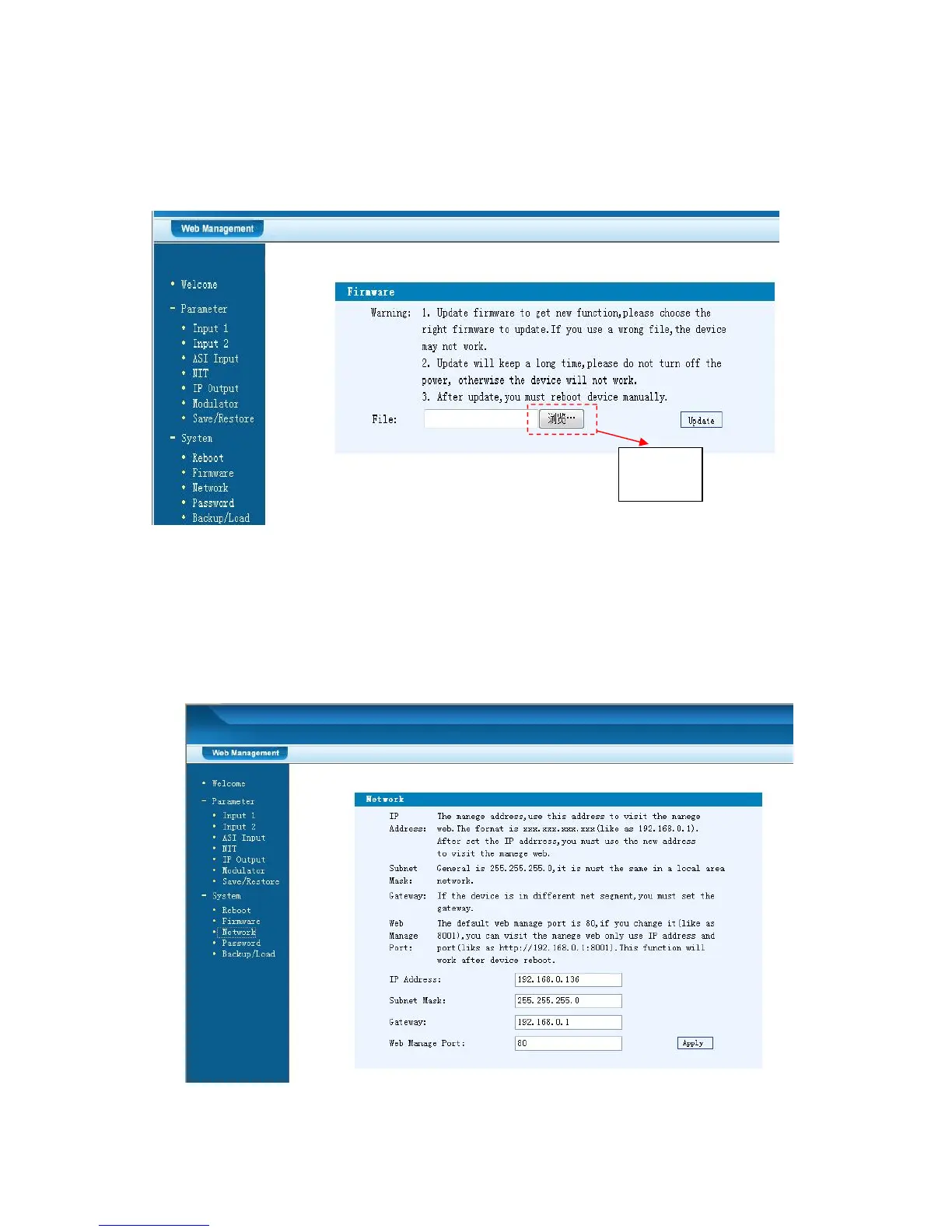
Click “Browse” to find the path of the device update file for this device then click
“Update” to update the device.
After updating the device, user needs to restart the device by using Reboot option.
Figure-12
Network
When user clicks “Network”, it will display the screen as Figure-13. It displays the
network information of the device. Here user can change the device network
configuration as needed.
Figure-13
Browse



 To Next Page