EasyManua.ls Logo

RIB K500 - User Manual

RIB K500
8 pages
Print Icon
To Next Page IconTo Next Page
Loading...
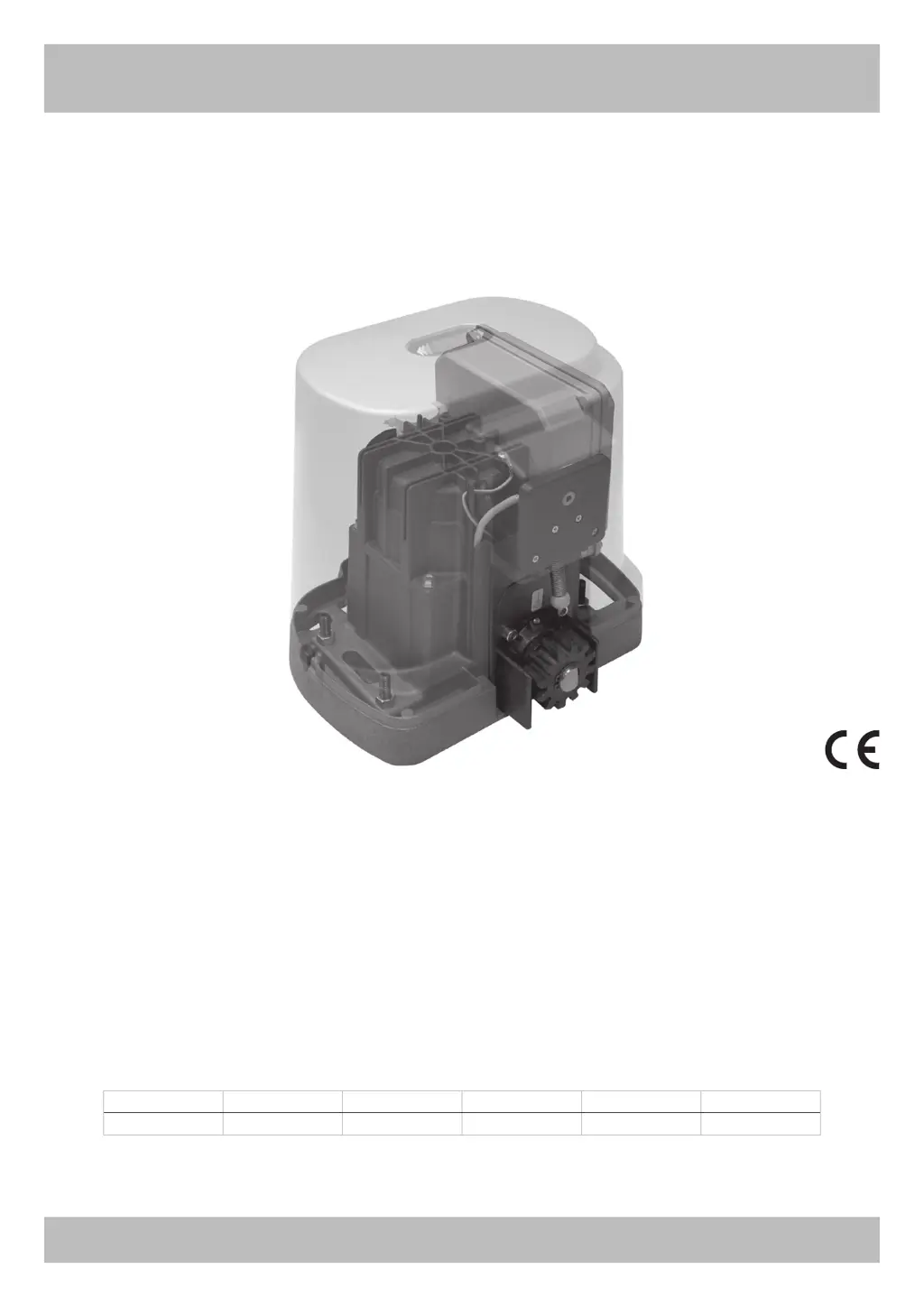
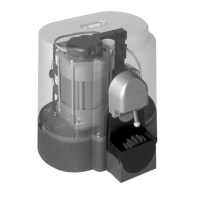
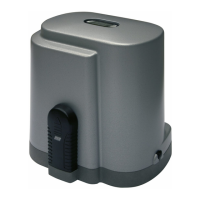
K500
With functioning in hold-to-run man mode when the safety devices are failing.
Operator Power Supply Max gate weight Max Thrust Max torque Code
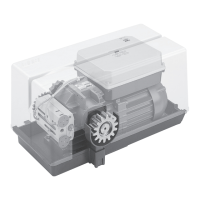
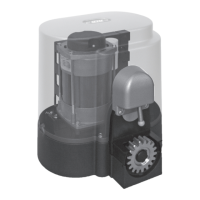
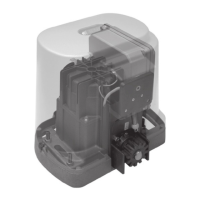
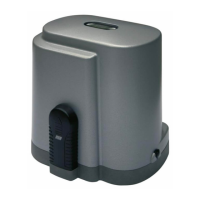
K500 230V 50/60Hz 500 kg / 1103 lbs 400 N 9,5 Nm AA33694

Other manuals for RIB K500

Questions and Answers

  • D
    Dalton JonesAug 3, 2025
    What to do if the RIB K500 doesn't open or close with K and RADIO buttons?
    • T
      Tiffany MarquezAug 3, 2025
      If your RIB Garage Door Opener doesn't open or close when you use the K and RADIO buttons, the issue might be a faulty safety edge contact or faulty photocells contact with DIP 4 OFF. You should fix or replace the faulty contact to resolve this.
  • J
    Jason HenryAug 8, 2025
    Why does my RIB K500 open but not close after the set time?
    • J
      johnsondarleneAug 8, 2025
      If your RIB Garage Door Opener opens but doesn't close after the set time, ensure that DIP 3 is set to ON. Also, make sure the K BUTTON is always inserted in automatic functioning mode (DIP 6 OFF). If the issue persists, replace the button or switch of the selector switch. Check the connections between the electronic board and edge feeder. If you're not using a feeder for edges, DIP 10 must be at the OFF position.
  • R
    Ryan JonesAug 13, 2025
    How to fix a RIB K500 Garage Door Opener motor that opens and closes slowly with no strength?
    • S
      Stacy MillerAug 13, 2025
      If your RIB Garage Door Opener motor opens and closes but lacks strength and moves slowly, check the TORQUE and LOW-SPEED adjustment trimmers.
  • J
    Jimmy SmithAug 18, 2025
    Why is the slowing phase not working on my RIB K500 Garage Door Opener?
    • C
      connieharrisonAug 18, 2025
      If the slowing phase isn't working on your RIB Garage Door Opener, make sure DIP 8 is in the OFF position to enable slowing. You may need to relearn the times through procedure from DIP 2. Also, check the LOW-SPEED adjustment trimmer.
  • A
    Alec MorrisAug 22, 2025
    What to do if the RIB K500 Garage Door Opener gate does not move when activating the K button?
    • M
      Michael OrtizAug 22, 2025
      If your RIB Garage Door Opener gate doesn't move when you press the K button, the impulse K might be always inserted. Check and replace any faulty buttons or micro-switches of the selector switch.
  • M
    Mrs. Jasmine GonzalesAug 28, 2025
    How to troubleshoot all LEDs being off on a RIB K500 Garage Door Opener?
    • J
      Jeffery JacksonAug 28, 2025
      If all the LEDs are off after connecting and supplying voltage to your RIB Garage Door Opener, check the integrity of fuses F1 and F2. If a fuse is interrupted, replace it with one of the correct value: F2 = 5A, F1 = 100mA.

Summary

Important Safety Instructions for Installation

Keep These Instructions with Care

Instructions to be kept safe for future reference and adherence, ensuring safe operation.

Follow All Installation Instructions

Crucial directives for correct installation to prevent damage and ensure user safety.

System Lay-Out and Technical Data

Technical Features

Details on the irreversible operating devices for sliding gates and motor protection.

Installation K500

Checking Before Installation

Essential checks before installation, ensuring gate movement and compliance with standards.

Release Procedure

Procedure for manual operation of the gate after power interruption.

Motor and Rack Fitting

Guidelines for correctly fitting the motor and rack components.

Limit Switch Fitting

Instructions for positioning and adjusting limit switch cams for travel control.

Maintenance

Procedures for maintenance, to be carried out by skilled persons after power interruption.

Declaration of Incorporation

Essential Requirements and Compliance

Summary of essential requirements, directives, and harmonised standards applied to the product.

RIB K500 Specifications

General IconGeneral
BrandRIB
ModelK500
CategoryGarage Door Opener
LanguageEnglish

Related product manuals