EasyManua.ls Logo

RIB K1400 Plus - User Manual

RIB K1400 Plus
64 pages
Go to English
Print Icon
To Next Page IconTo Next Page
Loading...
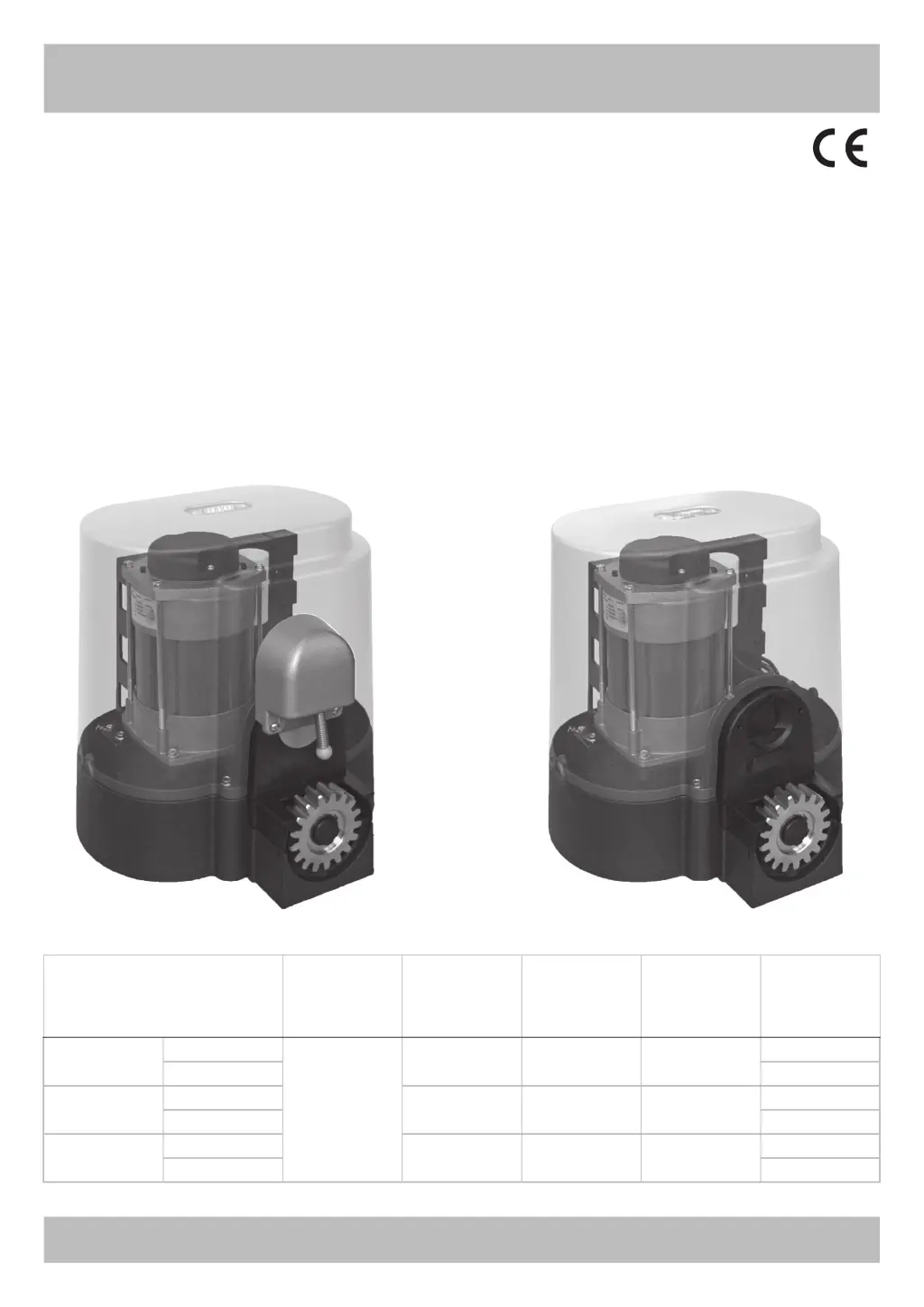
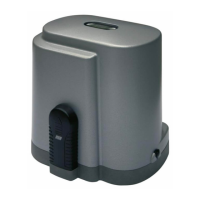
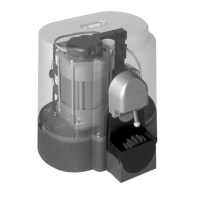
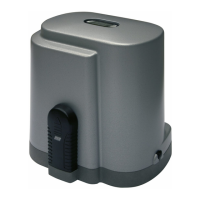
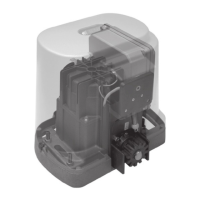
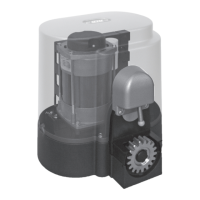
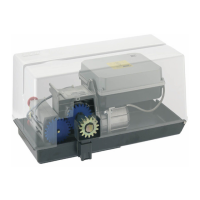
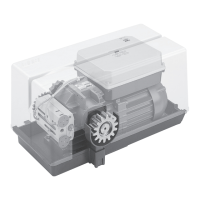
K800 PLUS
K1400 PLUS
K2200 PLUS
ITALIANO pag. 05 / FRANÇAIS pag. 16 / ENGLISH page 27 / DEUTSCH pag. 38 / ESPAÑOL pag. 49
S1-CRX
con / avec / with / mit
Operatore
Operateur
Operator
Torantrieb
Operador
Alimentazione
Alimentation
Power Supply
Stromspannung
Alimentacion
Peso max cancello
Poids maxi portail
Max gate weight
Max Torgewicht
Peso máx verja
Spinta max
Poussée maxi
Max Thrust
Max Schubkraft
Max Empuje
Coppia max
Couple maxi
Max torque
Max. Drehmoment
Coppia max
Codice
Code
Code
Code
Codigo
K800 PLUS
FCE
230V 50/60Hz
800 kg / 1766 lbs 60 kg / 132 lbs 20,4 Nm
AA30014
FCM AA30014M
K1400 PLUS
FCE
1400 kg / 3090 lbs 79 kg / 173,8 lbs 27 Nm
AA30019
FCM AA30019M
K2200 PLUS
FCE
2200 kg / 4856 lbs 115 kg / 253 lbs 39 Nm
AA30024
FCM AA30024M
K FCE K FCM

Other manuals for RIB K1400 Plus

Questions and Answers

  • K
    Kent RyanAug 21, 2025
    Why my RIB K1400 Plus Garage Door Opener opens but doesn't close automatically?
    • K
      Kimberly WaltonAug 21, 2025
      If your RIB Garage Door Opener opens but doesn't close after the set time, make sure DIP 3 is ON and the K BUTTON is always inserted in automatic functioning mode (DIP 6 OFF). Try replacing the button or switch of the selector switch. Also, check the connections between the electronic board and the edge feeder if there's a failed edge self-test. If you're not using a feeder for edges, DIP 12 must be in the OFF position.
  • S
    sullivandavidAug 23, 2025
    What to do if RIB Garage Door Opener doesn't move with K or CLOSE button?
    • S
      Sara MooreAug 23, 2025
      If your RIB Garage Door Opener gate doesn't move when you activate the K or CLOSE button, it could be that the impulse K or CLOSE is always inserted. Check and replace any faulty buttons or micro-switches of the selector switch.
  • N
    Nathan BellAug 26, 2025
    Why RIB Garage Door Opener opens and closes briefly with encoder enabled?
    • K
      Keith EstradaAug 26, 2025
      If the motor with encoder (DIP n° 7 at On) is enabled and the RIB Garage Door Opener gate opens and closes only for brief intervals, check the encoder connection and eventually replace it.
  • C
    Christopher CamposAug 27, 2025
    What to do if the RIB Garage Door Opener doesn't open or close with any button?
    • M
      Marisa DunnAug 27, 2025
      If your RIB Garage Door Opener doesn't open or close when you press the OPEN, CLOSE, K, or RADIO buttons, it could be due to a faulty safety edge contact or faulty photocells contact when DIP 6 is OFF. To resolve this, fix or replace the faulty contact.
  • L
    Linda YoungAug 29, 2025
    Why does my RIB K1400 Plus open but not close automatically?
    • M
      Ms. Denise SkinnerAug 30, 2025
      If your RIB Garage Door Opener opens but doesn't close after the set time, ensure that DIP 3 is set to ON. Also, make sure the K BUTTON is always inserted in automatic functioning mode with DIP 5 OFF. If the issue persists, replace the button or switch of the selector switch. In case of a failed edge self-test, check the connections between the electronic board and edge feeder. If you are not using a feeder for edges, DIP 12 must be in the OFF position.
  • V
    vallenSep 1, 2025
    How to fix the slowing phase on my RIB Garage Door Opener?
    • A
      Allison AndersonSep 1, 2025
      If your RIB Garage Door Opener's slowing phase is not working, make sure that DIP 9 is in the OFF position to enable slowing. Then, learn the times through the procedure from DIP 2. Also, check the LOW-SPEED trimmer adjustment.
  • M
    Marissa RamirezSep 3, 2025
    Why does my RIB K1400 Plus only open and close briefly?
    • S
      Sharon DavisSep 3, 2025
      If your RIB Garage Door Opener only opens and closes for brief intervals, check the encoder connection. If necessary, replace the encoder.
  • B
    burtonstaceySep 5, 2025
    What to do if the RIB Garage Door Opener doesn't move when using the K or CLOSE button?
    • A
      Andrew RogersSep 5, 2025
      If your RIB Garage Door Opener doesn't move when you press the K or CLOSE button, the impulse K or CLOSE might always be inserted. Check and replace any faulty buttons or micro-switches on the selector switch.
  • M
    Melissa HallSep 7, 2025
    Why is my RIB K1400 Plus Garage Door Opener motor weak and slow?
    • J
      James MorrisonSep 7, 2025
      If your RIB Garage Door Opener motor opens and closes but lacks strength and moves slowly, check the TORQUE and LOW-SPEED trimmer adjustments.
  • J
    Jonathan ContrerasSep 9, 2025
    How to fix all LEDs switched off on my RIB Garage Door Opener?
    • N
      Nicholas JohnsonSep 9, 2025
      If all the LEDs on your RIB Garage Door Opener are switched off, check the integrity of fuses F1 and F2. If a fuse is interrupted, replace it with one of adequate value: F2 = 5A and F1 = 100mA.

Summary

Installation Safety Instructions

General Safety Advice and Key Precautions

Covers initial warnings, instruction care, and the first four critical safety points for installation.

Installation Safety Procedures

Detailed Safety Guidelines and Risk Analysis

Provides comprehensive safety points from 5 to 17, focusing on risk assessment and gate condition checks.

Additional Installation Safety Recommendations

Reinforced Safety Protocols and Guidelines

Includes initial safety points (1-4) and detailed guidelines (1-17) for enhanced installation safety.

Installation Preparation and Gate Release

Mechanical Installation and Maintenance

Electric Connections Diagram

Wiring Layout for Gate Operator

Schematic illustrating terminal connections for power, motor, safety devices, and accessories.

Electrical Connections and System Settings

Programming and Configuration Procedures

Motor Direction Check and Basic Programming

Steps for checking motor rotation and performing initial gate programming (Points C & D).

Advanced Programming and Radio Code Management

Procedures for pedestrian opening, radio code programming, and deletion (Points E & F).

Advanced Programming and Operational Modes

Radio Code Management Procedures

Instructions for programming, deleting, and checking radio codes for complete and pedestrian opening.

Safety Device Operations and Indicators

Photocell, Encoder, and Safety Strip Functionality

Detailed behavior of safety devices, alarm states, and testing procedures.

Troubleshooting Guide

Common Fault Diagnosis and Solutions

Identifies common faults like no power, weak motor, or unresponsive controls and provides solutions.

RIB K1400 Plus Specifications

General IconGeneral
BrandRIB
ModelK1400 Plus
CategoryGarage Door Opener
LanguageEnglish

Related product manuals