EasyManua.ls Logo

Ricoh 407773 - User Manual

Ricoh 407773
100 pages
Print Icon
To Next Page IconTo Next Page
Loading...
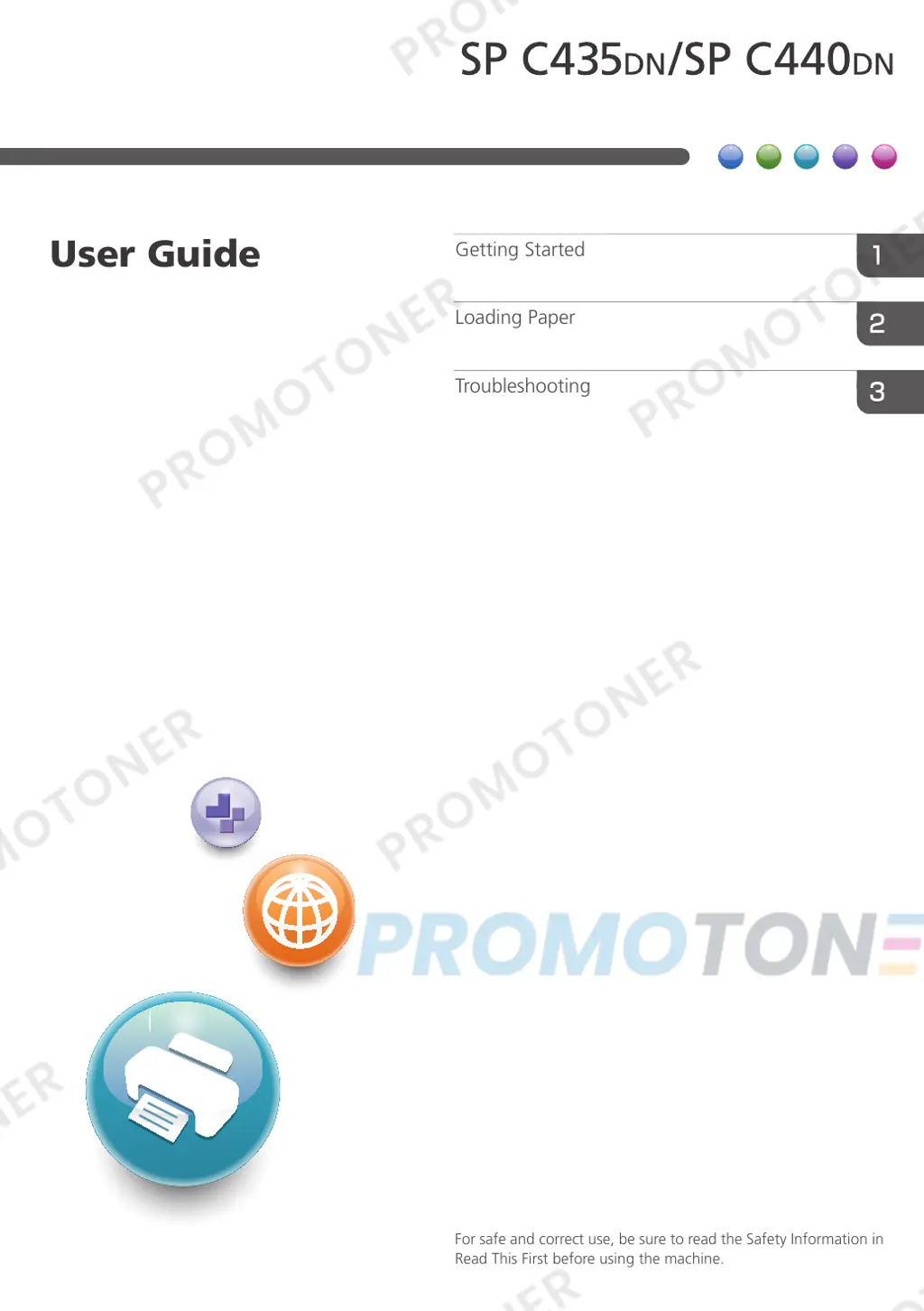
For safe and correct use, be sure to read the Safety Information in
Read This First before using the machine.
Troubleshooting
Loading Paper
Getting Started
User Guide

Table of Contents

Questions and Answers

  • Z
    zmcdanielAug 23, 2025
    What to do if Ricoh Printer says 'There is no paper in the specified tray'?
    • M
      Mr. Michael Aguilar MDAug 23, 2025
      If your Ricoh Printer displays the message 'There is no paper in the specified tray', load the specified paper in the tray and press [JobReset] to reset the job.

Ricoh 407773 Specifications

General IconGeneral
BrandRicoh
Model407773
CategoryPrinter
LanguageEnglish

Related product manuals