Manage image quality, productivity and
costs effectively
Print from more locations
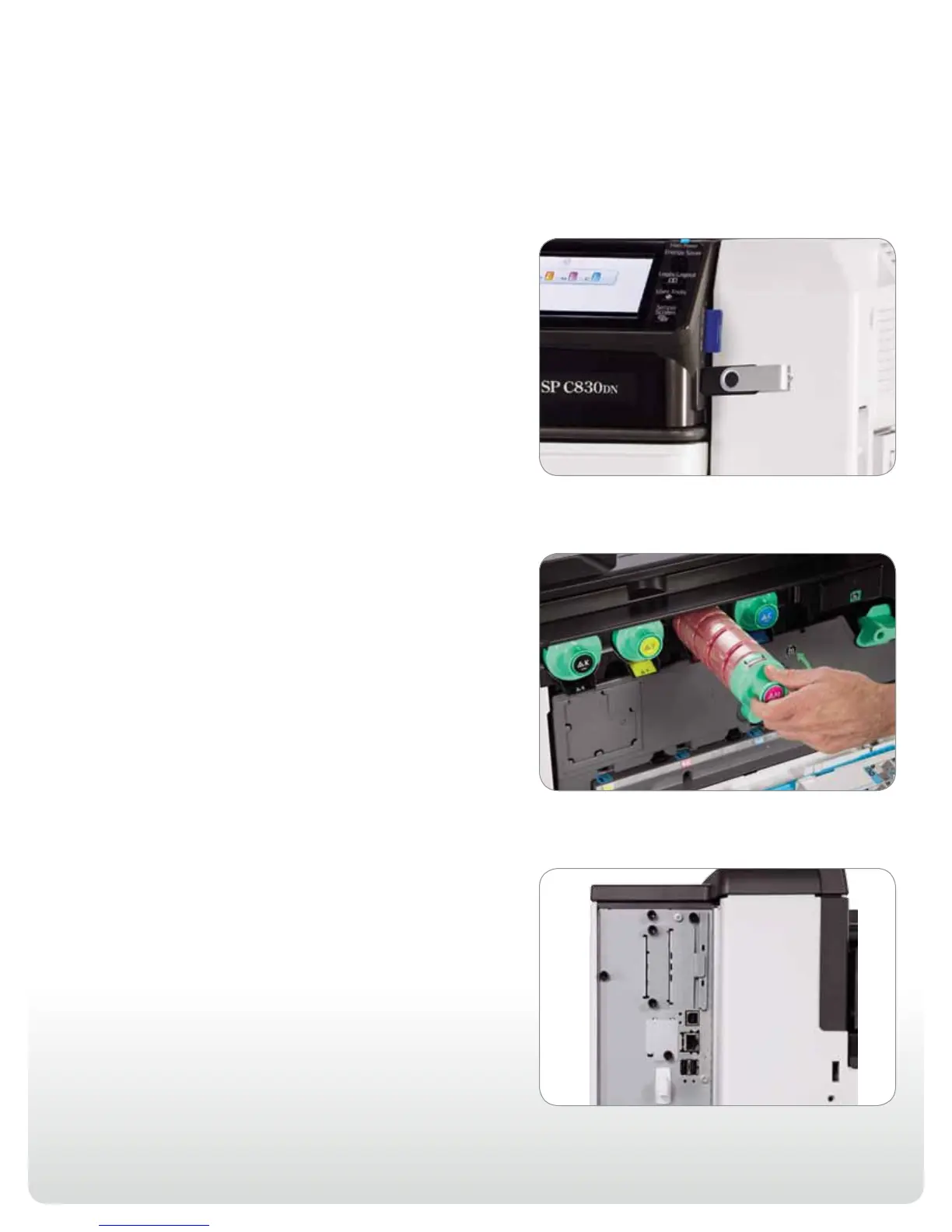
Print when and where it’s most convenient. The Ricoh Aficio
SP C830DN and SP C831DN feature a USB/SD card slot right on
the control panel, so users can print files from portable media with
ease. Users can also print using their smartphones and tablets
for easy, on-the-go performance. With one simple application
download, users gain access to a host of mobile printing functions
that streamline workflow even more.
Reduce total cost of ownership
Discover incredible value with a versatile printer that handles
everyday black-and-white documents and high-end color
graphics with minimal cost-per-page and maintenance costs.
The Ricoh Aficio SP C830DN and SP C831DN are completely
user-serviceable to maximize uptime. Individual toner bottles
and the high-yield OPC drum unit can be replaced in seconds.
Plus, Economy Color Mode reduces the amount of toner
automatically — without compromising text quality — for fast
color drafts at minimal cost.
Connect with efficiency
The Ricoh Aficio SP C830DN and SP C831DN offer seamless
network connectivity with Standard USB 2.0 and 10/100
Base-TX Ethernet interfaces for peer-to-peer and shared use
environments. Dual USB 2.0 host interfaces allow for direct
connection to third party external devices, including a magnetic
card reader for user authentication and to print from PictBridge-
enabled cameras. Plus, the systems include optional Gigabit,
Wireless LAN and parallel interfaces to meet your unique
network requirements.



 To Next Page
 Loading...