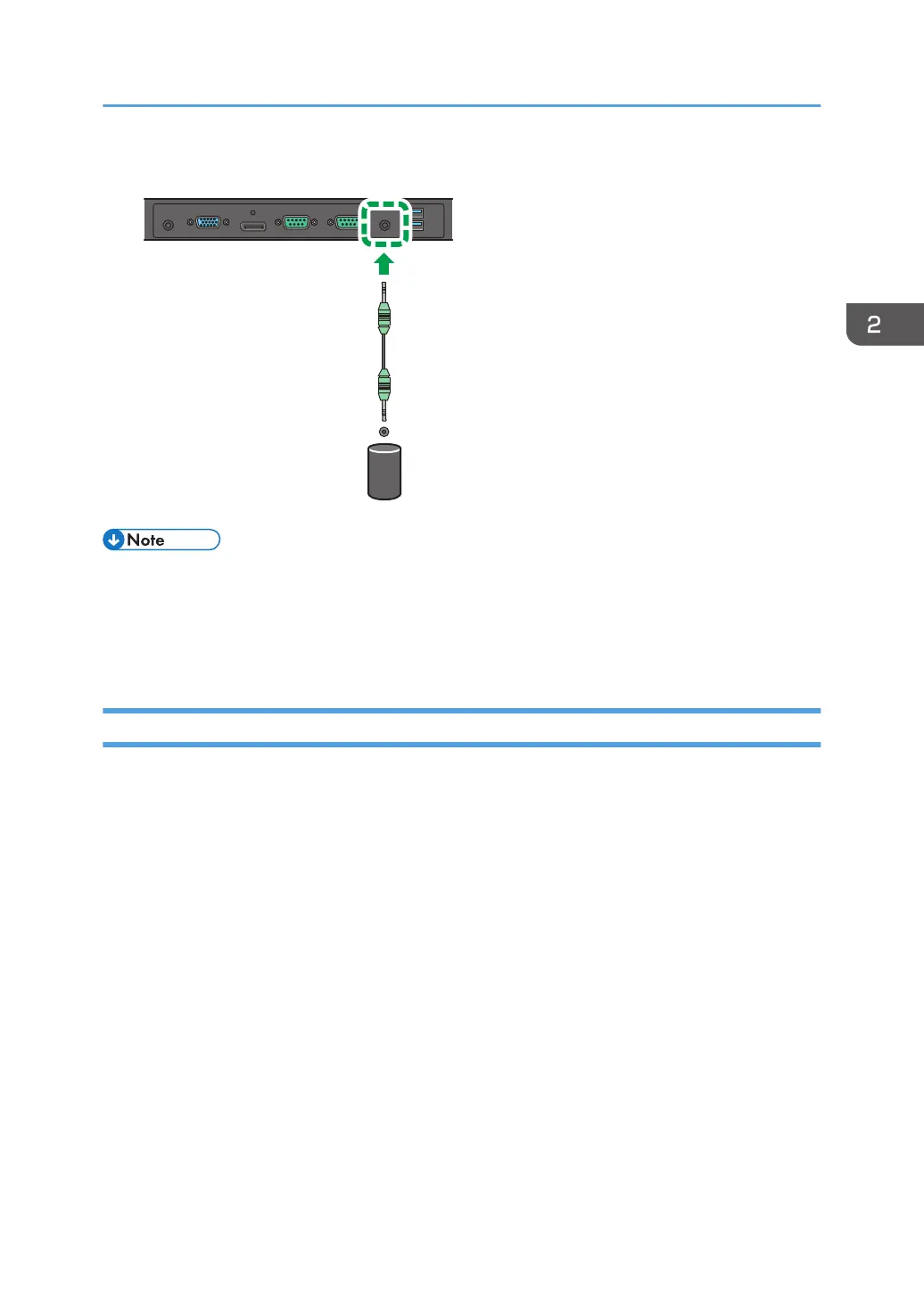
1. Connect external speakers to the Audio Output jack on the machine.
• When connecting external speakers, use active speakers.
• You can use the remote control or the control panel on the machine to adjust the volume. To adjust
the volume, see page 30 "Sound Menu" for details.
• When using external speakers, set Speaker in the Sound menu to [Auto].
Connecting Multiple Displays
You can connect multiple displays serially (daisy chain) to a computer for management. The number of
displays you can connect serially depends on the resolution of the input signal you use.
Connecting Audio/Video Signals
15



 To Next Page