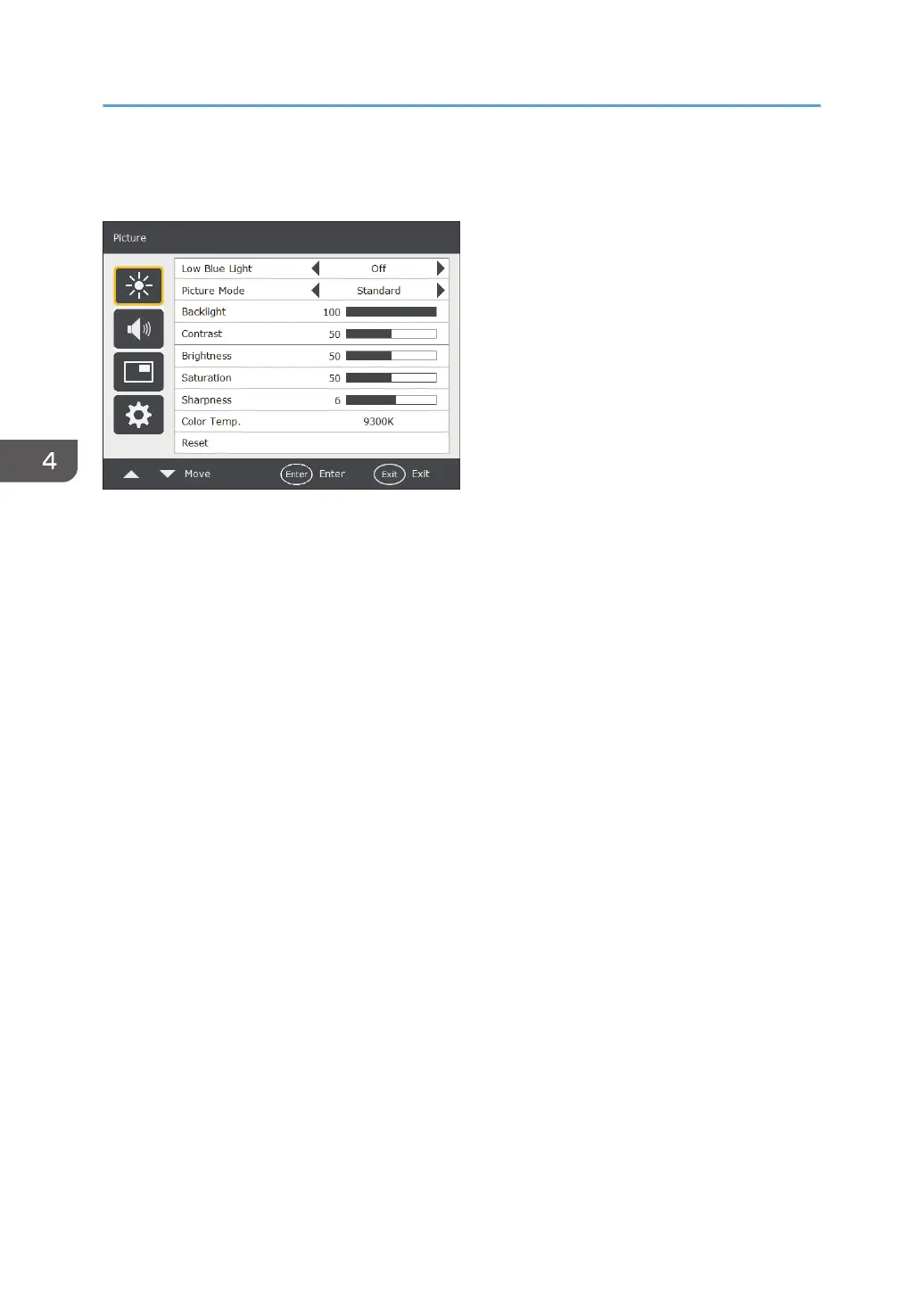
Picture Menu
Low Blue Light
Turns on or off the Low Blue Light function.
• On
Enables Low Blue Light.
• Off
Disables Low Blue Light.
Picture Mode
Sets the display mode.
• Standard
This is the standard setting.
• Vivid
Displays the image so it is brighter and more vivid.
• Low Blue Light
Reduces the amount of blue light, which is harmful to the eyes.
• User Setting
Sets a combination of Picture Modes.
• DICOM SIM.
Optimizes the image display according to the DICOM standard.
Backlight
Adjusts the backlight intensity for the screen.
This feature is not available if the Adaptive Contrast function is set to [On]. For details about the
Adaptive Contrast function, see page 38 "Advanced".
4. The On-Screen Display Menu
28



 To Next Page