Using the Control Panel Buttons (RICOH Collaboration Board D6520/
D6520BK/D7510/D7510BK)
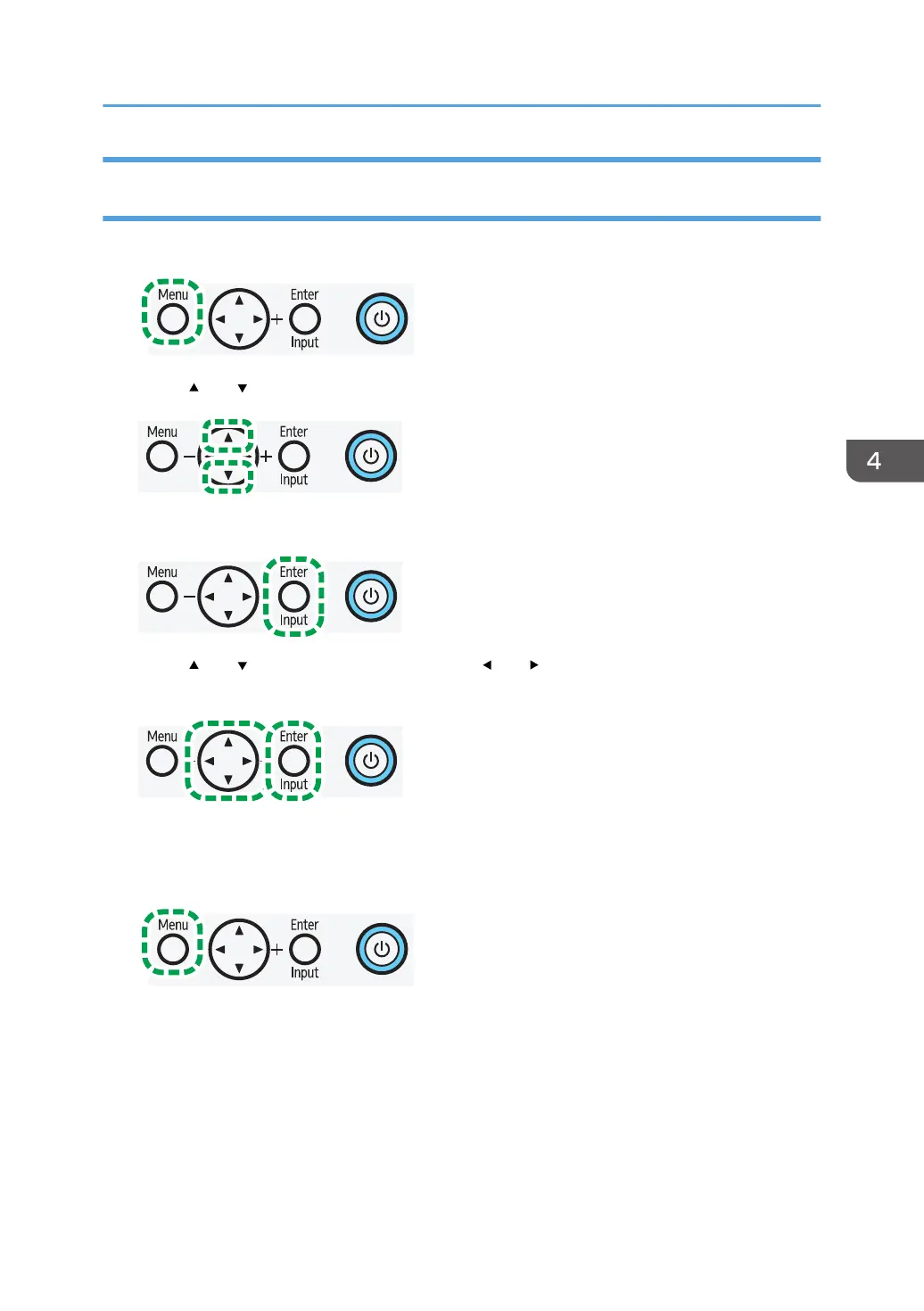
1. Press [Menu] to open the On-Screen Display menu.
2. Press [ ] or [ ] to select an item.
3. Press [Enter/Input] to confirm selections.
4. Press [ ] or [ ] to select a feature and press [ ] or [ ] to adjust settings. Press [Enter/
Input] to save changes.
5. Press [Menu] to return to the previous item. Press [Menu] several times to return to the top
screen of the On-Screen Display menu, and press [Menu] again to close the On-Screen
Display menu.
Operations in the On-Screen Display Menu
25



 To Next Page