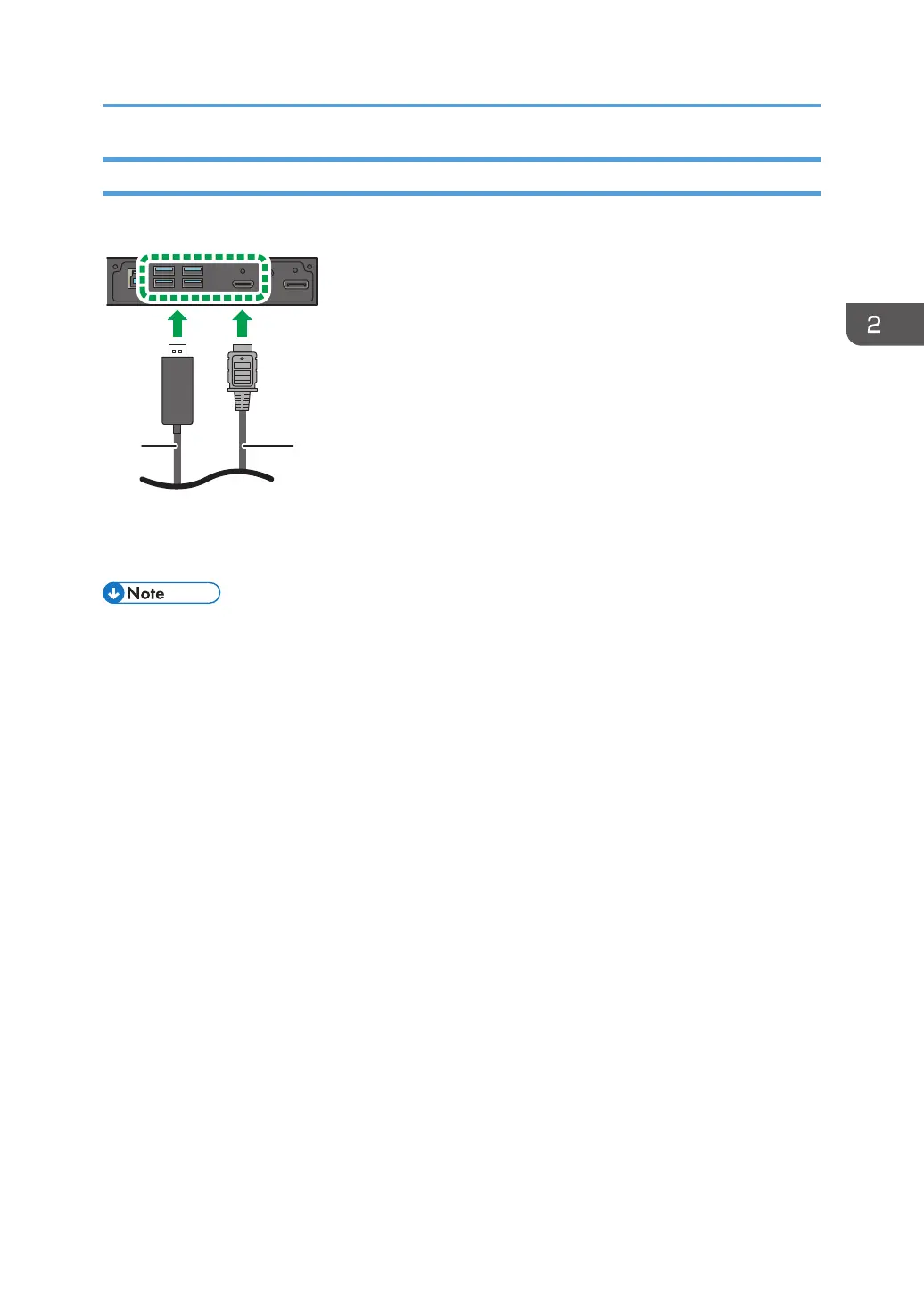
Connecting with a USB Cable
Connect the machine and an external device with a USB cable to supply power to the device.
1. USB cable
2. External device (For example: Wireless display adaptor connected with an HDMI cable)
• For details about the name and description of each USB port, see “Input/Output Terminals”, Read
This First.
Connecting Audio/Video Signals
17



 To Next Page