9. DUPLEX UNIT
9.1 FRICTION ROLLER REPLACEMENT
1. Remove the duplex unit (4 screws).
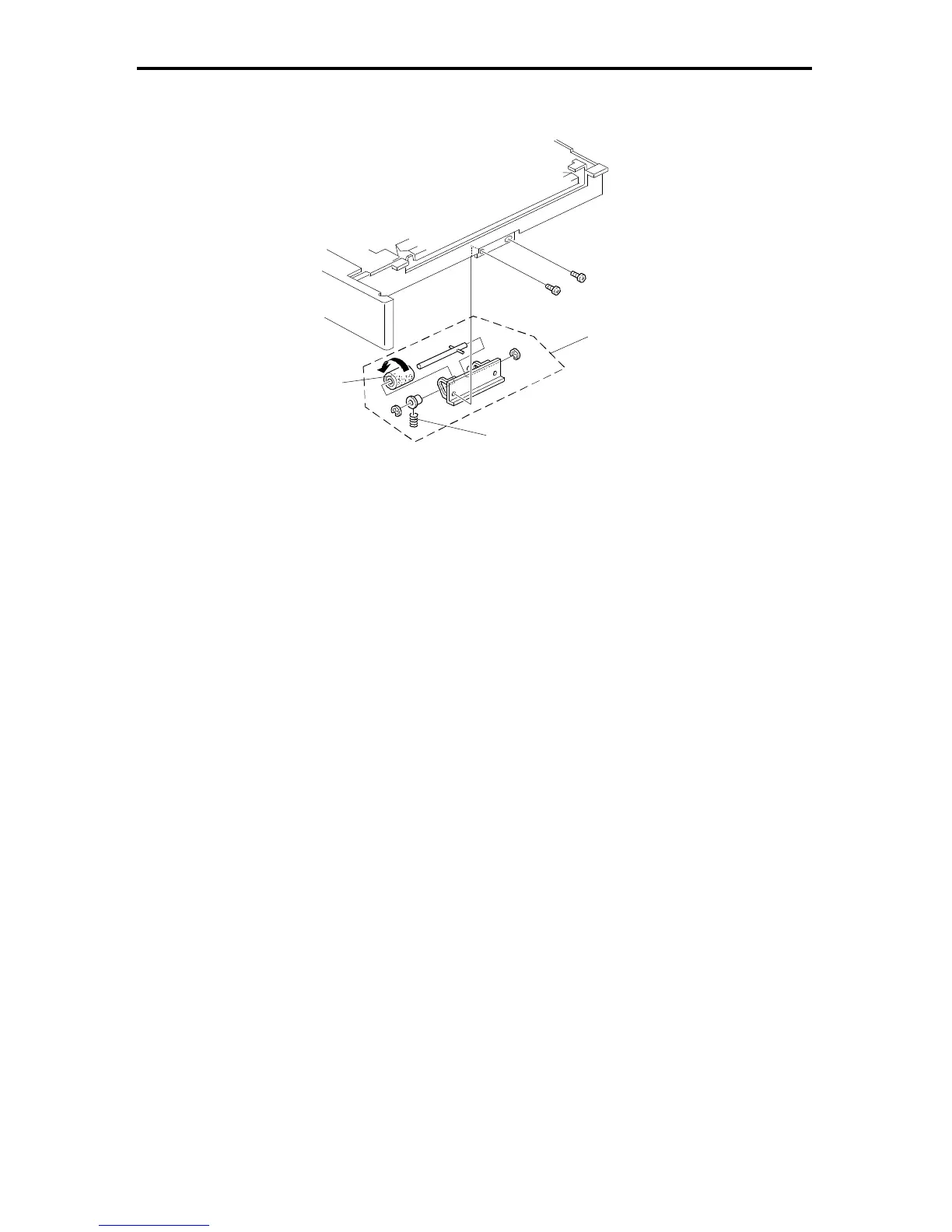
2. Remove the separation roller assembly [A] (2 screws).
3. Remove the springs [B].
4. Remove the friction roller [C] (2 E-rings, 2 bushings).
NOTE: This friction roller has a one-way clutch. Be sure to install the roller so
that it rotates in the direction of the arrow (see the illustration).
[A]
[B]
[C]
FSM 5-47 FT5535/4527/4522













 To Next Page