11. OTHERS
11.1 MAIN CONTROL BOARD REPLACEMENT
NOTE: Never touch the surface of the RAM back up battery on the main board
with a screwdriver or other metallic object. If the battery is short-circuited,
RAM data will be destroyed in the worst case.
1. Turn off the main switch and unplug the power cord.
2. Remove the rear cover.
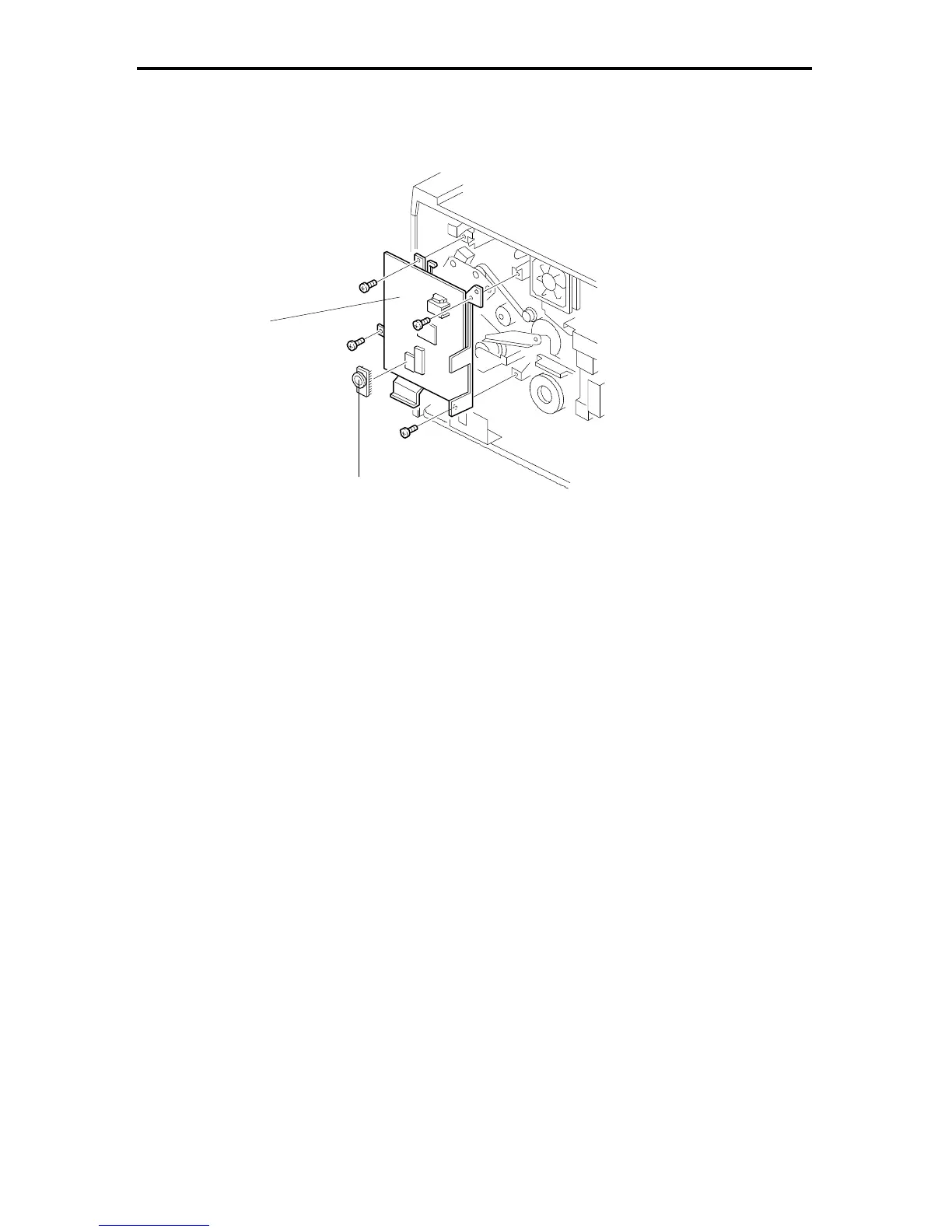
3. Remove the main control board [A] (4 screws and all connectors).
4. Remove the RAM board [B] from the old main control board and install it on
the new board.
[A]
[B]
FT5535/4527/4522 5-66 FSM













 To Next Page