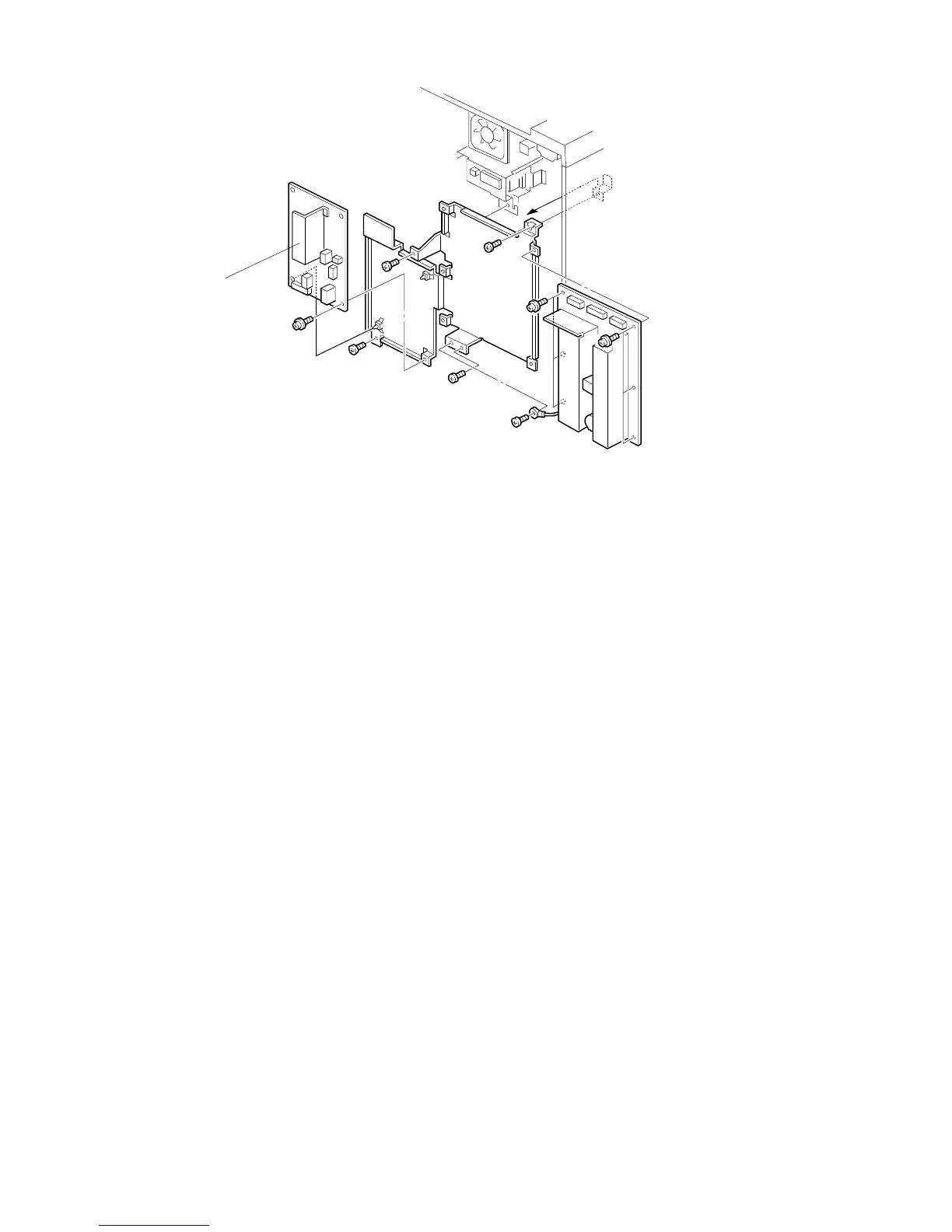
11.2 AC POWER SUPPLY BOARD REPLACEMENT
NOTE: 1. For 115V machines, check the fuse on the board before determining
that the ac drive board is defective.
2. Do not adjust VR371 on the ac drive board. Copy quality will be
seriously affected if it is turned.
1. Turn off the main switch and unplug the machine.
2. Remove the rear cover.
3. Replace the ac drive board [A] (1 screw, 3 locking supports, and all
connectors).
[A]
FSM 5-67 FT5535/4527/4522













 To Next Page