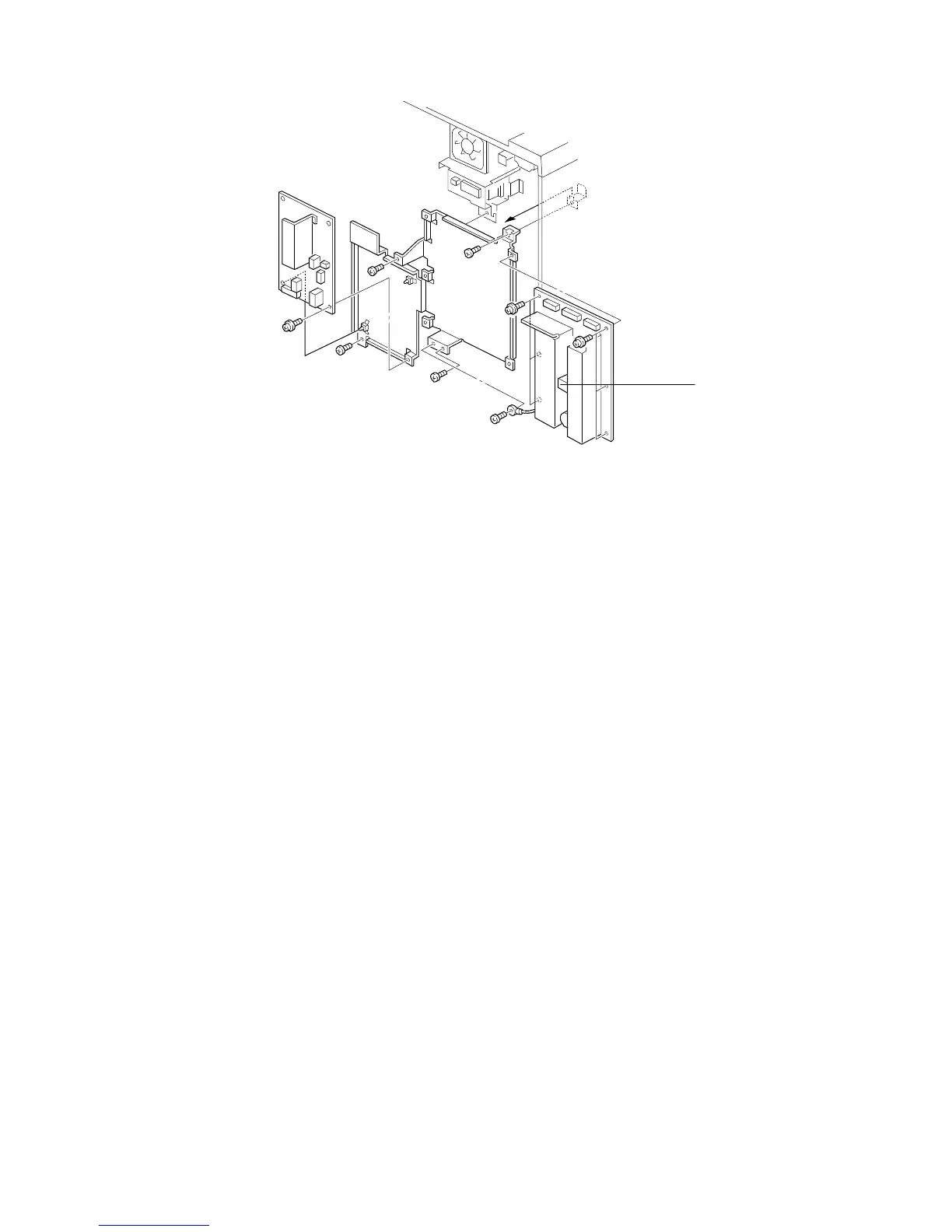
11.3 DC POWER SUPPLY BOARD REPLACEMENT
NOTE: Check the fuses (FU301, FU302, FU303, and FU304) on the board
before determining that the dc power supply board is defective.
1. Turn off the main switch and unplug the machine.
2. Remove the rear cover.
3. Replace the dc power supply board [A] (7 screws and all connectors).
NOTE: 6 screws for 115V machines.
[A]
FT5535/4527/4522 5-68 FSM













 To Next Page