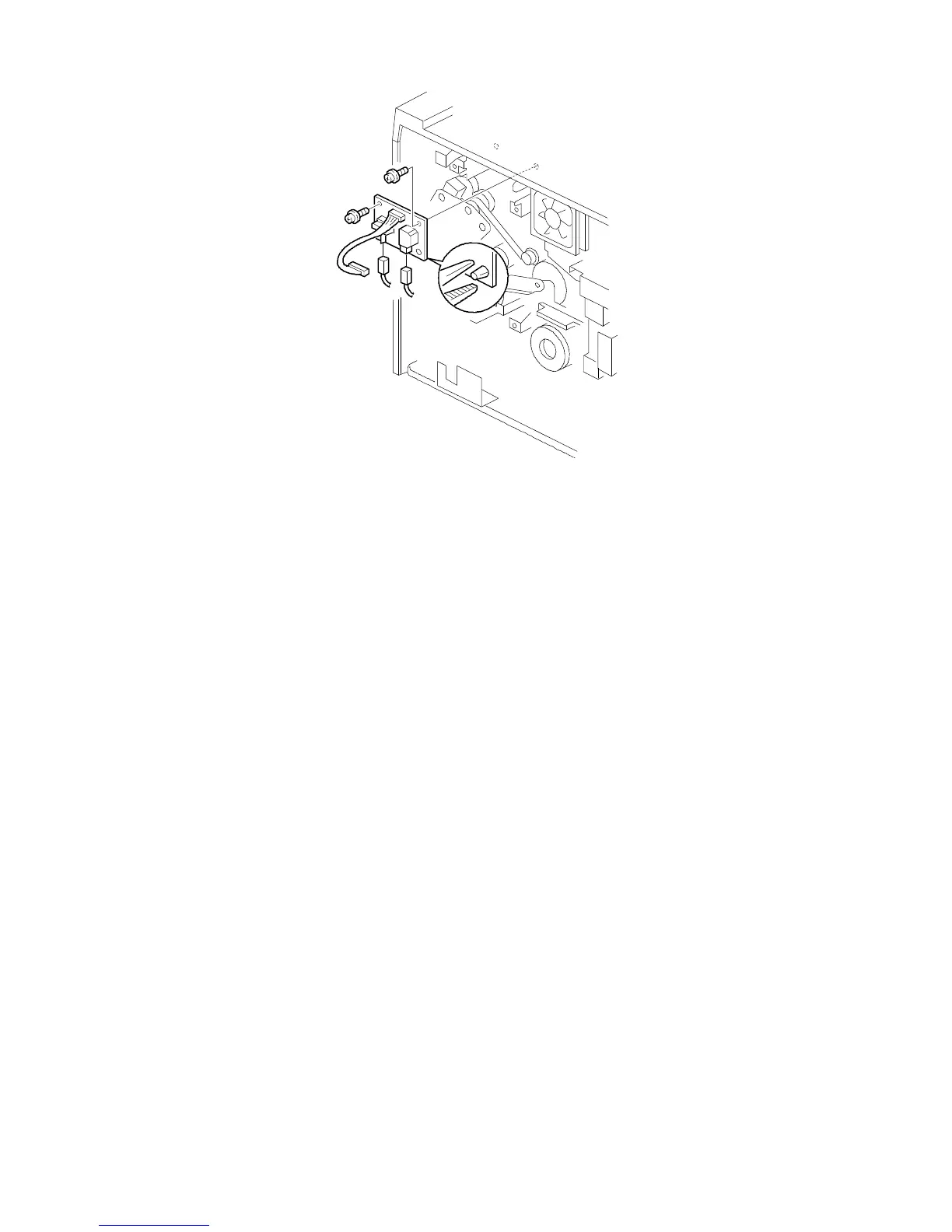
11.4 CB HIGH VOLTAGE SUPPLY BOARD REPLACEMENT
1. Turn off the main switch and unplug the machine.
2. Remove the rear cover.
3. Remove the main control board.
4. Replace the CB high voltage supply board [A] (2 screws and 1 locking
support).
FSM 5-69 FT5535/4527/4522













 To Next Page