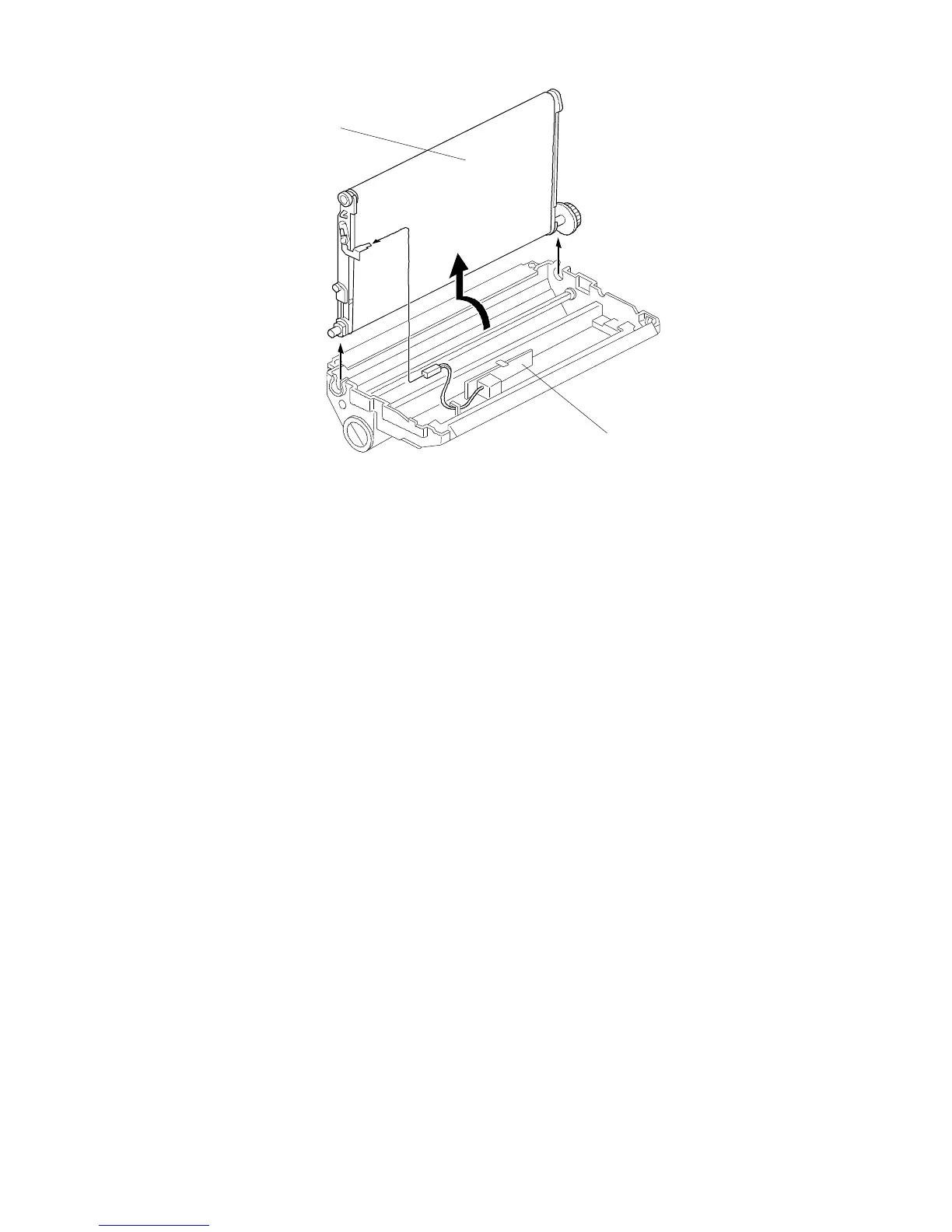
11.5 T HIGH VOLTAGE SUPPLY BOARD REPLACEMENT
1. Turn off the main switch and unplug the machine.
2. Remove the transfer belt unit [A]. (See "Transfer Belt Unit Removal".)
3. Replace the T high voltage supply board [B] (1 screw, 1 clamp, and 2 metal
spring plates).
[A]
[B]
FT5535/4527/4522 5-70 FSM













 To Next Page