4. SERVICE TABLES
4.1 DIP SWITCHES
DIP SW 101
12345678 Function
Off Off On On Off Off Off Off Standard Factory Setting
Off - - - - - - - Speed in the free run mode: 200 mm/s
On - - - - - - - Speed in the free run mode: 150 mm/s
- On Off - - - - - Bank type : 500 sheet type
- Off On - - - - - Bank type : 250 sheet type
---OffOn-
-
-
Normal Operation / Free Run Mode 1*:
One paper feed tray type
Free Run Mode 2*: Paper feed tray 1 only
---OnOff-
-
-
Normal Operation / Free Run Mode 1*:
Two paper feed tray type
Free Run Mode 2*: Paper feed tray 2 only
---OnOn-
-
-
Normal Operation / Free Run Mode 1*:
Three paper feed tray type
Free Run Mode 2*: Paper feed tray 3 only
- - - - - On Off - Free Run Mode 2
- - - - - On On - Free Run Mode 1
Do not touch dip switches 1 to 5.
How to do a free run
1. Select either mode 1 or mode 2 with dip switches 6 and 7.
2. Turn off the power, disconnect the optical cable, and turn on the power.
3. Press SW101 on the PCB to start the free run.
4. When you wish to stop the free run, press SW102 on the PCB, then reset the
dip switches to their default settings.
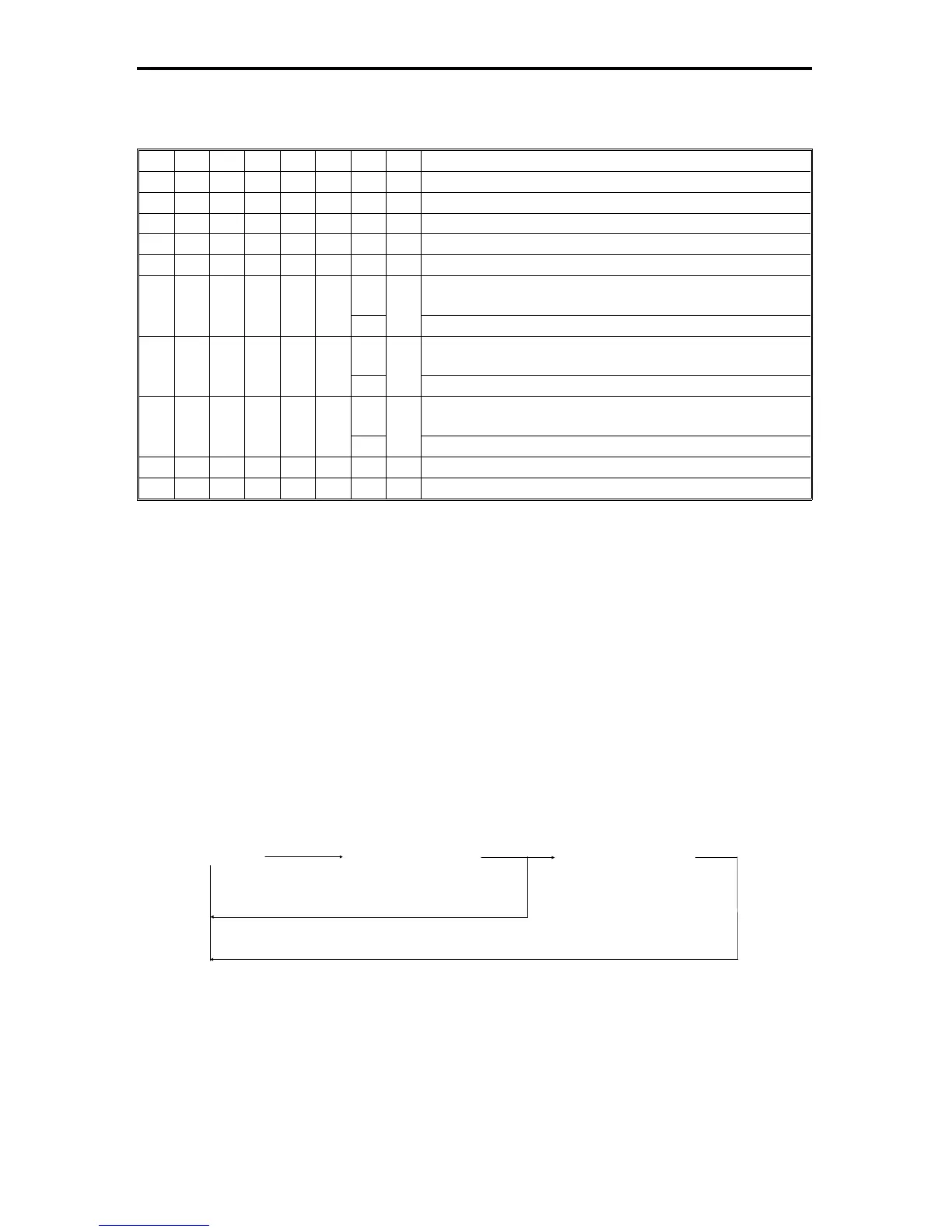
Free Run Mode 1
The paper feed operation performs up to 20 times for each paper feed station.
Free Run Mode 2
The paper feed operation can be checked for the selected paper feed station.
(10 s) (10 s) (10 s)
1st feed station 2nd feed station 3rd feed station
Repeat Two paper feed tray type
Repeat Three paper feed tray type
Rev. 7/95
FT5535/4527/4522 9-8 FSM













 To Next Page