- Rear side -
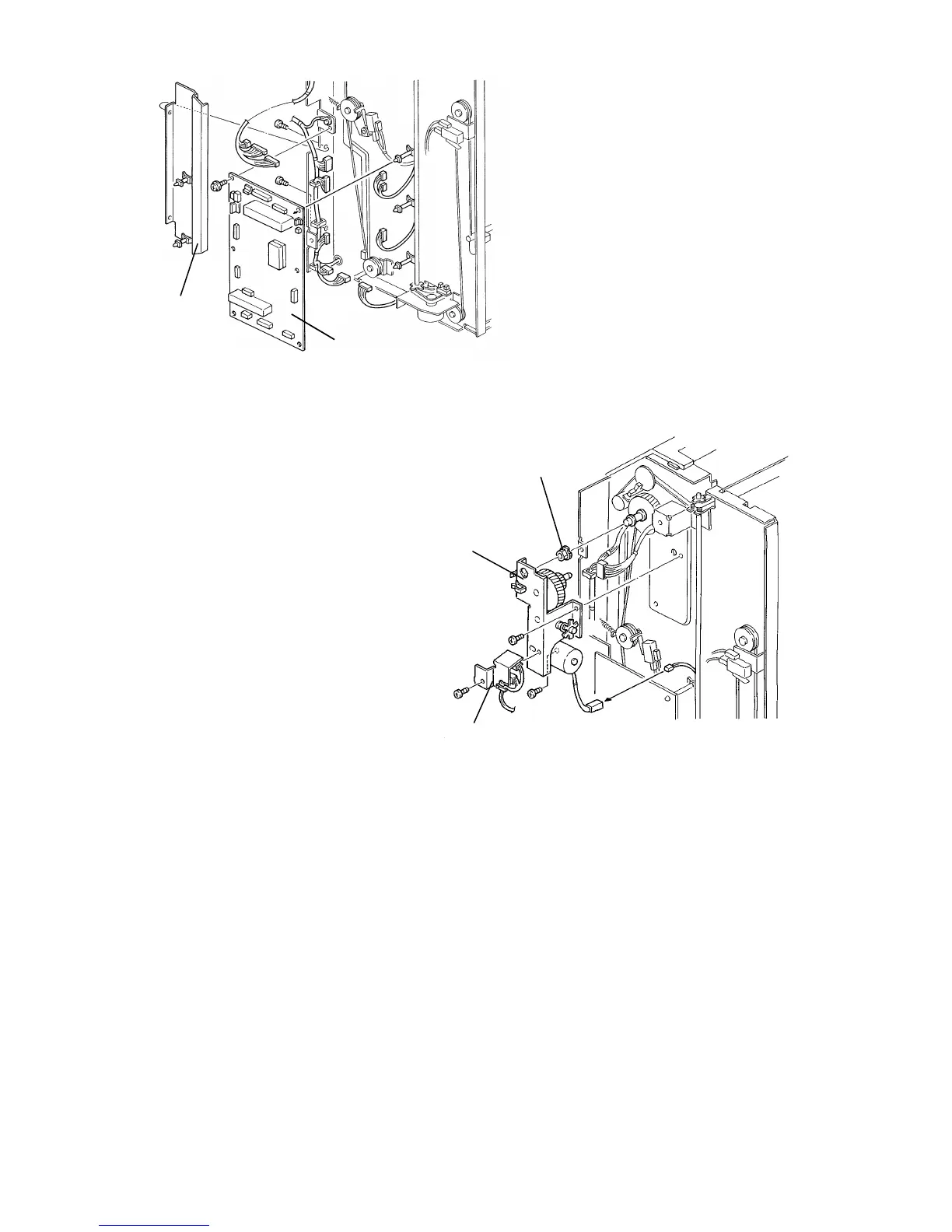
9. Remove the sorter power cord bracket (1 screw; see section 15.6.1).
10. Remove the main control board [A] (1 screw, 13 connectors, and 5 locking
supports).
11. Remove the bin lift shaft cover [B] (2 screws).
12. Remove the timing sensor bracket [C] (1 screw).
13. Remove the bin drive bracket [D] (2 screws with spring washer, 1 connector,
and 3 wire saddles).
14. Remove the bushing [E].
[B]
[A]
[C]
[D]
[E]
FT5535/4527/4522 10-22 FSM













 To Next Page