Mode No. Function Settings
4-102 Lens Error
Correction †
Adjusts the lens position to correct for
magnification in enlarge/reduce mode.
(0.1% per step [Range: –0.8% to +0.8%])
0 ~ 16
Default: 8 (0%) ‡
4-103 Focus
Adjustment †
Adjusts the 3rd mirror position to correct the
fine focus.
(0.05 mm per step [Range: left 3.75 mm to
right 3.75 mm])
See "Replacement and Adjustment - Copy
Quality Adjustments" for how to adjust.
0 ~ 150
Default = 75 ‡
4-201 Auto ADS Gain
Adjustment
Adjusts the ADS gain automatically to make
the sensor output 2.7 ± 0.1 V.
Close the platen cover to prevent external light
from reaching the ADS sensor. Then press the
"Start" key to make the adjustment.
4-202 ADS Initial Gain
Display †
Displays the ADS sensor output adjusted by
SP4-201.
4-203 ADS Actual
Gain Display †
Displays the current ADS sensor output.
4-301 APS Sensor
Function Check
†
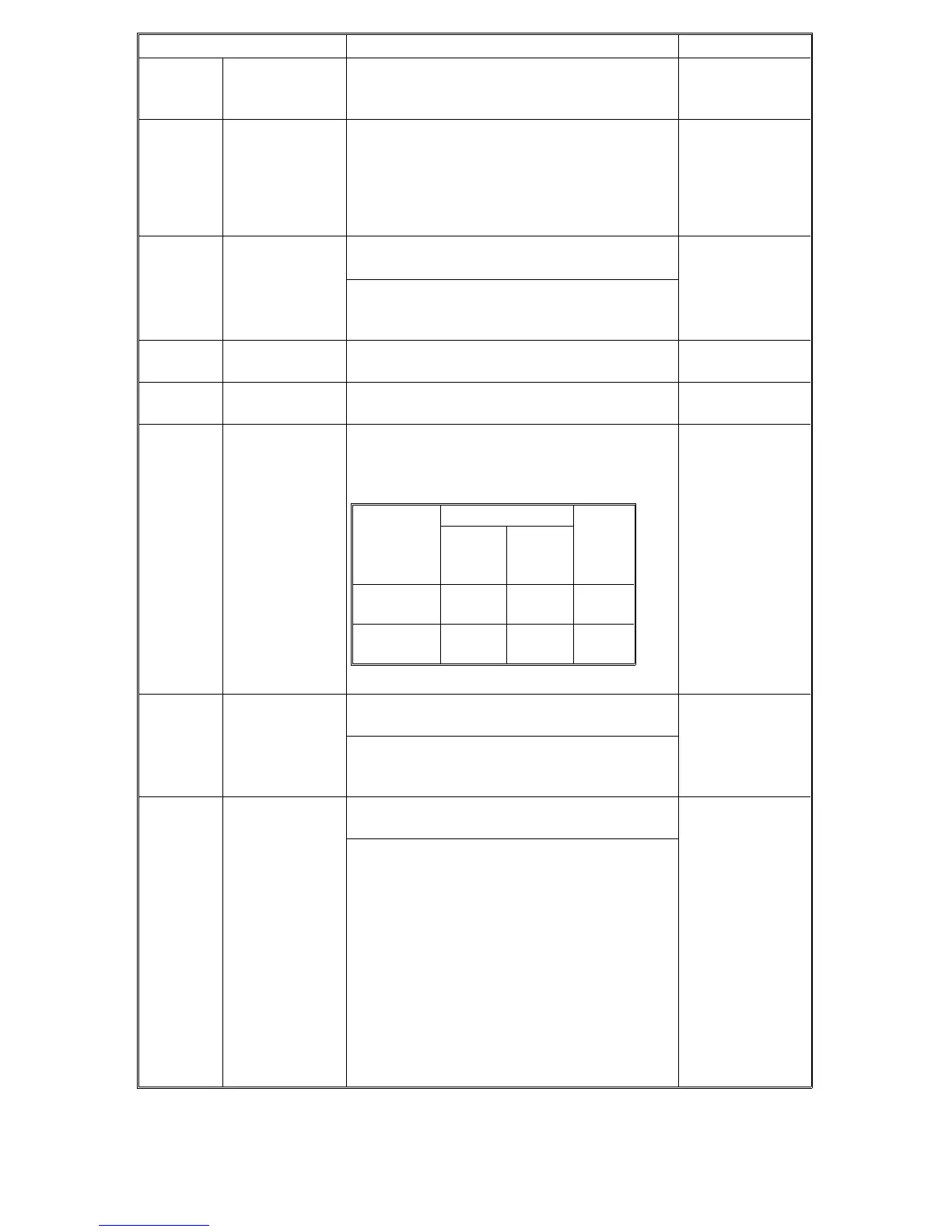
Check the APS sensors.
If they are working correctly, the following
value is displayed in the reduce/enlarge
indicator.
LT version:
0 or 95
(without
optional APS)
0 or 127
(with optional
APS)
A4 version:
0 or 95
4-302 Optional APS
Sensor †
(LT version
only)
Set this to 1 when installing the optional APS
sensor.
0: Not installed
1: Installed
This SP mode is effective only for the LT
version. In the A4 version, even if "1" is
selected, the setting is ignored.
4-303 APS A5/HLT
Detection †
Selects whether A5/HLT forced detection is
done or not.
0: NO
1: YES
If "YES" is selected, paper sizes that cannot
be detected by the APS sensors are regarded
as A5 lengthwise (for A4 models) or 5
1/2
" x
8
1/2
" (for LT models).
If "NO" is selected, "Check Paper Size" will be
displayed.
LT Version
A4
Version
Without
optional
APS
With
optional
APS
ADF/Platen
Open
000
ADF/Platen
Closed
95 127 95
FSM 4-27 FT5535/4527/4522













 To Next Page