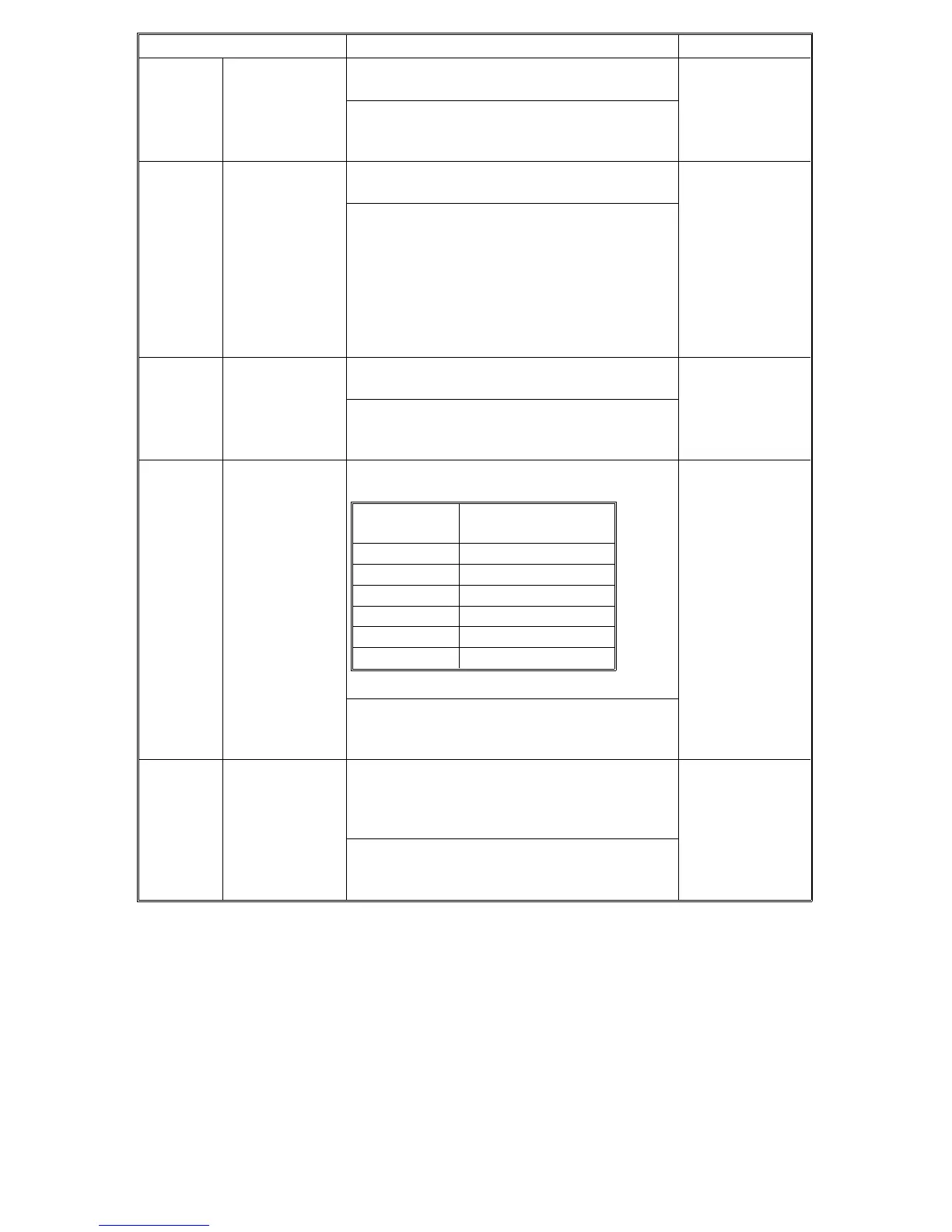
Mode No. Function Settings
°7-501 Total Jam
Counter †
(Copies +
Originals)
Displays the total number of copy jams plus
original jams (max. 4 digits).
The first digit is displayed in the
reduce/enlarge indicator. Hold down the "
•
"
key to display the last three digits.
°7-502 Total Jams by
Paper Size †
(Note: This is
actually the
Total Copy
Paper Jam
Counter. The
counter is not
divided up by
Paper Size)
Displays the total copy paper jam counter
(max. 4 digits).
The first digit is displayed in the
reduce/enlarge indicator. Hold down the "
•
"
key to display the last three digits.
°7-503 Total Original
Jam Counter
Displays the total original jam counter (max. 4
digits).
The first digit is displayed in the
reduce/enlarge indicator. Hold down the "
•
"
key to display the last three digits.
°7-504-001
to
7-504-006
Total Jams by
Location †
Displays the total copy paper jam counts by
location (max. 4 digits).
The first one digit is displayed in the
reduce/enlarge indicator. Hold down the "
•
"
key to display the last three digits.
°7-505-001
to
7-505-002
Total Original
Jams by
Location †
Displays the total original jams in the DF by
location (max. 4 digits).
SP7-505-001: Feed-in section
SP7-505-002: Feed-out section
The first digit is displayed in the
reduce/enlarge indicator. Hold down the "
•
"
key to display the last three digits.
SP Number
Paper Jam Location
Symbol
SP7-504-001 Y
SP7-504-002 A
SP7-504-003 B
SP7-504-004 C
SP7-504-005 Z
SP7-504-006 R
FT5535/4527/4522 4-38 FSM













 To Next Page