Mode No. Function Settings
°7-801-001
to
7-801-004
Main ROM
Version Display
†
Displays the main ROM version.
SP7-801-001: Copier main ROM version
SP7-801-002: Paper tray unit main
ROM version
SP7-801-003: DF main ROM version
SP7-801-004: Sorter stapler main ROM
version
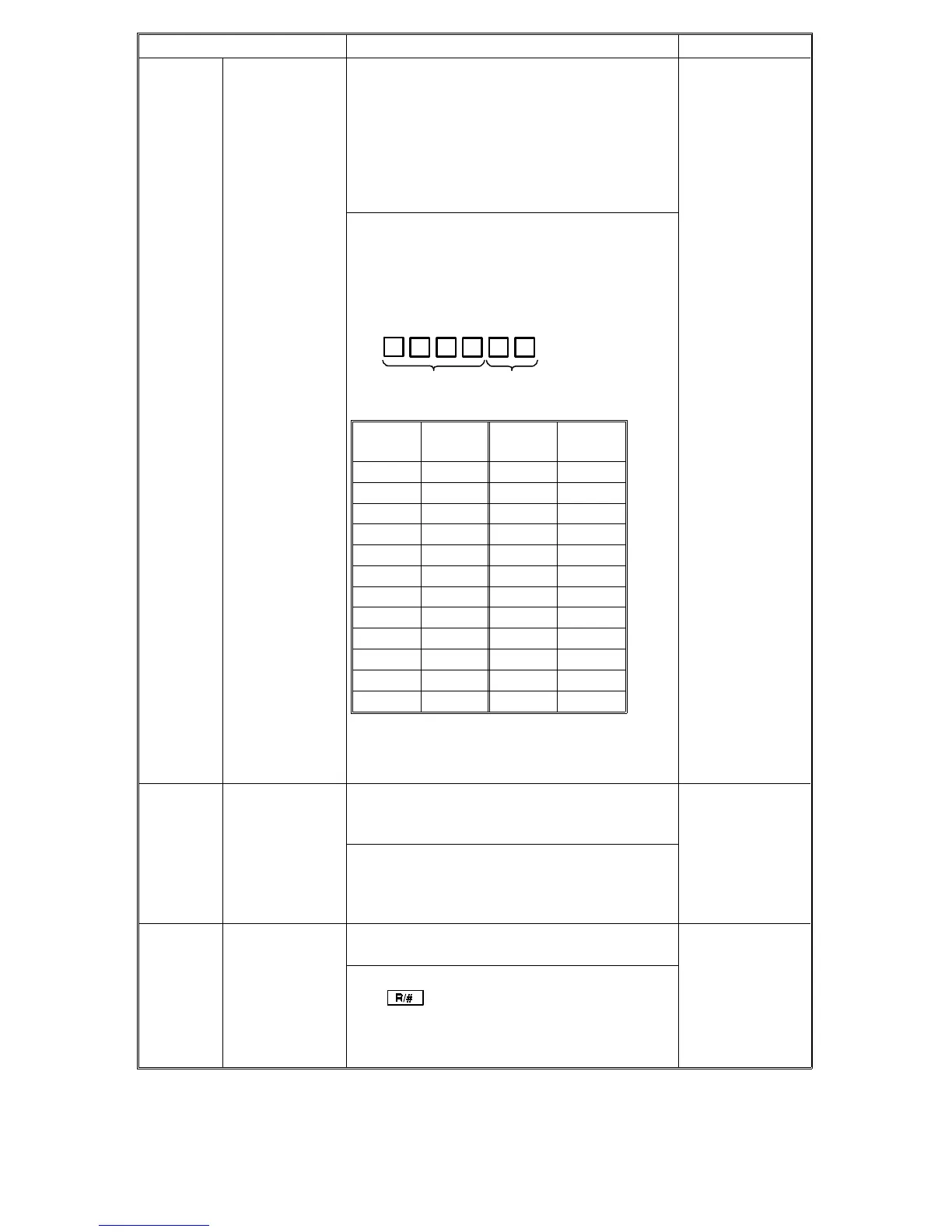
The ROM version is displayed by a six- digit
number. The first three digits are displayed in
the reduce/enlarge indicator. Hold down the "
•
"
key to display the last three digits. The
six-digit number shows the ROM version as
follows.
Note: 09, 15, 21 do not exist because
suffixes I, O, and U are not used.
°7-803 PM Counter
Check †
Displays the PM counter after the last PM
(max. 6 digits).
The first three digits are displayed in the
reduce/enlarge indicator; hold down the "
•
" key
to display the last three digits.
°7-804 PM Counter
Clear
Resets the PM counter.
The counter will be reset when you press the
final key when entering this SP mode.
Last four digits
of ROM P/No.
Suffix of ROM
P/No.
Last two
digits
Suffix
Last two
digits
Suffix
00 No suffix 13 M
01A14N
02 B 16 P
03 C 17 Q
04 D 18 R
05 E 19 S
06 F 20 T
07 G 22 V
08 H 23 W
10J24X
11 K 25 Y
12 L 26 Z
FSM 4-39 FT5535/4527/4522













 To Next Page