2.6 SP5-804 ELECTRICAL COMPONENT OUTPUT CHECK
1. Access SP5-804 (refer to section 2.1).
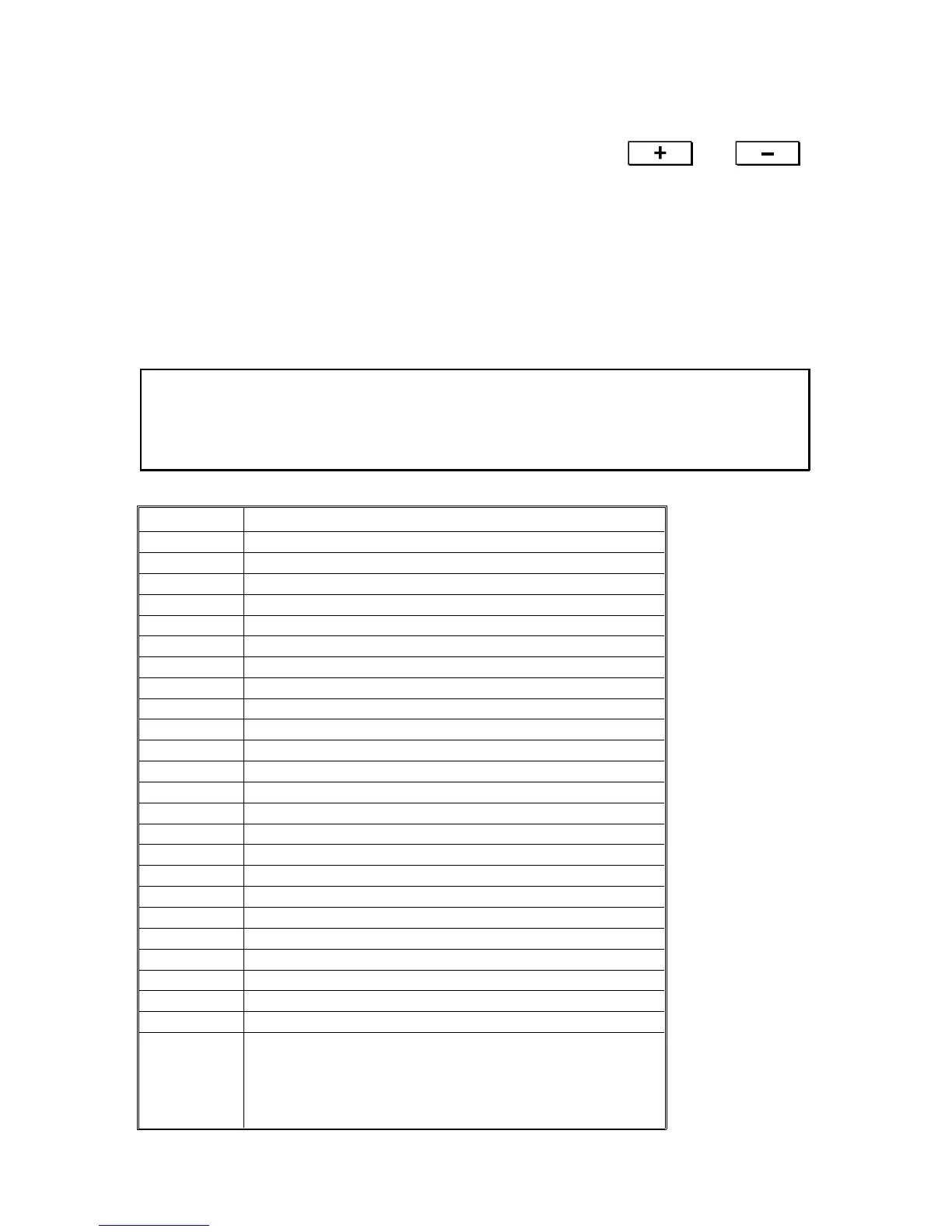
2. Select the required 3rd level program number using the and
keys. See below for a list of which 3rd level number to use for each
component.
3. Press the Start key to turn on the electrical component.
4. Press the Clear/Stop key to turn off the electrical component.
5. To turn on another electrical component, repeat from step 2.
CAUTION: The motors keep turning in this output mode regardless of
inputs from sensors. To prevent mechanical or electrical
damage, do not keep the electrical component on for a long
time.
3rd level No. Electrical Component
1 Main motor
2 Relay clutch
3 Registration clutch
4 Transfer belt contact clutch
5 Junction gate SOL
6 Not used
7 Sorter drive motor (A556 and A557 sorters only)
8 By-pass feed CL
9 By-pass feed pick-up SOL
10 Upper paper feed CL
11 Upper tray separation SOL
12 Upper tray pick up SOL
13 Upper tray lift motor (up)
14 Upper tray lift motor (down)
15 Lower paper feed CL
16 Lower tray separation SOL
17 Lower tray pick-up SOL
18 Lower tray lift motor (up)
19 Lower tray lift motor (down)
20 LCT pick-up SOL (LCT Equipped Units Only)
21 Not used
22 Not used
23 LCT display
24 Bin drive motor up
25 Bin drive motor down
Rev. 7/95
FT5535/4527/4522 4-46 FSM













 To Next Page