EasyManua.ls Logo

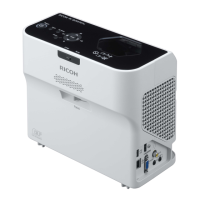
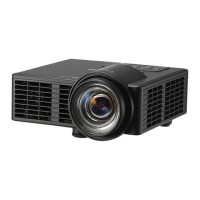
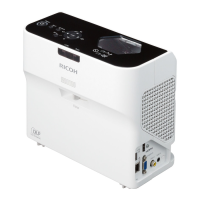
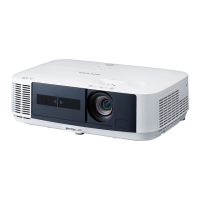
Ricoh Furud-PJ1 - User Manual

Ricoh Furud-PJ1
130 pages
Print Icon
To Next Page IconTo Next Page
Loading...
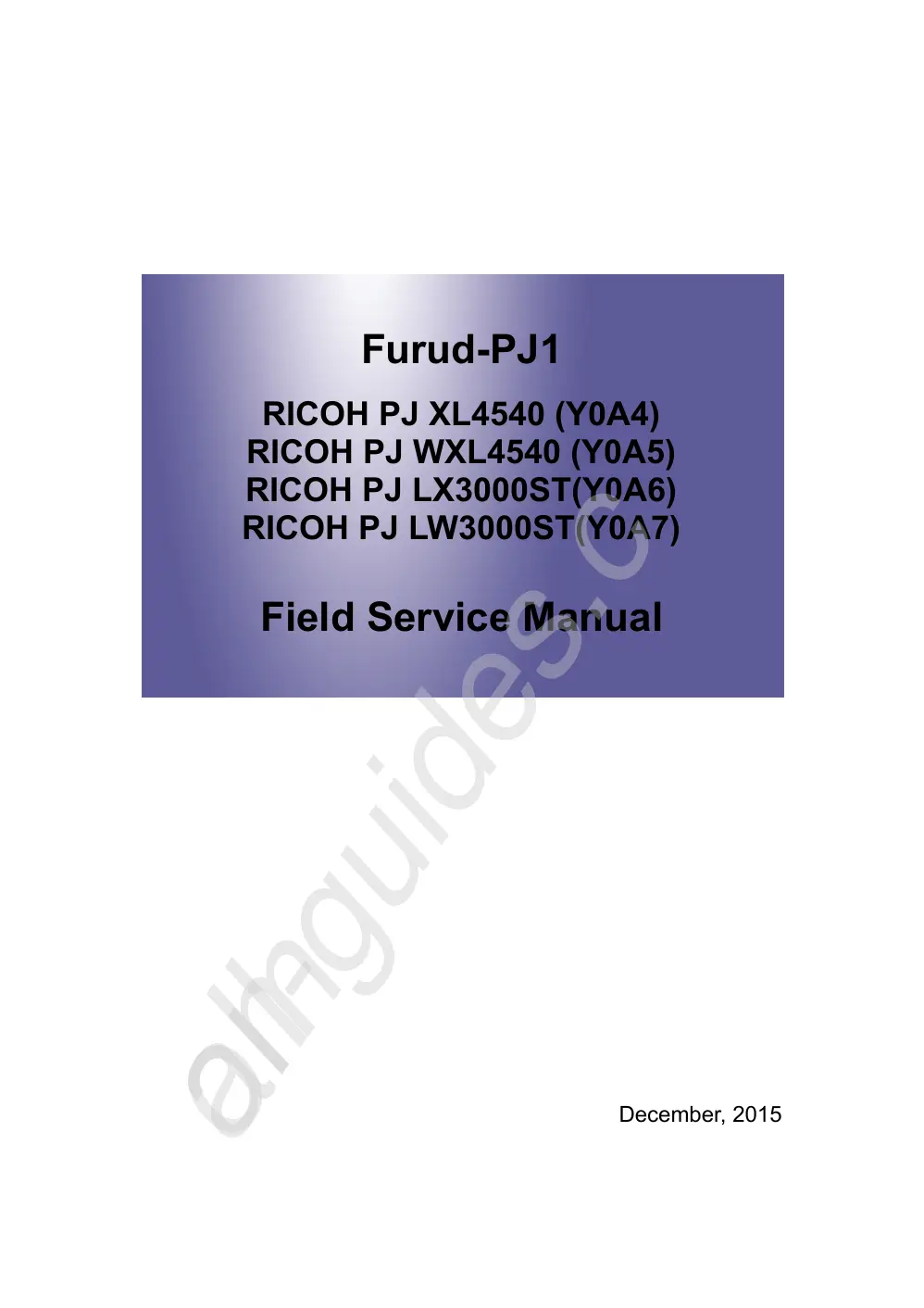
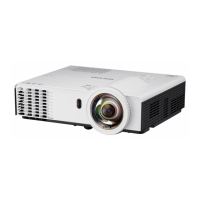
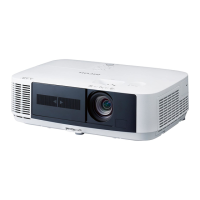
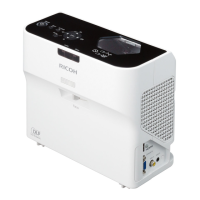
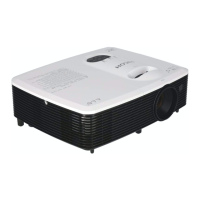
Furud-PJ1
RICOH PJ XL4540 (Y0A4)
RICOH PJ WXL4540 (Y0A5)
RICOH PJ LX3000ST(Y0A6)
RICOH PJ LW3000ST(Y0A7)
Field Service Manual
December, 2015
All manuals and user guides at all-guides.com
all-guides.com

Table of Contents

Other manuals for Ricoh Furud-PJ1

Questions and Answers

  • B
    Brian RobertsAug 17, 2025
    Why is my Notebook or PowerBook computer screen not displaying a presentation on the Ricoh Furud-PJ1 Projector?
    • E
      Eileen HarrisonAug 17, 2025
      Some Notebook PCs may deactivate their own screens when a second display device is in use. Each has a different way to be reactivated. Refer to your computer’s documentation for detailed information.
  • B
    Brian KingAug 20, 2025
    What does a flashing red light on my Ricoh Projector mean when powering up?
    • K
      Kyle BarnettAug 20, 2025
      When the Ricoh Projector is powering up (warming up), the indicator light will flash red every 1.0 second.
  • A
    amycookAug 22, 2025
    Why does my Ricoh Projector have no image on the screen?
    • T
      Tyler EvansAug 22, 2025
      If no image appears on the screen, ensure all the cables and power connections are correctly and securely connected. Also, check that the pins of terminals are not crooked or broken. Make sure you have removed the lens cap and the projector is switched on. Finally, ensure that the 'AV Mute' feature is not turned on.
  • P
    Patricia SotoAug 25, 2025
    What to do if the Ricoh Projector image is too small or too large?
    • B
      Brandon WilliamsonAug 26, 2025
      If the image appears too small or too large, try moving the projector closer to or further from the screen. Alternatively, press the 'Aspect' button on the remote control or press the 'Menu' button on the projector panel, go to 'Screen --> Aspect Ratio' and try the different settings.
  • K
    kimberly06Aug 28, 2025
    Why is my Ricoh Furud-PJ1 image unstable or flickering?
    • F
      Frances AllenAug 28, 2025
      If the image is unstable or flickering, try adjusting the 'Phase' or 'Clock'. You can also change the monitor setting from your computer. Finally, check and reconfigure the display mode of your graphic card to make it compatible with the product.
  • B
    blopezAug 30, 2025
    What to do if the Ricoh Furud-PJ1 image is out of focus?
    • J
      juarezjeremyAug 30, 2025
      If the image is out of focus, adjust the Focus Ring on the projector lens. Also, make sure the projection screen is between the required distance.
  • S
    stephanie59Sep 2, 2025
    What to do if the Ricoh Furud-PJ1 is over temperature?
    • D
      Debbie WeaverSep 3, 2025
      If the projector is overheating, make sure air inlets and outlets are not blocked. Also, ensure the environment temperature is under 40 degrees C.
  • C
    Christian CooperSep 5, 2025
    Why is the image stretched on my Ricoh Furud-PJ1 when displaying 16:9 DVD?
    • K
      Kimberly RichSep 5, 2025
      If the image is stretched when displaying a 16:9 DVD, change 'Aspect' by pressing the key on remote control or OSD menu to show image with proper aspect ratio.
  • K
    Kayla MurphySep 8, 2025
    Why is the Ricoh Furud-PJ1 image reversed?
    • N
      Nicholas RamirezSep 8, 2025
      If the image is reversed, select 'Screen --> Ceiling Mount' from the OSD and adjust the projection direction.
  • B
    Brittany BergSep 12, 2025
    What to do if the Ricoh Projector displays a partial, scrolling, or incorrectly displayed image?
    • D
      Derrick MartinSep 12, 2025
      If the image is partial, scrolling, or incorrectly displayed, press 'Auto Set' on the remote control. You can also adjust the resolution of the computer. Another option is to press the toggle output settings, for example: [Fn]+[F3].

Ricoh Furud-PJ1 Specifications

General IconGeneral
Display TypeDLP
Projection SystemDLP
Battery Life2 hours
Native Resolution854 x 480
Lamp Life20000 hours
Speakers1W mono
Input TerminalsHDMI, USB
Input PortsHDMI, USB

Related product manuals