EasyManua.ls Logo

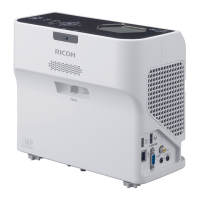
Ricoh PJ WX4152 - User Manual

Ricoh PJ WX4152
196 pages
Print Icon
To Next Page IconTo Next Page
Loading...
For safe and correct use, be sure to read the Safety Information in
Read This First before using the machine.
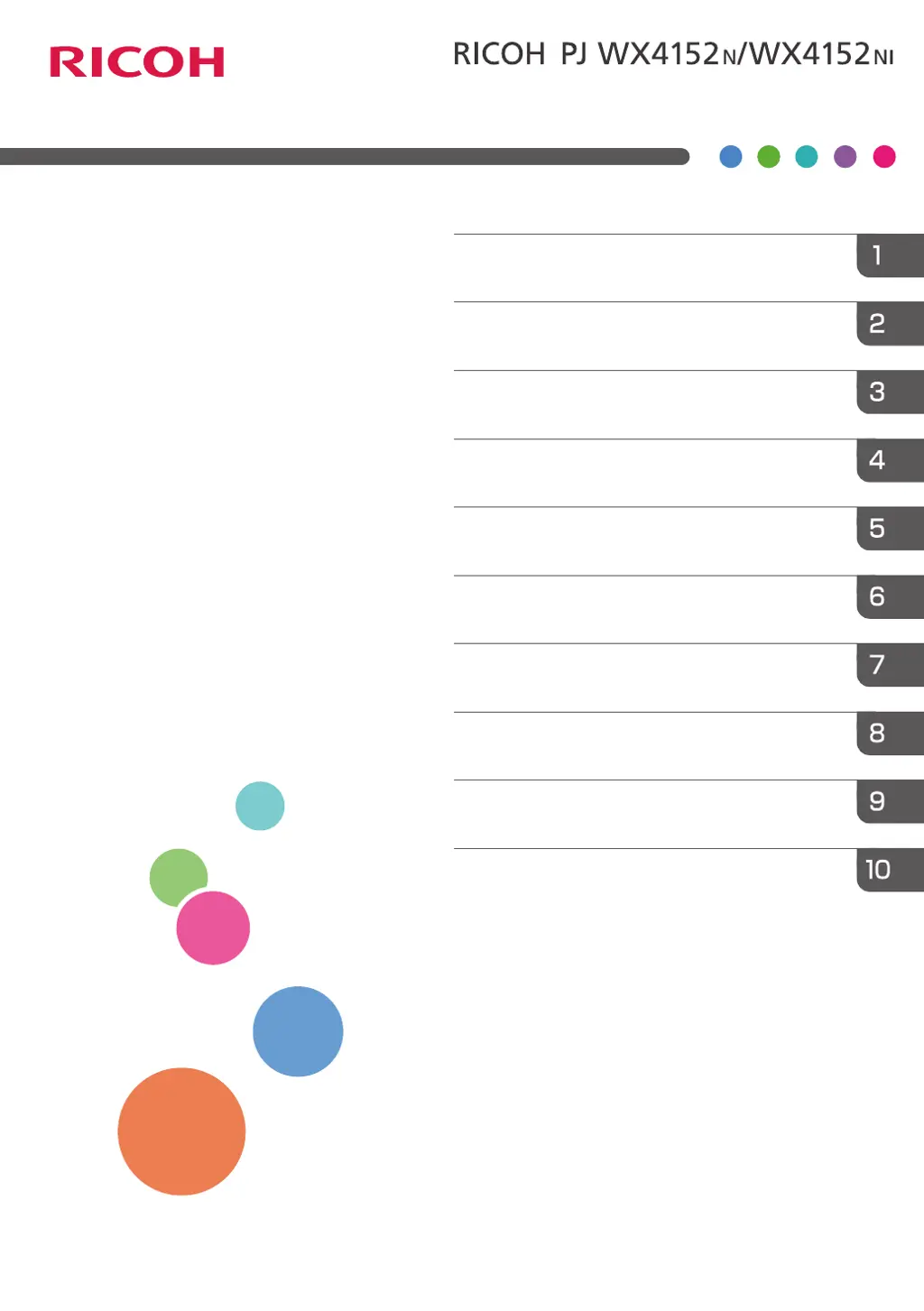
Appendix
Maintenance
Troubleshooting
Changing the Projector Settings
Using the Interactive Function
(RICOH PJ WX4152NI only)
Using the Projector via a Network
Useful Functions
Projecting Images from a USB Memory
Device or Digital Camera
Projecting an Image
Preparations for Using the Projector
Operating
Instructions

Table of Contents

Other manuals for Ricoh PJ WX4152

Questions and Answers

  • A
    Ashley AndrewsSep 8, 2025
    Why is the Ricoh PJ WX4152 Projector's display language unknown?
    • H
      Heather BrownSep 8, 2025
      To change the display language, press the [Menu] button, and then select the display language in [Language / XXX] (where XXX indicates the current display language) on the [ ] tab.
  • M
    Michael ParkerAug 23, 2025
    Why does my Ricoh PJ WX4152 Projector turn off during use?
    • J
      Jennifer JensenAug 23, 2025
      The projector may be turning off during use because the environment is not within the acceptable temperature range or the vents are blocked. Ensure that the projector is used within the appropriate temperature range and that the vents are not obstructed.
  • M
    Marc MartinezAug 25, 2025
    What to do if the Ricoh PJ WX4152 remote control does not respond?
    • J
      jrojasAug 26, 2025
      First, ensure that the ID assigned to the remote control matches the setting in [Remote Control ID] within [Default Settings 2]. Next, check the batteries to ensure they are not dead and are correctly loaded. Also, make sure the remote control is within its effective range and that there are no obstructions between the remote and the projector. Finally, ensure the remote control receiver is not exposed to strong light.
  • K
    Kathy ZamoraAug 27, 2025
    What to do if Ricoh PJ WX4152 Projector shows 'Temperature Error'?
    • A
      Audrey BurnettAug 27, 2025
      If a 'Temperature Error' is displayed and the Ricoh projector turns off, it may be overheating or being used in a high-temperature environment. Ensure the intake and exhaust vents are not blocked. Disconnect the power cord, wait a while, and then try turning the projector on again. Alternatively, press and hold the [Power] button on the remote control or the control panel for two seconds.
  • T
    Tina WhiteAug 27, 2025
    How to fix a dark image on Ricoh PJ WX4152 Projector?
    • W
      wfinleyAug 28, 2025
      To brighten a dark image, check the [Brightness] and [Contrast] settings in the [Image Adjustment] menu. Also, ensure the lamp is not nearing the end of its service life. Verify the [RGB Input Range] settings in [Image Adjustment] and confirm that [3D Projection] in [Display Settings] is set to [Off].
  • D
    Darryl MarshSep 23, 2025
    What to do if Ricoh Printer has light on the power button and LED indicator, and makes a beep sound?
    • H
      hsanchezSep 23, 2025
      Check the status of the indicator. Refer to the “Error list” table.
  • A
    Audrey RodriguezSep 16, 2025
    What to do if Ricoh PJ WX4152 does not turn on?
    • T
      Trevor TylerSep 16, 2025
      If the projector does not turn on, disconnect the power cord, and contact your service representative.
  • P
    Phyllis MeltonSep 18, 2025
    What to do if Ricoh PJ WX4152 Projector shows 'Hardware Error'?
    • D
      Daniel GoodmanSep 18, 2025
      If a 'Hardware Error' is displayed and the projector turns off, disconnect the power cord, wait a while, and then turn the projector on again. You can also press and hold the [Power] button on the remote control or the control panel for two seconds. If the problem persists, contact your service representative.
  • T
    Tina BaileySep 7, 2025
    How to fix a blurred image on Ricoh PJ WX4152 Projector?
    • C
      charles71Sep 7, 2025
      To fix a blurred image, ensure the lens is clean. Check the focus adjustment. Verify that the projection distance is within the projector's range. Check the installation angles of the projector and screen. Review the settings of [Sharpness] and [Phase] in [Image Adjustment].
  • J
    Jody OlsonSep 4, 2025
    What to do if Ricoh Projector shows 'Fan Error'?
    • J
      Julie KingSep 4, 2025
      If a 'Fan Error' is displayed and the Ricoh projector turns off, the cooling fan in the projector has malfunctioned. Disconnect the power cord, and contact your service representative.

Ricoh PJ WX4152 Specifications

General IconGeneral
ResolutionWXGA (1280 x 800)
Display TechnologyDLP
Aspect Ratio16:10
Speakers10 W
Lamp Life4, 000 hours (Normal)
ConnectivityHDMI, VGA, USB
Max Resolution1920 x 1200 (WUXGA)
Keystone CorrectionVertical ±30°
Projection Size30 - 300 inches

Related product manuals