EasyManua.ls Logo

Ricoh PJ WX4152NI - User Manual

Ricoh PJ WX4152NI
196 pages
Print Icon
To Next Page IconTo Next Page
Loading...
For safe and correct use, be sure to read the Safety Information in
Read This First before using the machine.
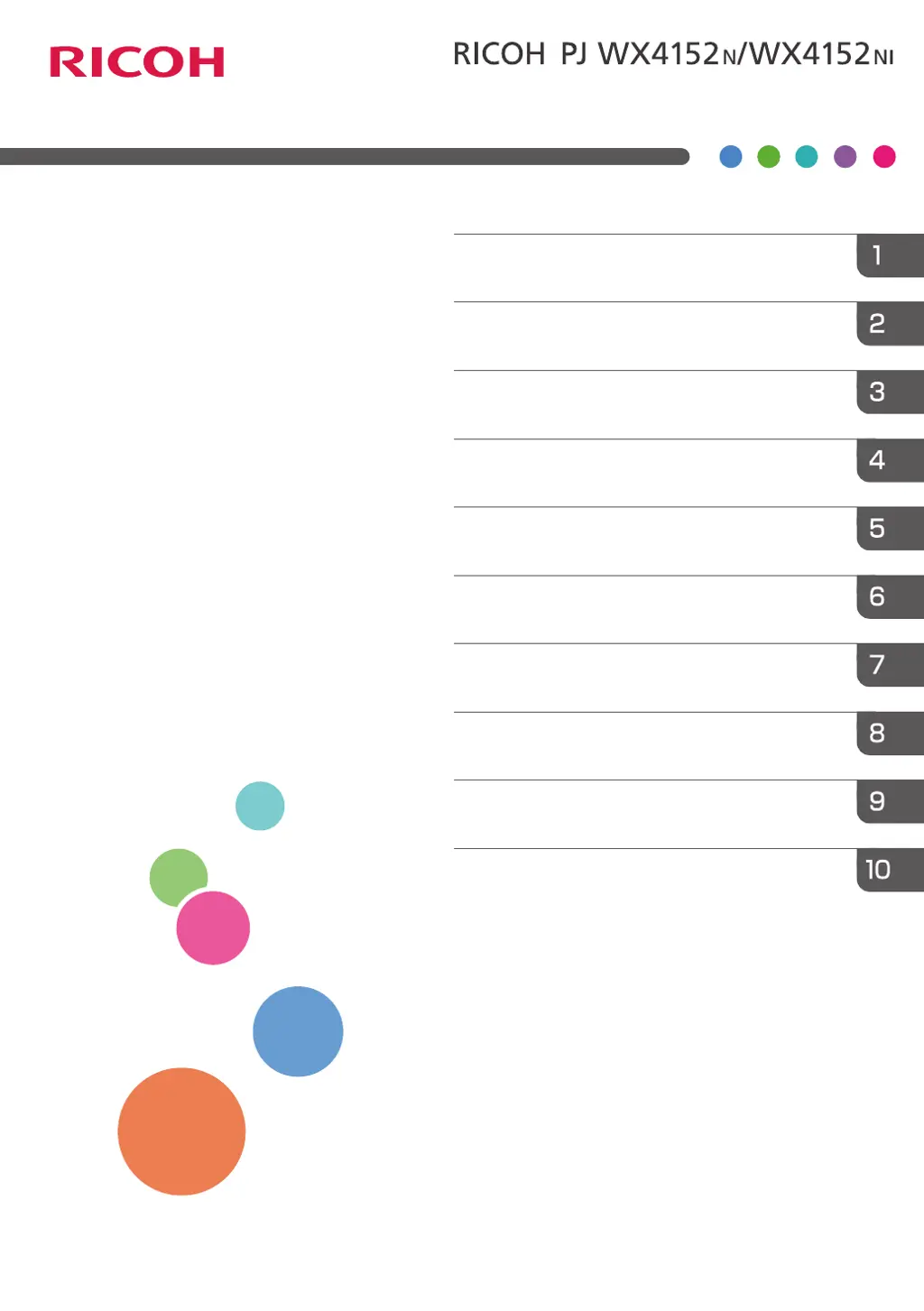
Appendix
Maintenance
Troubleshooting
Changing the Projector Settings
Using the Interactive Function
(RICOH PJ WX4152NI only)
Using the Projector via a Network
Useful Functions
Projecting Images from a USB Memory
Device or Digital Camera
Projecting an Image
Preparations for Using the Projector
Operating
Instructions

Table of Contents

Other manuals for Ricoh PJ WX4152NI

Questions and Answers

  • R
    Rodney RobinsonSep 8, 2025
    Why is the Ricoh Projector's display language unknown?
    • M
      Mary CampbellSep 9, 2025
      To change the display language, press the [Menu] button, and then select the display language in [Language / XXX] (where XXX indicates the current display language) on the [ ] tab.
  • M
    Michael FloresAug 23, 2025
    Why does my Ricoh Projector turn off during use?
    • N
      norma29Aug 23, 2025
      The projector may be turning off during use because the environment is not within the acceptable temperature range or the vents are blocked. Ensure that the projector is used within the appropriate temperature range and that the vents are not obstructed.
  • L
    Lisa MccoyAug 25, 2025
    What to do if the Ricoh PJ WX4152NI remote control does not respond?
    • J
      James ScottAug 26, 2025
      First, ensure that the ID assigned to the remote control matches the setting in [Remote Control ID] within [Default Settings 2]. Next, check the batteries to ensure they are not dead and are correctly loaded. Also, make sure the remote control is within its effective range and that there are no obstructions between the remote and the projector. Finally, ensure the remote control receiver is not exposed to strong light.
  • J
    Jorge WardAug 27, 2025
    What to do if Ricoh PJ WX4152NI Projector shows 'Temperature Error'?
    • J
      Joshua GatesAug 27, 2025
      If a 'Temperature Error' is displayed and the Ricoh projector turns off, it may be overheating or being used in a high-temperature environment. Ensure the intake and exhaust vents are not blocked. Disconnect the power cord, wait a while, and then try turning the projector on again. Alternatively, press and hold the [Power] button on the remote control or the control panel for two seconds.
  • G
    Gregory BrownAug 27, 2025
    How to fix a dark image on Ricoh PJ WX4152NI?
    • P
      Paul CurtisAug 28, 2025
      To brighten a dark image, check the [Brightness] and [Contrast] settings in the [Image Adjustment] menu. Also, ensure the lamp is not nearing the end of its service life. Verify the [RGB Input Range] settings in [Image Adjustment] and confirm that [3D Projection] in [Display Settings] is set to [Off].
  • D
    dennisbartlettSep 22, 2025
    What to do if Ricoh Printer has light on the power button and LED indicator, and makes a beep sound?
    • S
      smithlaurenSep 22, 2025
      Check the status of the indicator. Refer to the “Error list” table.
  • M
    Melissa HoltSep 16, 2025
    What to do if Ricoh PJ WX4152NI Projector does not turn on?
    • M
      mayrobertSep 16, 2025
      If the projector does not turn on, disconnect the power cord, and contact your service representative.
  • C
    Charles MckeeSep 18, 2025
    What to do if Ricoh Projector shows 'Hardware Error'?
    • E
      ebrownSep 18, 2025
      If a 'Hardware Error' is displayed and the projector turns off, disconnect the power cord, wait a while, and then turn the projector on again. You can also press and hold the [Power] button on the remote control or the control panel for two seconds. If the problem persists, contact your service representative.
  • M
    Melissa WebbSep 7, 2025
    How to fix a blurred image on Ricoh PJ WX4152NI Projector?
    • T
      Terri PetersenSep 7, 2025
      To fix a blurred image, ensure the lens is clean. Check the focus adjustment. Verify that the projection distance is within the projector's range. Check the installation angles of the projector and screen. Review the settings of [Sharpness] and [Phase] in [Image Adjustment].
  • M
    Margaret PachecoSep 4, 2025
    What to do if Ricoh PJ WX4152NI shows 'Fan Error'?
    • J
      John DunnSep 4, 2025
      If a 'Fan Error' is displayed and the Ricoh projector turns off, the cooling fan in the projector has malfunctioned. Disconnect the power cord, and contact your service representative.

Ricoh PJ WX4152NI Specifications

General IconGeneral
BrandRicoh
ModelPJ WX4152NI
CategoryProjector
LanguageEnglish

Related product manuals