EasyManua.ls Logo

Ricoh PJ WX4130Ni - User Manual

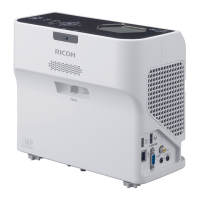
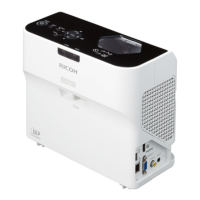
Ricoh PJ WX4130Ni
152 pages
Print Icon
To Next Page IconTo Next Page
Loading...
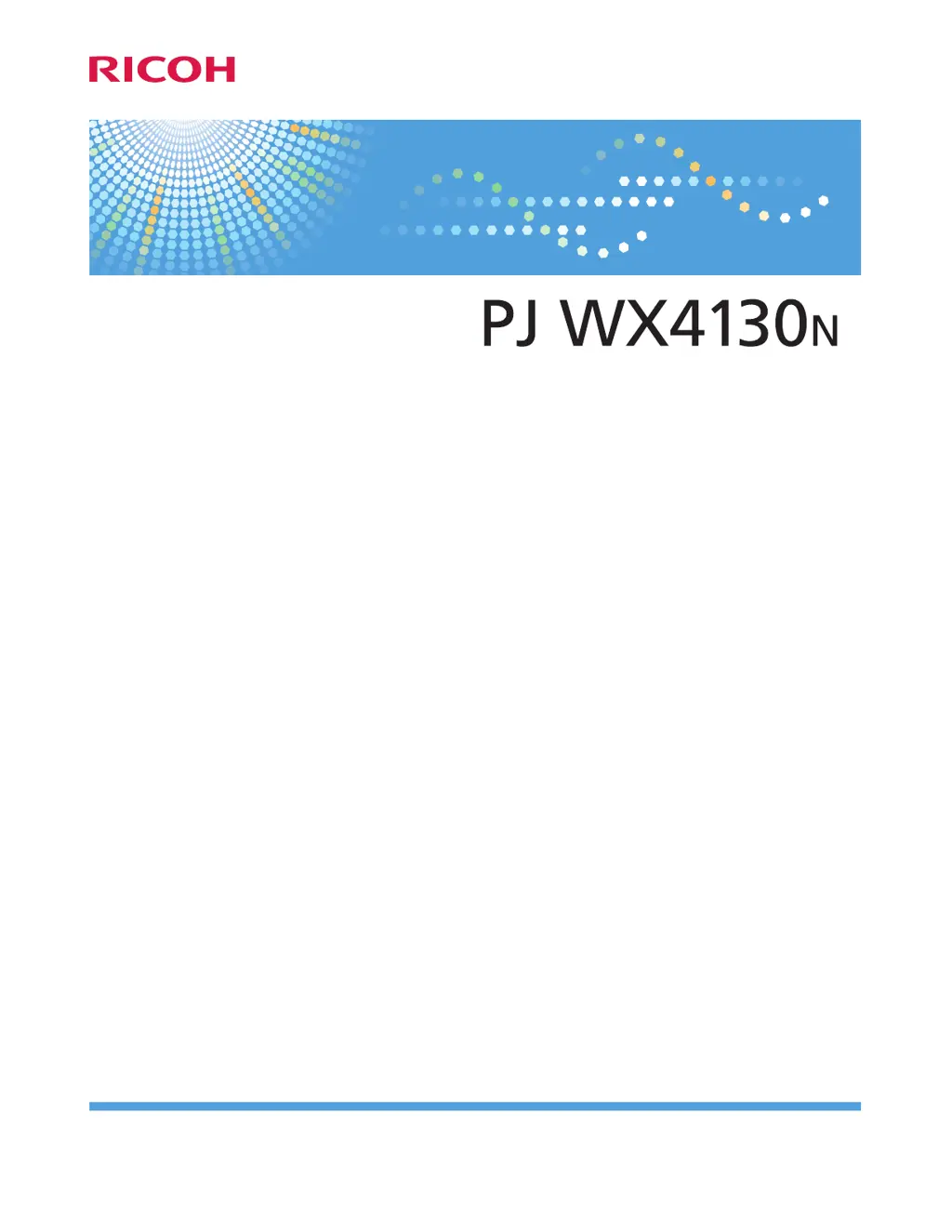
Operating Instructions
For safe and correct use, be sure to read "Safety Information" before using the machine.

Table of Contents

Questions and Answers

  • R
    Richard MooreSep 23, 2025
    How to enable wireless LAN on Ricoh PJ WX4130Ni?
    • W
      William CarterSep 23, 2025
      To enable wireless LAN on a Ricoh Projector: * Check the settings of [Wireless LAN Settings] in [Network Settings] under [Network/USB Settings]. * Make sure there are no obstructions between the computer and the projector. * Ensure the computer's operating system is compatible with Network Utility. Log in with administrator privileges to configure wireless LAN settings using Simple 1:1 Connection or a USB memory device. * Make sure that the projector is not in standby.
  • B
    brian11Aug 23, 2025
    Why does my Ricoh PJ WX4130Ni Projector display 'Hardware Error' and turn off?
    • A
      Andrea TateAug 23, 2025
      If your Ricoh Projector displays a 'Hardware Error' and turns off, it indicates an internal malfunction. Disconnect the power cord, wait a while, and then turn the projector on again. If the problem persists, contact your service representative.
  • R
    richard26Aug 25, 2025
    Why does my Ricoh Projector lamp turn off?
    • A
      Amanda GardnerAug 26, 2025
      If the Ricoh Projector lamp turns off or doesn't turn on, it could be due to overheating, expired service life, or a projector malfunction. Try disconnecting the power cord, waiting, and then turning the projector back on. If the lamp is burnt out, replace it.
  • K
    Kimberly BrooksAug 26, 2025
    What to do if Ricoh Projector shows temperature error?
    • Z
      Zachary WelchAug 27, 2025
      If the Ricoh Projector displays "Temperature Error" and turns off, ensure that the intake and exhaust vents are not blocked and that the projector is not being used in a high-temperature environment. Disconnect the power cord, wait, and then turn the projector on again.
  • D
    Dr. Jacqueline LeblancAug 27, 2025
    What to do if Ricoh PJ WX4130Ni Projector turns off and flashes every second?
    • D
      Daniel WestAug 27, 2025
      If the Ricoh Projector turns off during operation or does not turn on and the interval is flashing every 1 second, the lamp cover may not be installed correctly. Disconnect the power cord and reinstall the lamp cover correctly.
  • S
    sextonangelaSep 17, 2025
    Why no images from USB devices on Ricoh PJ WX4130Ni?
    • A
      Anne MckenzieSep 18, 2025
      To resolve issues with no images from USB devices on the Ricoh Projector: * Make sure the USB memory device is connected correctly. * Ensure the connected USB memory device is compatible with the projector. * Make sure there are JPEG or MPEG files saved on the USB memory device. * Ensure the compression format, file size, and other conditions are compatible with the projector.
  • C
    Cory GibsonSep 14, 2025
    Why is Ricoh Projector color faded?
    • J
      Jonathan BellSep 14, 2025
      If the color is faded or the tint is poor on the Ricoh Projector: * Check the settings of [Color Saturation], [R-level], [G- level], and [B-level] in [Image Adjustment]. * Make sure the screen is clean. * Check the settings of [Wall Color Correction] in [Display Settings]. * Make sure the lamp is not near the end of its service life.
  • S
    Shawna CookeSep 15, 2025
    How to change language on Ricoh Projector?
    • D
      Deborah NicholsonSep 15, 2025
      If the display language is unknown on the Ricoh Projector, press the [Menu] button, and then select the display language in [XXX/Language] (XXX differs from the current display language) under the tab.
  • C
    Charlene BenitezSep 6, 2025
    Why Ricoh PJ WX4130Ni power does not turn on?
    • C
      Cheryl DavisSep 6, 2025
      If the Ricoh Projector's power does not turn on, ensure the power plug or connector is correctly connected and the lamp cover is correctly mounted.
  • M
    Michelle MartinSep 3, 2025
    How to troubleshoot no sound on Ricoh Projector?
    • K
      Kristen BlankenshipSep 3, 2025
      To troubleshoot a Ricoh Projector with no sound: * Press the [Input] button. * Ensure the mute function is not turned on. * Check the speaker's volume adjustment. * Make sure the computer or AV equipment is connected correctly. * Confirm the computer or AV equipment is working properly.

Ricoh PJ WX4130Ni Specifications

General IconGeneral
Resolution1280 x 800 (WXGA)
Contrast Ratio5000:1
Image Size30 - 300 inches
Display TechnologyDLP
ConnectivityHDMI, VGA, USB, LAN
Aspect Ratio16:10
Video Compatibility480i, 480p, 576i, 576p, 720p, 1080i, 1080p
Speakers10W
Lamp TypeUHP
Keystone CorrectionVertical ±30°, Horizontal ±30°
Noise Level35 dB (Normal Mode), 28 dB (Eco Mode)

Related product manuals