Taurus-C1 Training
108
Slide 108
Basic Operation
2. To Access the Paper Library
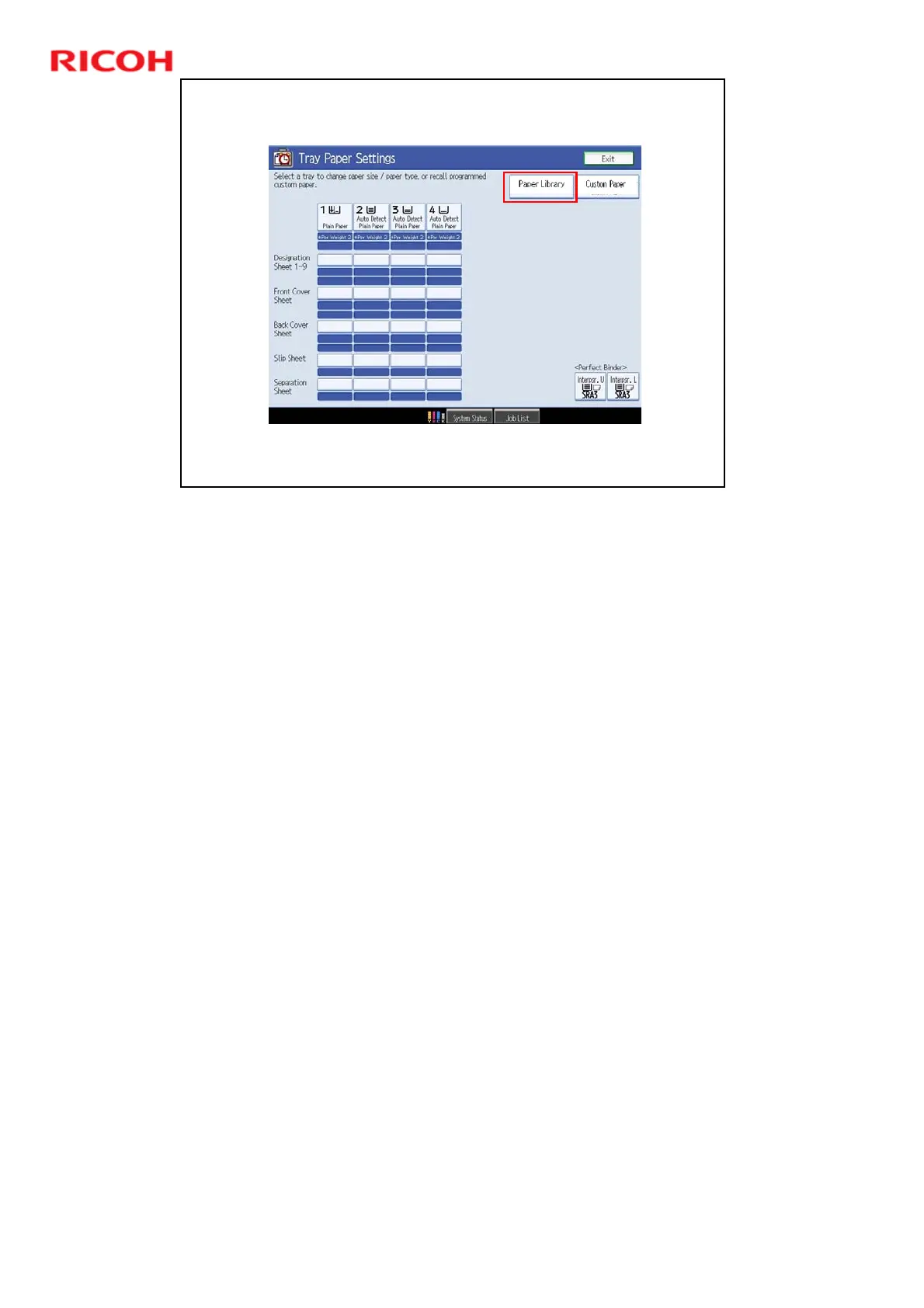
Access the Tray Paper Settings screen and touch ‘Paper Library’.
This slide shows the Tray Paper Settings screen for the new series. We will talk
about it a bit more later.
Note that the names of the buttons at the top right of the screen have been
changed to Paper Library and Custom Paper.











 To Next Page