Taurus-C1 Training
109
Slide 109
Basic Operation
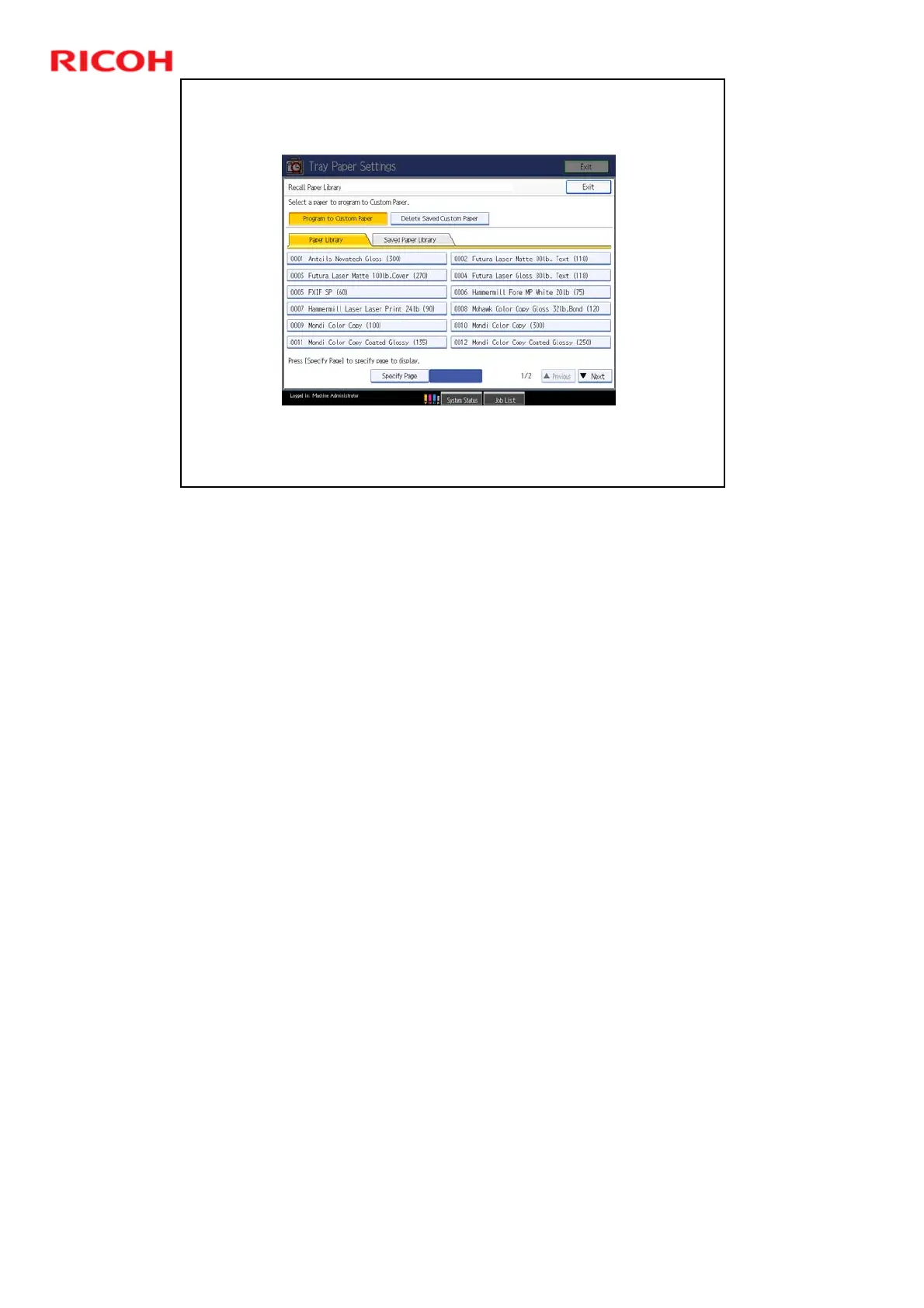
3. To Select a Profile from the Paper Library for the
Custom Paper List
To save a profile to the Custom Paper List, touch the paper
name on the screen, then touch ‘Exit’.
Paper Library: This is the data that was copied from the SD card from Ricoh.
Saved Paper Library: These are the customized paper types that the user has
backed up from the Custom Paper List.











 To Next Page