Taurus-C1 Training
239
Slide 239
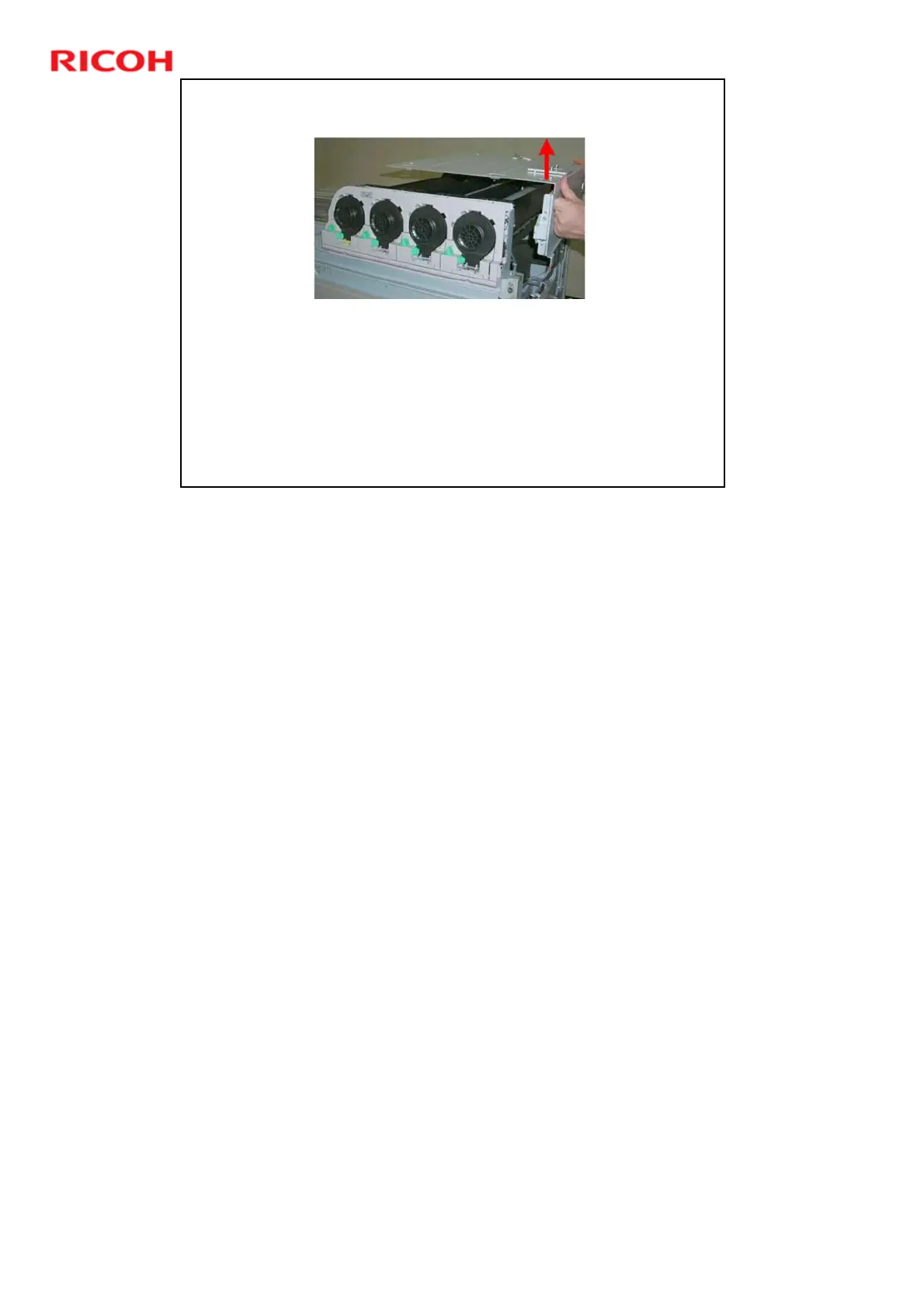
Canopy Cover Removal
The procedure for the D074/D075 is different from the
procedure for the M044.
D074/D075: The ARDF and some covers around the
exposure glass on the left side of the machine.
M044: Only three plastic covers need to be removed on the
left side of the machine.
The toner bank door, attention light, operation panel, and
toner bank cover must be removed for all models.
No additional notes











 To Next Page