Taurus-C1 Training
276
Slide 276
Laser Unit: Re-installation (2)
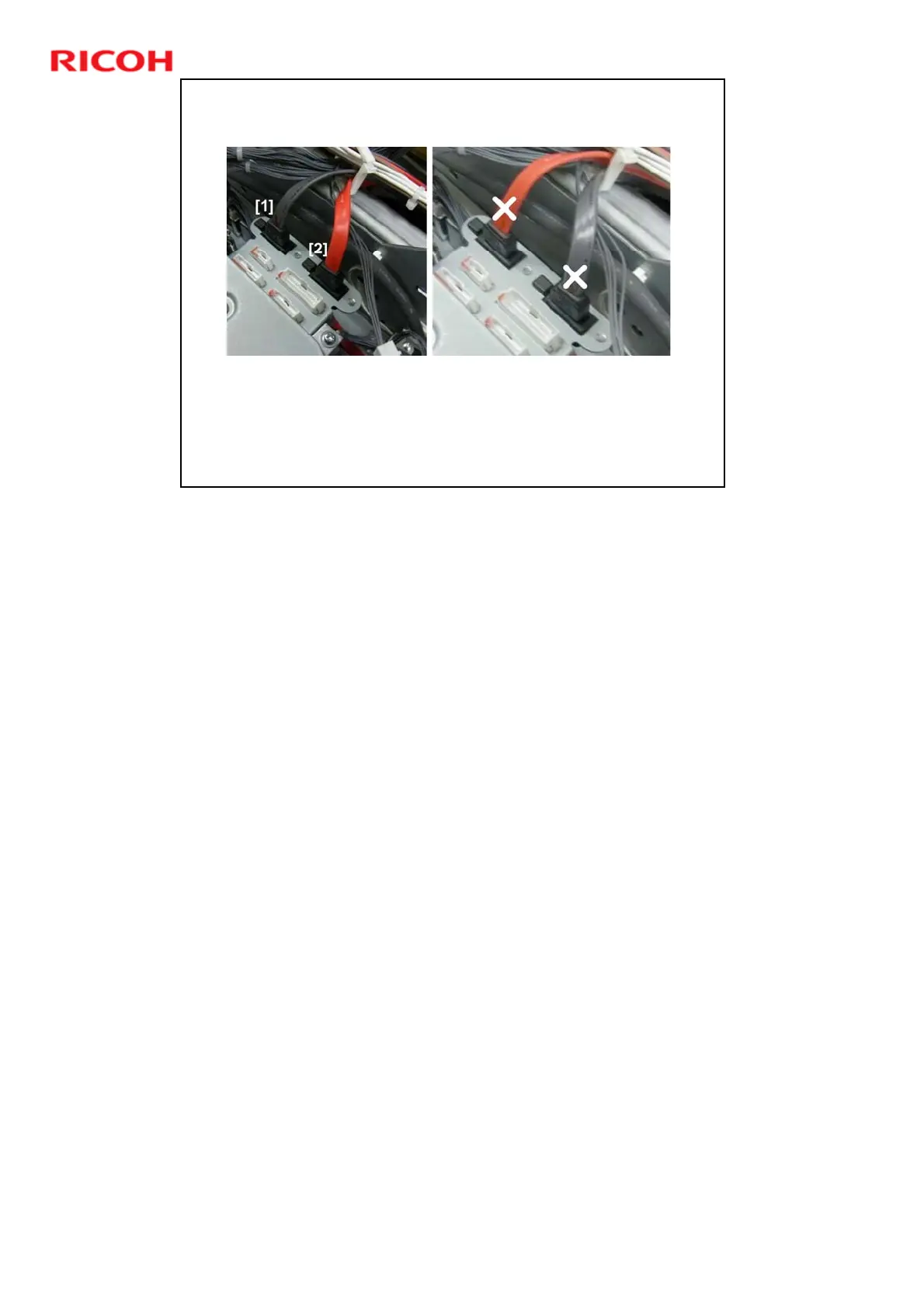
When you re-connect a laser unit, check that the rear
cables are connected correctly.
The gray cable [1] must be connected on the left, and the
red cable [2] must be connected on the right.
If you connect these the wrong way round, in the case of the Y/M laser unit, the
yellow data will go to the magenta drum, and the magenta data will go to the
yellow drum.











 To Next Page