Taurus-C1 Training
72
Slide 72
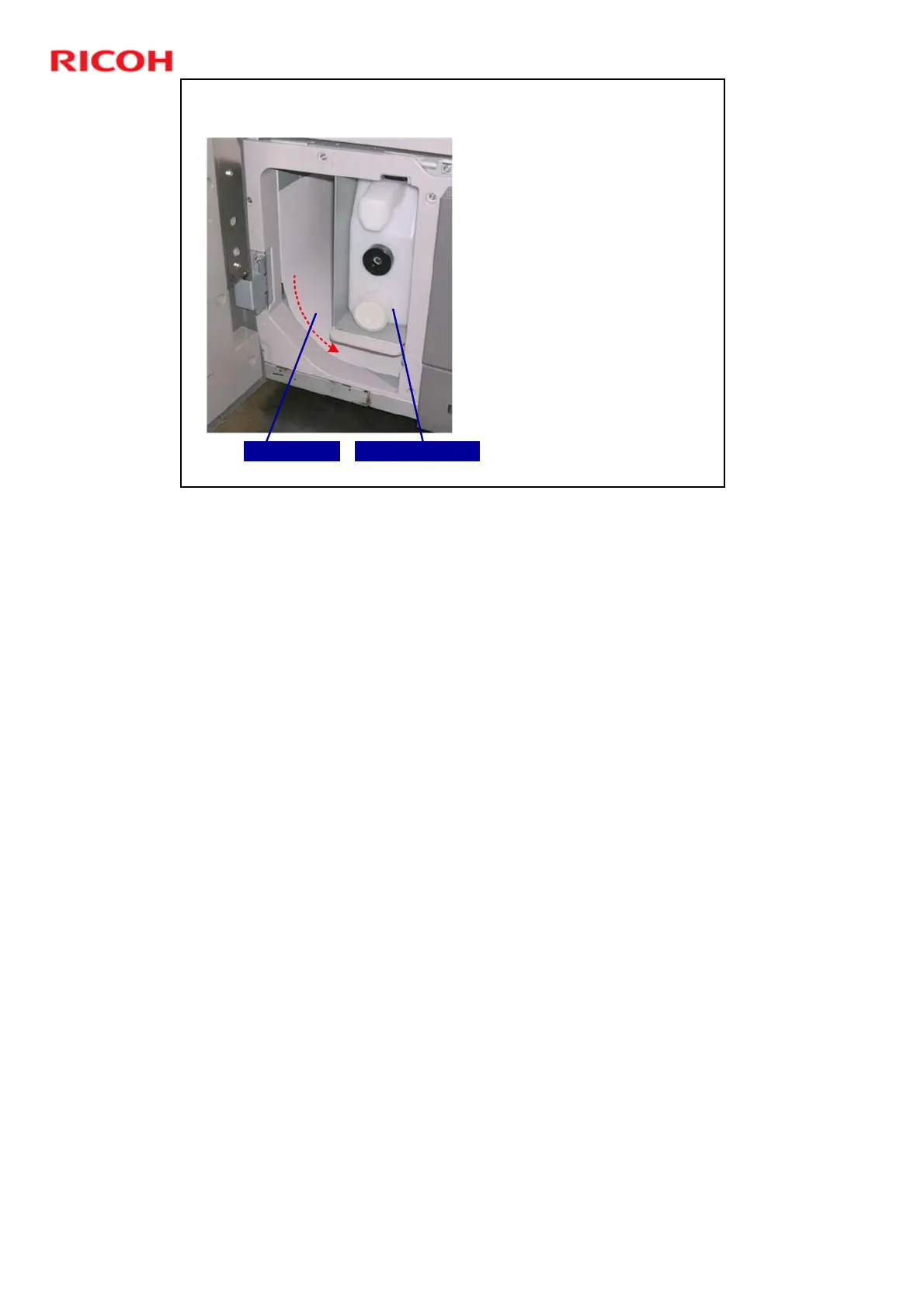
Purge Tray
After a jam, paper that has
not left the main machine
is moved to the purge tray
on the left side of the main
machine.
This eliminates the task of
searching for every sheet
remaining in the main
machine or LCIT after a
jam occurs downstream.
The operator can remove
the paper at the jam point
as instructed and then
collect other sheets from
the purge tray by opening
the left front door.
Purged Paper Used Toner Bottle
When the lower left front door is opened, you can see the purged paper next to
the used toner bottle.
After paper falls into the purged paper path, this triggers a message on the
operation panel. The paper must be removed before normal operation can
resume.











 To Next Page