EasyManua.ls Logo

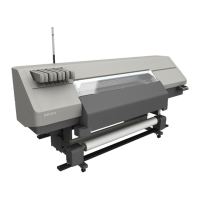
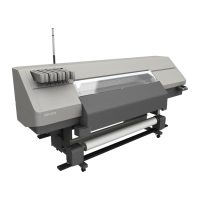
Ricoh Pro L5130 - User Manual

Ricoh Pro L5130
264 pages
Print Icon
To Next Page IconTo Next Page
Loading...
Operating Instructions
For safe and correct use, be sure to read the Safety Information in "Read
This First" before using the machine.

Table of Contents

Other manuals for Ricoh Pro L5130

Questions and Answers

  • P
    Paul BassAug 12, 2025
    What to do if Ricoh Pro L5130 repeats 5 long beeps four times?
    • A
      Andrew GeorgeAug 12, 2025
      If your Ricoh printer repeats five long beeps four times, it indicates that the machine has run out of media. Please, ensure that the machine has media.
  • P
    Patricia JohnstonAug 21, 2025
    Why is my Ricoh Pro L5130 Printer beeping 5 long times?
    • K
      Kayla RoseAug 21, 2025
      Your Ricoh Printer might beep five long times if the print heads are uncapped for 10 minutes or more, or if an error occurred during print head cleaning or printing.
  • M
    Mark JohnsonAug 31, 2025
    What does it mean if my Ricoh Printer beeps short, then long?
    • W
      watsonjulieAug 31, 2025
      A short beep followed by a long beep on your Ricoh Printer indicates that an invalid key was pressed on the control panel or screen.

Ricoh Pro L5130 Specifications

General IconGeneral
BrandRicoh
ModelPro L5130
CategoryPrinter
LanguageEnglish

Related product manuals