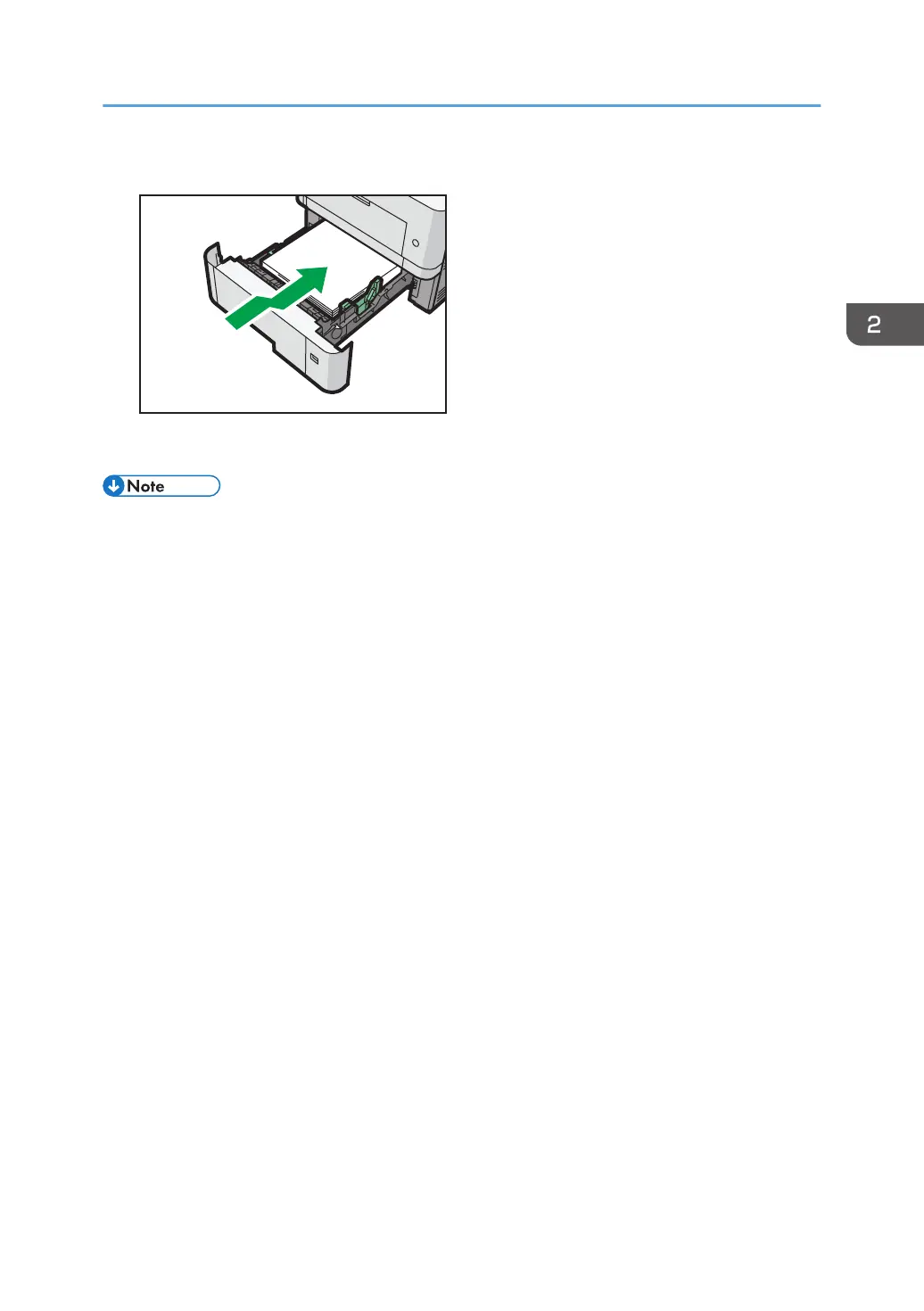
7. Lift the front side of the tray, and then slide it into the printer carefully until it stops.
To avoid paper jams, make sure the tray is securely inserted.
• Letterhead paper must be loaded in a specific orientation. For details, see page 62 "Loading
Orientation-Fixed Paper or Two-Sided Paper".
• You can load envelopes into Trays 2-5. Envelopes must be loaded in a specific orientation. For
details, see page 64 "Loading Envelopes".
Loading Paper into Paper Trays
59


 To Next Page
 Loading...