EasyManua.ls Logo

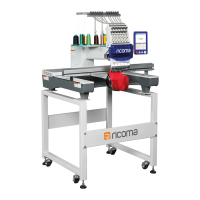
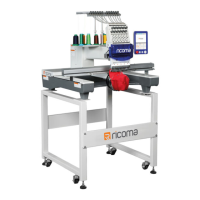
Ricoma RCM 1201 PT - User Manual

Default Icon
42 pages
Print Icon
To Next Page IconTo Next Page
Loading...
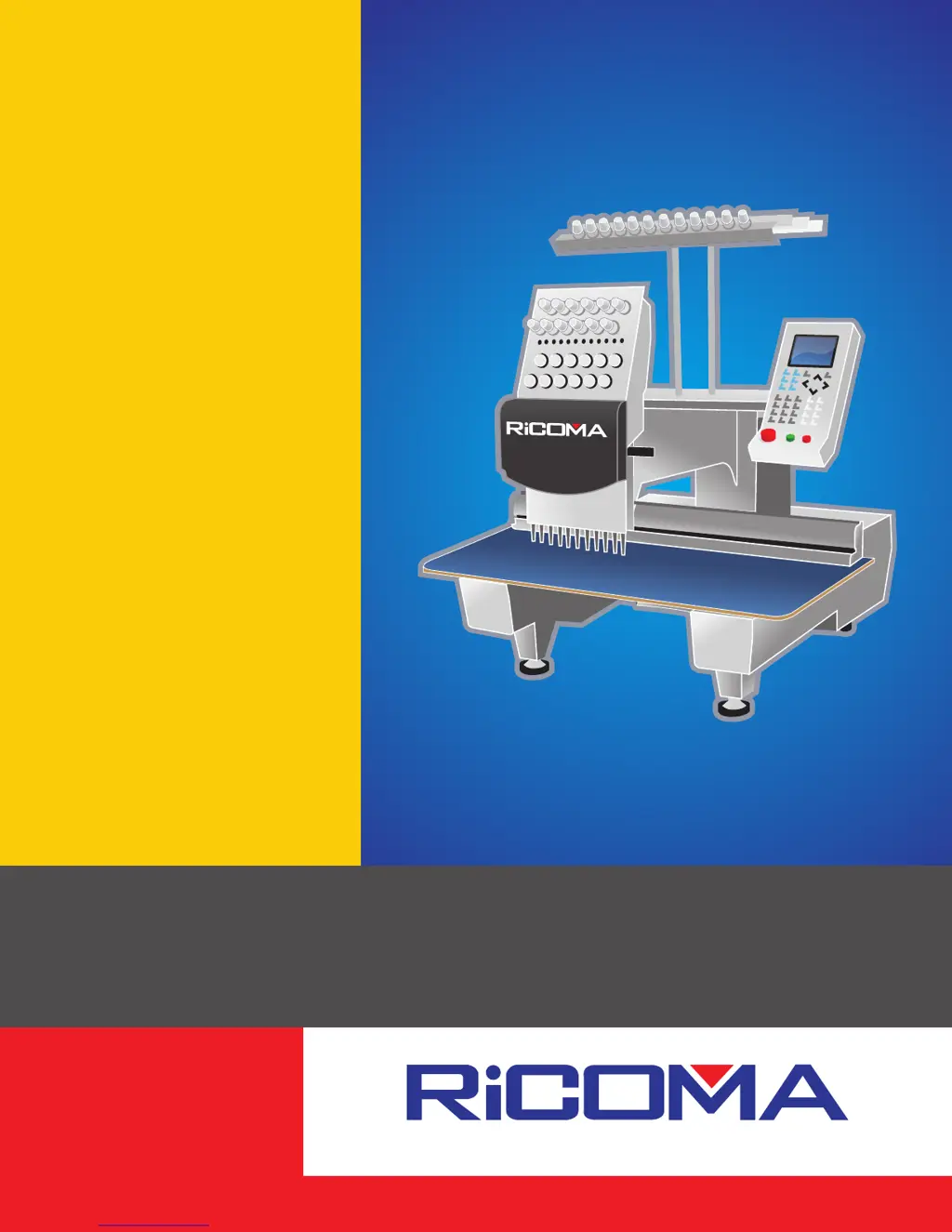
Owners Manual
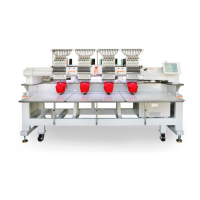
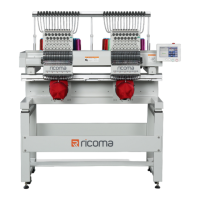
RCM 1201 PT / RCM 1501 PT

Questions and Answers

  • M
    Mrs. Christina Taylor MDAug 20, 2025
    What to do if Ricoma Sewing Machine displays 'MAIN MOTOR OVERTIME!' error?
    • L
      Lori WebbAug 20, 2025
      If your Ricoma Sewing Machine displays a 'MAIN MOTOR OVERTIME!' error, here are a few things you can try: * Measure the voltage of the input power supply with a voltmeter and repair the power supply. * Turn off the machine, check if the power supply is lacking a phase, and examine whether the motor is overloaded. Turn the machine back on after these checks. * Replace the fuse. * Repair or replace the main motor or the main shaft board. * Replace the board.
  • C
    Christopher BrooksAug 22, 2025
    What to do if my Ricoma Sewing Machine displays -----change color overlimit -----change color overtime. -----half return error!?
    • G
      Gary LeeAug 22, 2025
      If your Ricoma Sewing Machine displays a color change error, half return error, or overlimit error, you can try the following: * Replace the switching power supply. * Replace any damaged cables. * Repair the existing components. * Replace the needle location board or the main control board. * Repair or replace the power supply.
  • B
    benjaminthomasAug 25, 2025
    How to fix a Ricoma Sewing Machine that is stopping after 100 degrees?
    • J
      Justin SmithAug 25, 2025
      If your Ricoma Sewing Machine stops after reaching 100 degrees, consider these solutions: 1. Adjust the potentiometer VR1 anticlockwise on the main shaft control board. 2. Replace the capacitor (C6 is a 2.2uF tantalum capacitor). 3. Tighten the screws after setting to 100 degrees. 4. Adjust the drive belt or the drive chain. 5. Replace the board or the brake pad. 6. Enter parameters via the keyboard and change the settings for "SET BREAK PARA." and "MAIN MOTOR PARA."
  • M
    Mary RoblesAug 26, 2025
    What to do if my Ricoma Sewing Machine trimmer will not engage?
    • A
      Adam FryAug 26, 2025
      If the trimmer on your Ricoma Sewing Machine will not engage, you can try the following: * Replace the power supply board. * Resolder or replace any damaged parts.
  • S
    Sara KellyAug 28, 2025
    What to do if the frame cannot be locked on Ricoma Sewing Machine?
    • P
      Phyllis WoodsAug 28, 2025
      If the frame on your Ricoma Sewing Machine cannot be locked, check the fuse of the stepping power supply and the fuse in the power supply board in the stepping motor driver.
  • C
    Catherine CooperAug 30, 2025
    What to do if my Ricoma Sewing Machine upper thread hook does not engage?
    • I
      Ian BishopAug 30, 2025
      If the upper thread hook on your Ricoma Sewing Machine does not engage, check the power supply voltage and consider replacing the power supply board.
  • J
    Jason WilliamsSep 1, 2025
    What to do if my Ricoma Sewing Machine floppy disk driver is lit all the time?
    • K
      kimberlyjensenSep 1, 2025
      If the floppy disk driver on your Ricoma Sewing Machine is lit continuously after turning on the machine, ensure the signal cable is plugged in correctly, or replace the disk driver.
  • M
    Melissa YatesSep 2, 2025
    What to do if my Ricoma Sewing Machine cannot read the pattern from the floppy disk?
    • C
      cheyenneballardSep 3, 2025
      If your Ricoma Sewing Machine cannot read the pattern from the floppy disk or reads it in error, you can try: * Replacing the floppy disk. * Replacing the signal cable or the power wire. * Replacing the floppy disk driver. * Replacing the board.
  • J
    Jamie McgeeSep 5, 2025
    What to do if the frame on my Ricoma Sewing Machine doesn't move steady?
    • D
      Dana MartinezSep 5, 2025
      If the frame movement on your Ricoma Sewing Machine is not steady, or if there are pauses when the frame moves continuously, replace the damaged driver and motor.
  • G
    gary36Sep 6, 2025
    What to do if the system reports the error: "stepping motor error" on Ricoma Sewing Machine?
    • K
      Kenneth HernandezSep 7, 2025
      If your Ricoma Sewing Machine system reports a "stepping motor error" or the frame does not move when pressing the moving keys, remove any obstructions and consider replacing the driver board or CPU.

Summary

Machine Setup and Operation

Threading the Machine

Step-by-step instructions for threading the embroidery machine.

Control Panel and Design Loading

Overview of the control panel and process for loading embroidery designs.

Key Adjustments

Adjusting Needle Position

How to align the needle correctly in the needle plate hole.

Presser Foot Height

Setting the correct height of the presser foot for fabric handling.

Adjusting Trimmer and Hook Timing

Procedures for adjusting the trimmer and hook timing for proper function.

Routine Maintenance

Periodic Checkpoints and Lubrication

Guidelines for regular inspection, oiling, and greasing of machine components.

Cleaning Procedures

Step-by-step guide on how to clean various parts of the machine.

Troubleshooting and Error Resolution

Common Machine Errors and Fixes

Guide to identifying and resolving common error messages and operational issues.

Ricoma RCM 1201 PT Specifications

General IconGeneral
BrandRicoma
ModelRCM 1201 PT
CategorySewing Machine
LanguageEnglish

Related product manuals