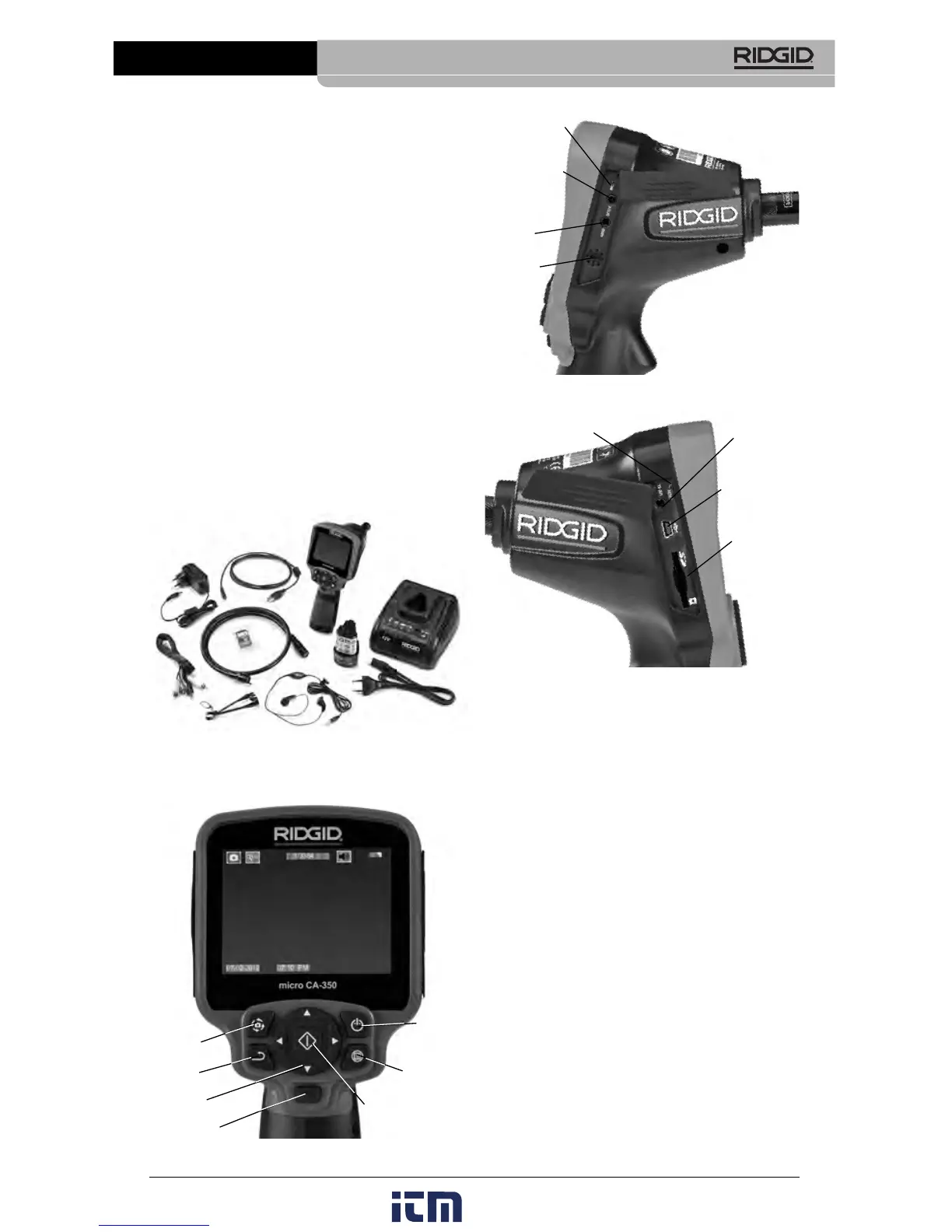
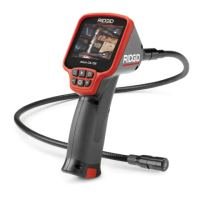
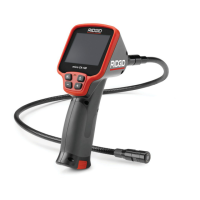
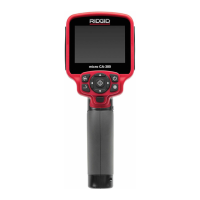
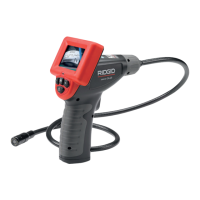
Figure 3 – Right Side Port Cover
Figure 4 – Left Side Port Cover
FCC Statement
This equipment has been tested and found to
comply with the limits for a Class B digital
device, pursuant to part 15 of the FCC Rules.
These limits are designed to provide reason-
able protection against harmful interference in
a residential installation.
This equipment generates, uses, and can ra-
diate radio frequency energy and, if not in-
stalled and used in accordance with the in-
structions, may cause harmful interference
to radio communications.
However, there is no guarantee that interfer-
ence will not occur in a particular installation.
If this equipment does cause harmful interfer-
ence to radio or television reception, which can
be determined by turning the equipment OFF
and ON, the user is encouraged to try to cor-
rect the interference by one or more of the fol-
lowing measures:
• Reorient or relocate the receiving antenna.
Power Supply................12V Li-Ion Battery
AC Adapter 12V,
3 Amp
Weight...........................5.5 lbs (2,5 kg)
Standard Equipment
The micro CA-350 Inspection Camera comes
with the following items:
• micro CA-350 Handset
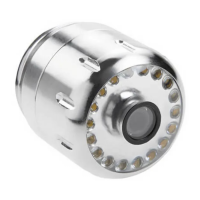
• 17 mm Imager
• 3' (90 cm) USB Cable
• 3' (90 cm) RCA Cable with Audio
• Hook, Magnet, Mirror Attachments
• 12 V Li-Ion Battery
• Li-Ion Battery Charger with Cord
• AC Adapter
• Headset Accessory with Microphone
• 8 GB SD™ Card
• Operator’s Manual Pack
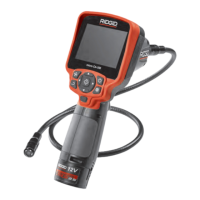
Figure 1 – micro CA-350 Inspection Camera
Controls
Figure 2 – Controls
5
micro CA-350 Inspection Camera
Rotate
Image
Menu
Return
Power
Select/Confirm
Shutter
Arrows
Integrated
Microphone
AC Adapter
Headset
Jack
Speaker
TV-Out
Mini-B USB
SD™ Slot
Reset Button
w ww . . co m
information@itm.com1.800.561.8187


 To Next Page