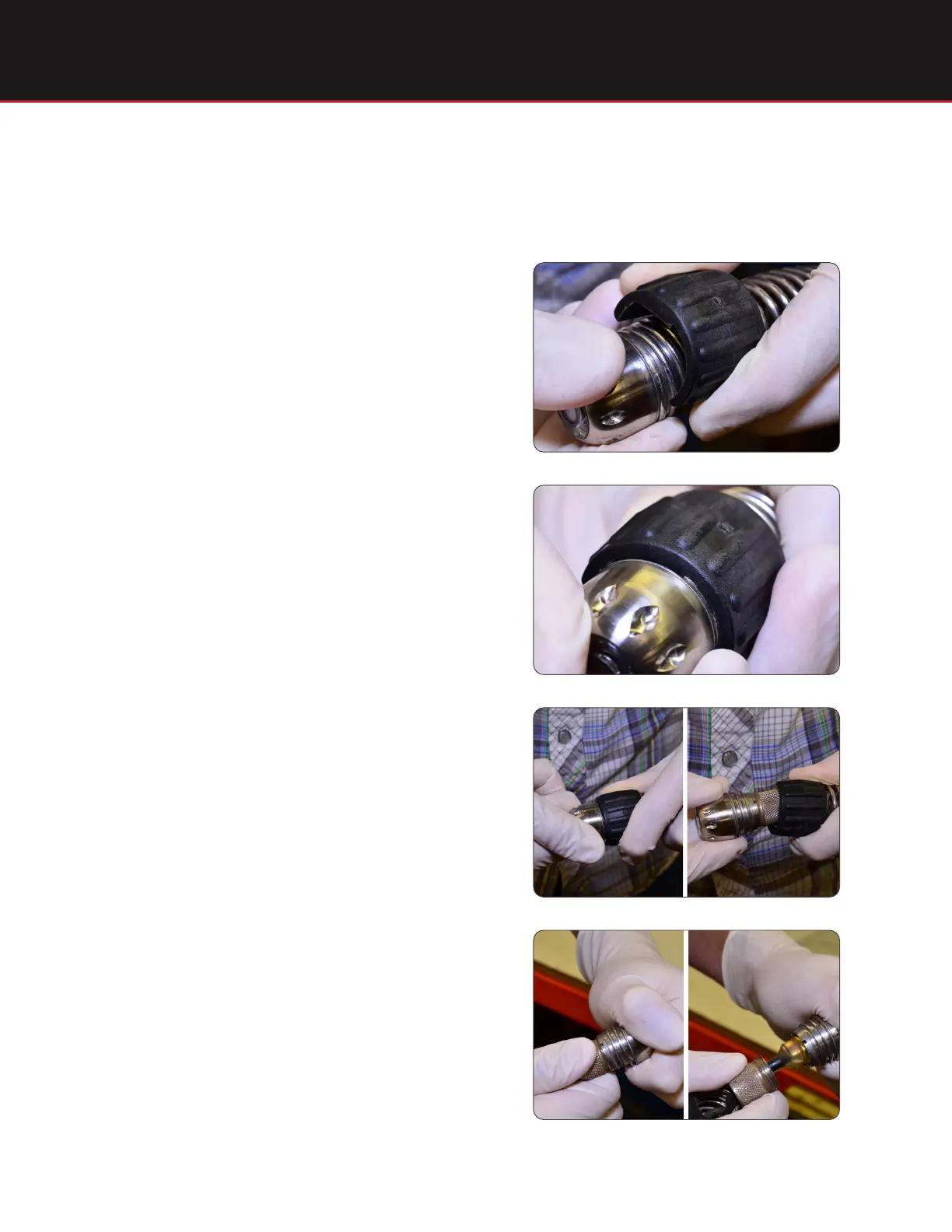
Replacing a SeeSnake Camera Head
3
Removing the Camera Head
Align the notch inside the spanner wrench with
the end of the spring coil.
Step 2
Unscrew the spring from the camera.
Step 3
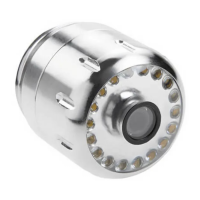
Unscrew the locking sleeve from the camera.
Step 4
Snap the spanner wrench onto the spring, just
behind the camera.
Step 1







 To Next Page