Replacing a SeeSnake Camera Head
5
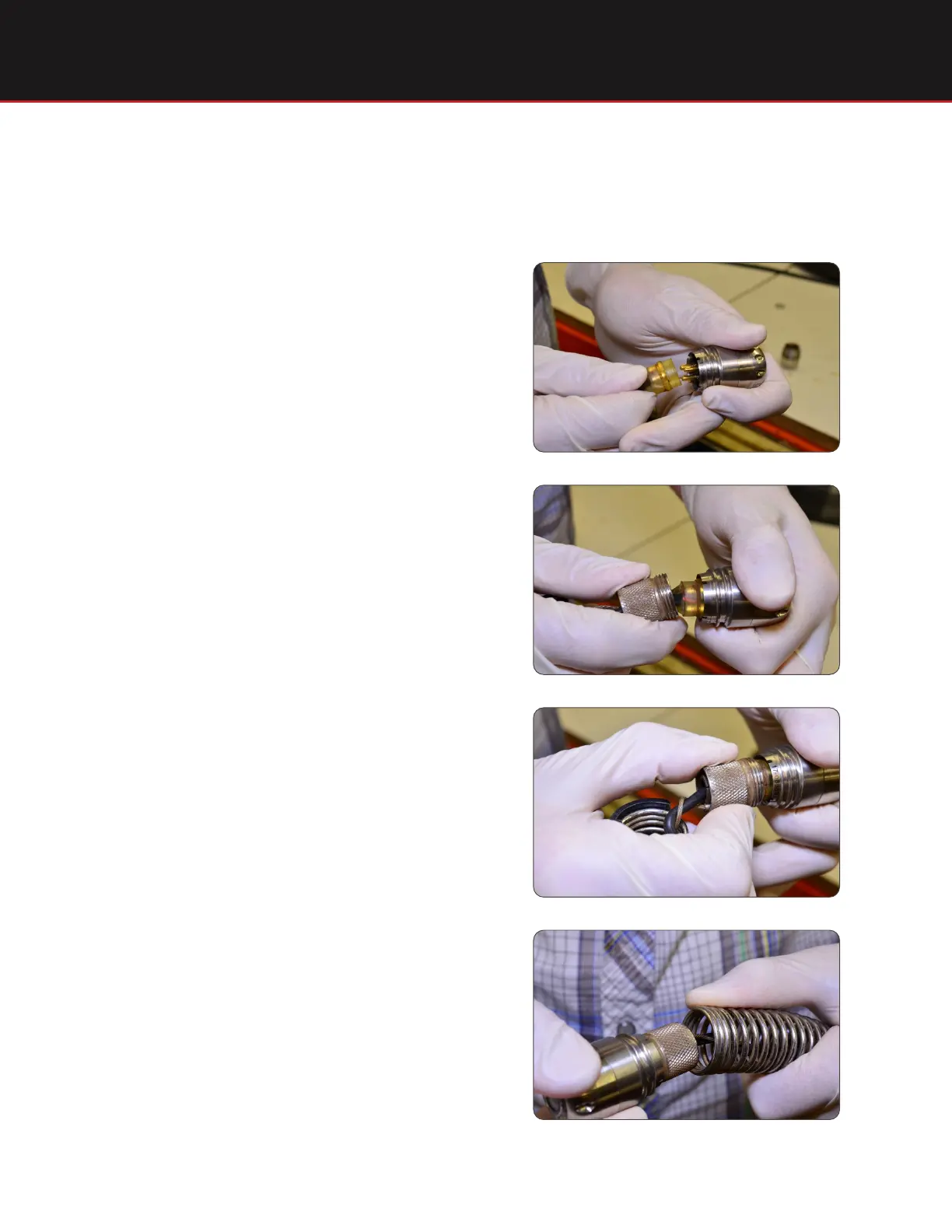
Installing the Camera Head
Align the camera head pins with the sonde’s
socket and push together.
Step 1
Slide push cable locking sleeve onto the
camera.
Step 2
To make sure the safety cables are straight
when you screw the camera onto the spring,
twist the camera back (counter-clockwise)
approximately 1.5 turns.
Step 3
The sonde will twist when you thread the
camera onto the spring. Rotate the camera
one turn counter-clockwise to counteract the
twisting and then thread onto the spring.
Step 4






 To Next Page