7
Turn the Projector Operation On/Off
Focus Adjustment
When the projector is connected to a power source, the projector enters standby
and thecover signal indicator is red.
Operation on: Press the power key on the body or the power key on the remote
control, the indicator will turn blue and enter the working state.
Operation off: In the working state, press the power key of the body or the power
key on the remote control, the indicator changes from blue to red, and the projec-
tor is turned on.
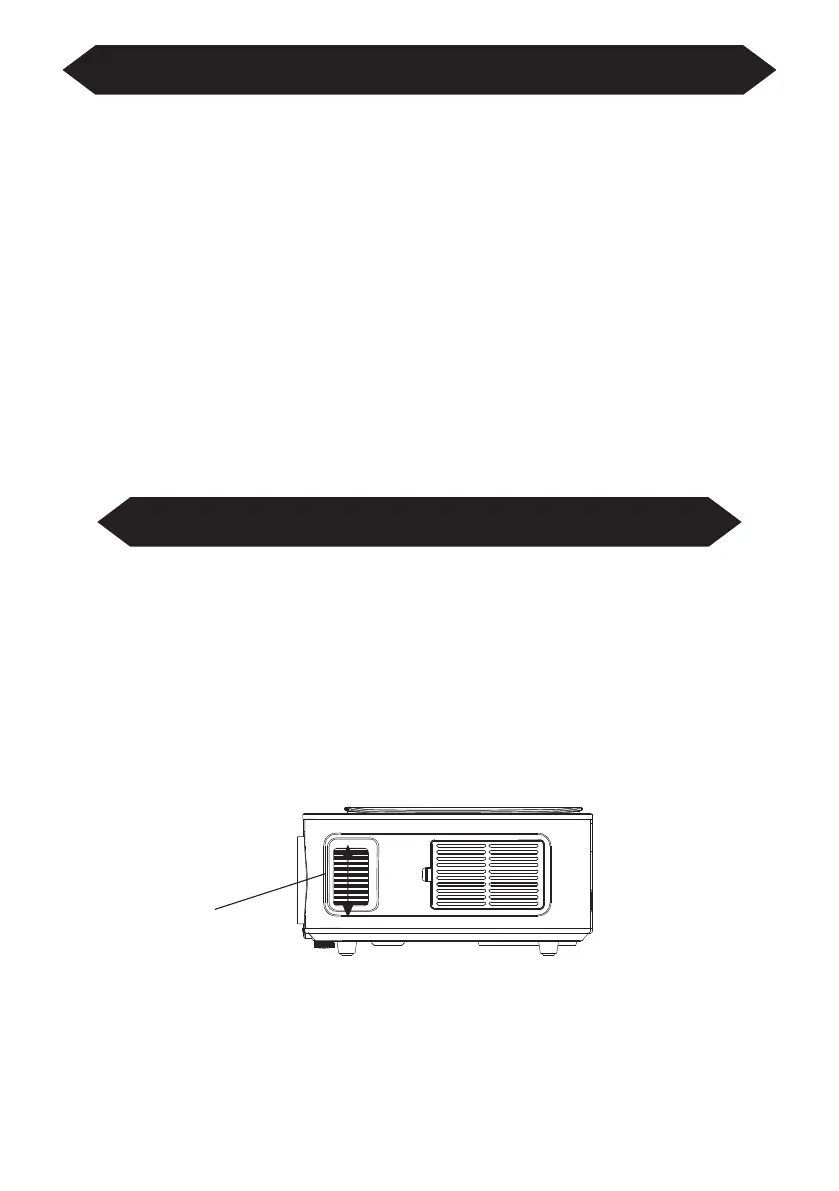
Focus Adjustment
Turn the trackwheel clockwise to bring the trackwheel to the end, then slowly
rotate the trackwheel counterclockwise. At the same time, carefully observe the
pixels on the screen. When the image particles are the clearest (Subjed to the
middle of the image), the pixels on the screen are the best focus of the lens.
Focusing dial



 To Next Page